


Requirements
To use Captions on WEXTL you need an active account and an API access token from your account settings.[3]
Get your Captions credentials
- API KeypasswordRequired
You can obtain your AI API key from API Dashboard.
[1]
Connect Captions in WEXTL
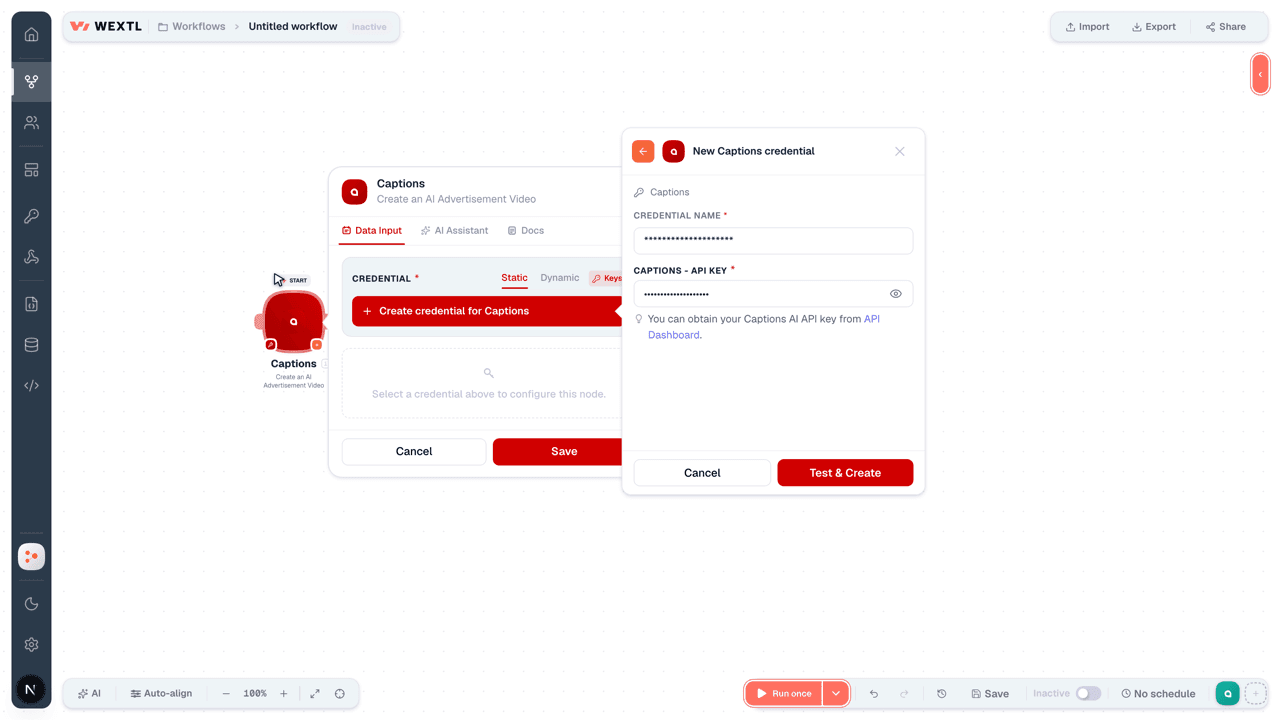
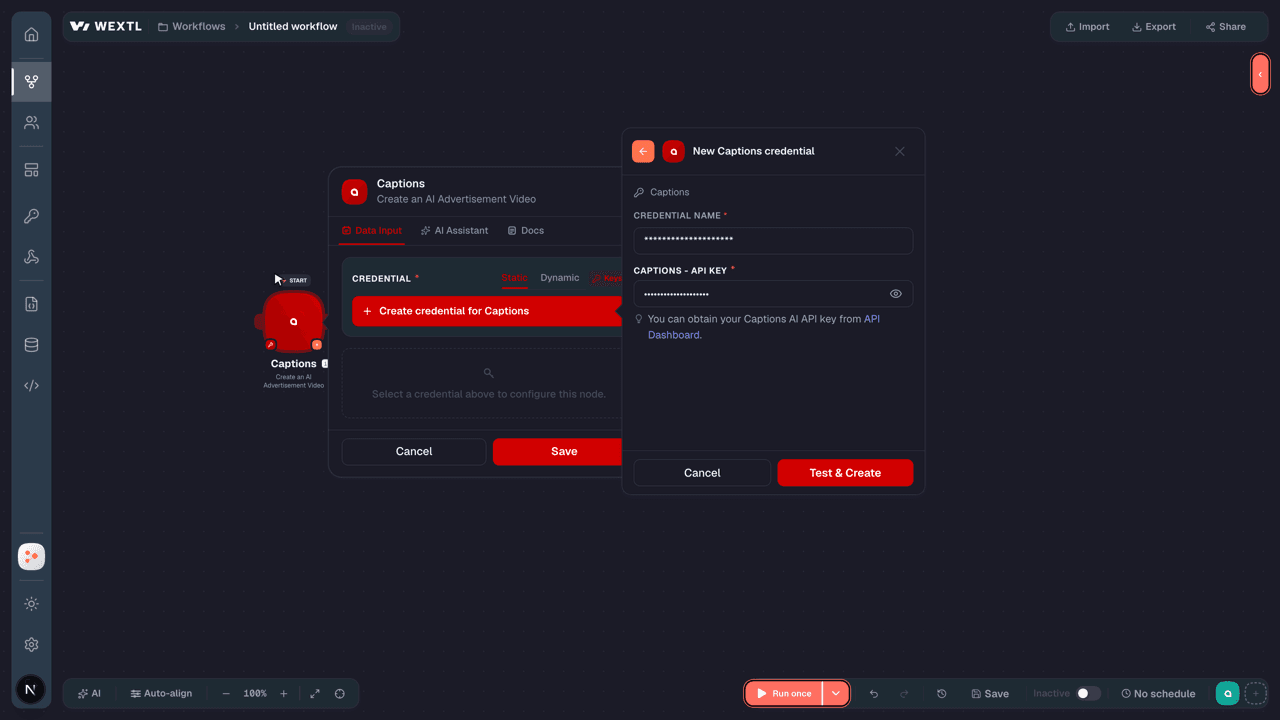
- Log in to your WEXTL account, add the Captions node module to your workflow, and click Create new credential.Instant triggers use webhooks — click Create a webhook first when adding one, then create the credential.
- Optional: In the Credential name field, enter a name for the credential.
- Enter the authentication credentials you copied from your Captions account, or follow the on-screen instructions to create the credential.
- If prompted, authenticate your account and confirm access.
- If you want to make changes to your credential in the future, follow the steps in Manage credentials →
Notes
Credentials are org-scoped; share them with teammates from the Credentials picker on any of its nodes.For detailed information on connecting an application, see Connect an application →
Captions node modules
The list below is a reference of every Captions node module the integration supports. You will be able to pick any of them on the workflow canvas while building automations.
Open any Captions node module below to inspect its input parameters, outputs, and connection requirements.
Watch EventsTrigger
Output fields[3]
| Field | Type |
|---|---|
| Url | url |
| Event | text |
| Operation ID | text |
| Credits Spent | text |
Get a Lipdub VideoAction
Get a Video CreationAction
Get a Video TranslationAction
Get an AI Advertisement VideoAction
Get an AI Twin VideoAction
Get an Edited Video (Deprecated)Action
Create a LipdubAction
Create a VideoAction
Create an AI Advertisement VideoAction
Create an AI Twin VideoAction
Create an Edited Video (Deprecated)Action
Make an API Calluniversal
Templates
Look for Captions templates in the WEXTL template library.
Browse templates →Explore alternative apps
- Autopilot[2]Manage contacts, accounts, audiences, and journeys in Ortto (formerly Autopilot).
- BloomreachEcommerce customer data and personalization platform for experiences, content, and engagement.
- AuphonicAutomated audio post-production for podcasts, broadcasts, and voice recordings.
- ActiveCampaignAutomate email marketing, CRM contacts, and customer journeys in ActiveCampaign.
- BirdeyeReputation and local marketing for multi-location businesses — collect and reply to reviews, sync listings across 50+ directories, manage contacts and campaigns, run surveys and tickets, publish social posts, and pull reputation, listings and competitor reports.


References
- WEXTL® Captions Source Code connector implementation.
- Our users use cases and automations.
- Official API Documentation for Captions.
- WEXTL® visual workflow builder data.
Last updated: Jul 23, 2026 22:39