Speed to lead
New form fill to assigned rep in seconds, not whenever someone checks the inbox.


A lead that waits an hour is a lead that bought from someone else. Build a workflow that enriches, scores, and assigns every new lead in seconds — before the thank-you page finishes loading.
Deploys this workflow into your workspace — you'll connect your own accounts.
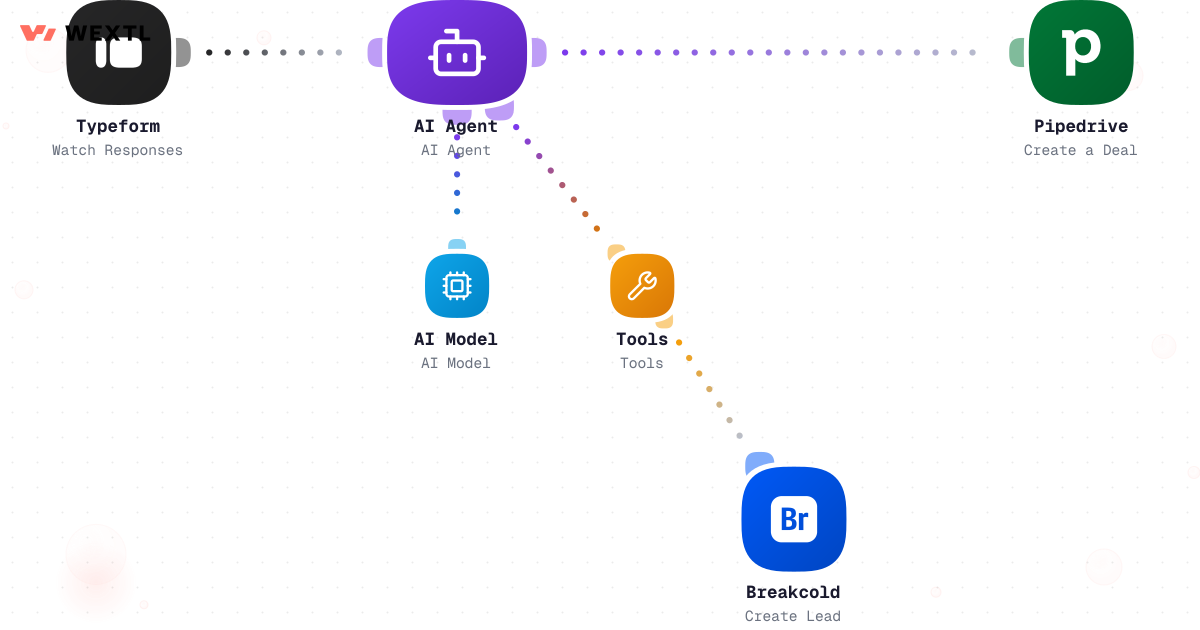
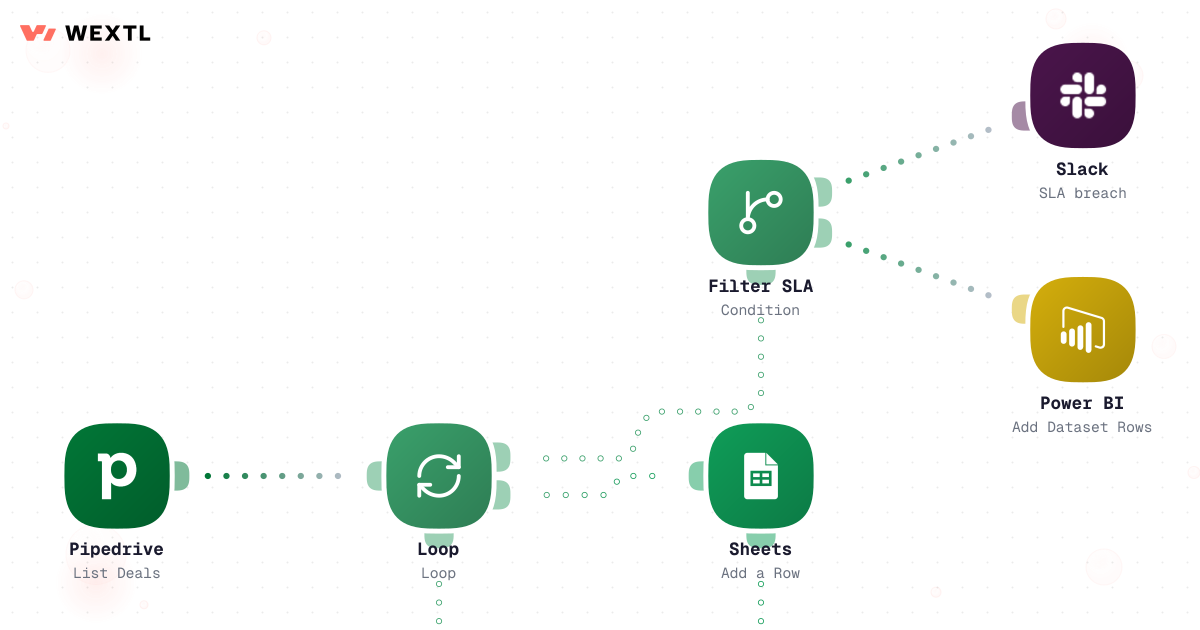
Workflow that loops over incoming lead records and writes each one to the database
* Illustrative example, not measured customer data.
New form fill to assigned rep in seconds, not whenever someone checks the inbox.
Company size, industry, and territory get attached to the lead before a human ever sees it.
Round-robin, territory, and deal-size logic laid out on a canvas anyone on the team can read.
Each run keeps a step-by-step record, so 'who got this lead and when' is never a debate.
Pick the routing logic that matches how your team sells. Change it on the canvas when the team changes.
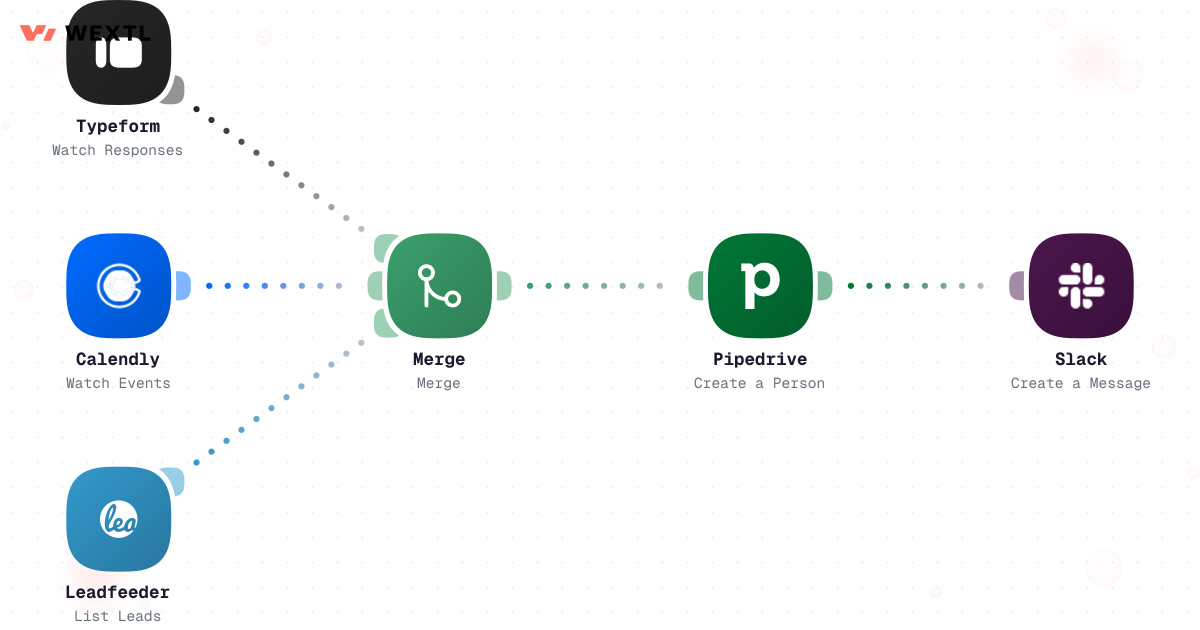
Forms, chat, webinars, list imports — every source feeds the same workflow, so nothing depends on who checks which inbox.
Workflow that loops over incoming lead records and writes each one to the database
The workflow looks up firmographic data and scores the lead before assignment. Reps open a record that already tells them who they're talking to.
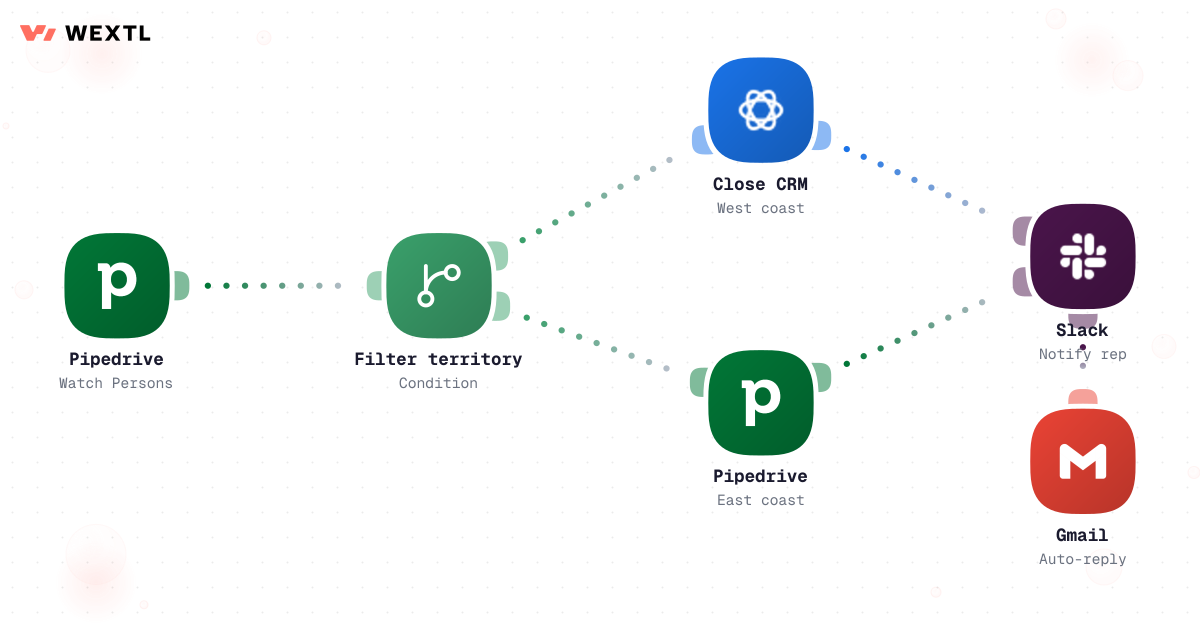
Filter steps split leads by territory, size, or any field on the record. Each branch distributes its own way.
Every run is logged step by step. Speed-to-lead stops being a feeling and becomes a number you can pull up.
None of the individual pieces are hard. A form submit is easy to catch. A round-robin is a counter. What breaks is the seams between sources — the same prospect filling out a form, then a chat widget, then a re-submitted webinar registration, and becoming three leads with three different owners fighting over one deal.
Or the named account that should never touch the general pool, but nobody updated the account list after the deal team signed them, so a six-figure logo lands with whichever rep was next in the rotation.
A form fill, a chat handoff, and a re-submitted webinar registration create duplicate records instead of one updated one.
An account list that isn't kept current lets a signed account get assigned like a cold lead.
A bot-filled form runs through a paid data lookup before anyone notices it was never a real lead.
None of these are edge cases — they're what happens by default when routing rules aren't checked in a specific order.
A concrete run, start to finish — the kind of capture workflow a RevOps admin clones from the template library and points at their own forms and ad accounts.
Trigger: a new submission arrives from any connected source — an embedded form, a Facebook Lead Ads webhook, or an uploaded list.
WEXTL checks: whether the email or phone already matches an open lead or contact, whether the submission has the minimum fields to route, and whether the email passes a deliverability check.
Human judgment
A near-match below the auto-merge confidence threshold — same company, different email domain, for example — waits in a manual-review queue instead of getting silently merged or silently duplicated.
A form fill, ad-lead webhook, or list row triggers the run.
Free-text company and title fields from ad forms get mapped to the CRM's picklist values.
Checked by email and phone against leads and contacts already in the CRM.
A confident match updates the existing record's source list; no match creates a new one; a near-match holds for review.
An email-verification step flags disposable or undeliverable addresses before the record moves on, and stamps the capture time that starts the speed-to-lead clock.
Source, match result, and verification outcome are recorded for the audit trail before the record hands off to enrichment.
A match against the saved account list routes straight to its assigned owner, skipping every other rule.
Company address or phone country code determines the territory branch.
Company-size enrichment sorts the lead into an SMB, mid-market, or enterprise path.
Each candidate rep's open-lead count and PTO flag are read before anyone is picked.
The next assignment goes to the rep with room, not strictly whoever's turn it is.
Owner field and CRM record update in the same step, and the rep gets pinged in Slack with score, source, and territory attached.
The same discipline applied to assignment: check the exceptions first, then apply the fair-distribution rule to everything left.
Trigger: an enriched, scored record clears the enrichment stage and enters assignment.
WEXTL checks: the saved named-account list, the lead's territory from company address or phone country code, deal-size band from company size, and each candidate rep's current open-lead count and PTO flag.
Human judgment
A lead that clears no territory and isn't a named account holds in an unassigned bucket for a RevOps admin — it does not get force-assigned to whichever branch matched loosest.
This is infrastructure work, not a rep's day-to-day tool — built by whoever owns the rules, for the sources and destinations their org actually uses.
WEXTL doesn't replace the routing rules RevOps designs — it's the system that executes them the same way on lead #1 and lead #10,000, and keeps a record of which rule fired each time.
A form fill isn't the only signal worth routing on. A named account revisiting the pricing page after six weeks of silence is a signal too — and it can feed the same queue.
Identified-visitor data enters capture like any other source, gets matched against the account list, and can trigger a notification without waiting for a form to be filled out.
Company-match on the visit turns an anonymous pricing-page view into a named account.
Checked against named accounts and existing CRM records before anything fires.
The account's existing owner gets a ping instead of the visit going unnoticed.


Capture has to catch whatever your team actually uses to generate leads. Assignment has to write to whatever CRM your reps actually work in. These are the ones real lead-routing workflows connect most.
An HTTP step reaches anything else with an API.
Integrate Lead Routing workflows with the tools your team already uses.
| Task | By hand | With WEXTL |
|---|---|---|
Who gets the lead | Whoever checks the inbox first | Round-robin with territory rules, applied the same way every time |
Time to first touch | Hours, sometimes a weekend | Seconds from form fill to assigned rep |
Context on the record | A name and an email address | Company size, industry, source, and score attached before assignment |
Fair distribution | A spreadsheet nobody trusts | Supported |
Audit trail | Scattered across inboxes and memory | Every handoff logged per run, per step |
Changing the rules | An engineering ticket and a two-week wait | A canvas edit you ship the same afternoon |
Coverage after hours | Leads sit until Monday | Supported |