Provisioning in one run
New-hire accounts exist before their first coffee; departures are revoked everywhere the same day.


Provision accounts, route alerts, and connect internal tools on a visual canvas instead of a cron job someone wrote in 2019. Every run in WEXTL keeps a step-by-step log, so you always know what ran and why.
Deploys this workflow into your workspace — you'll connect your own accounts.
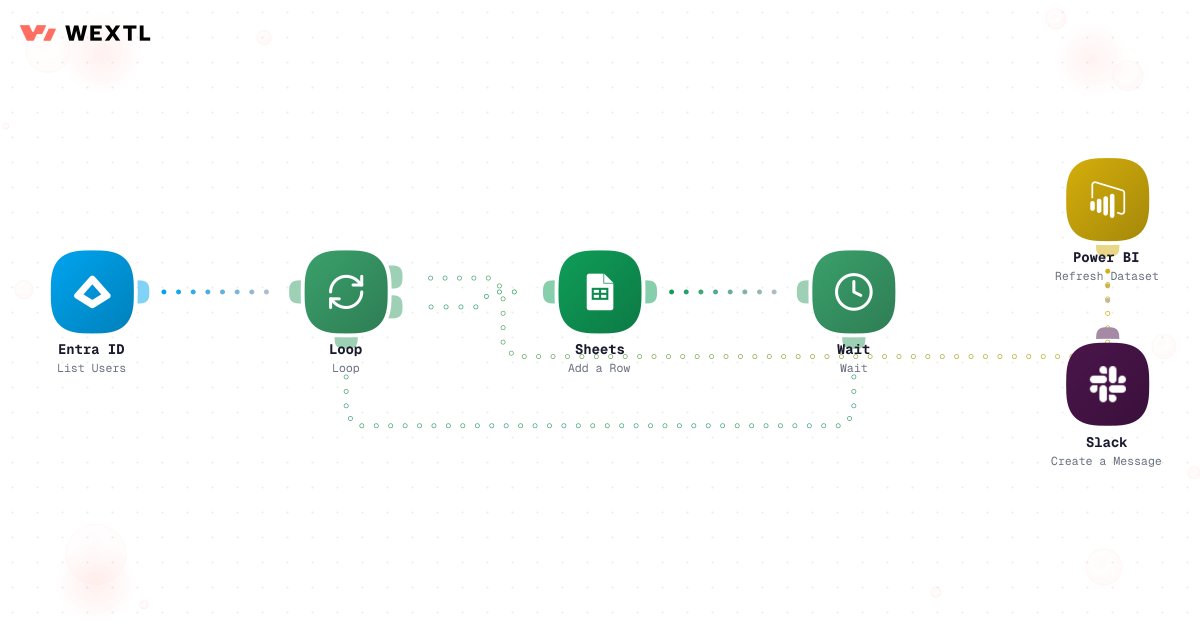
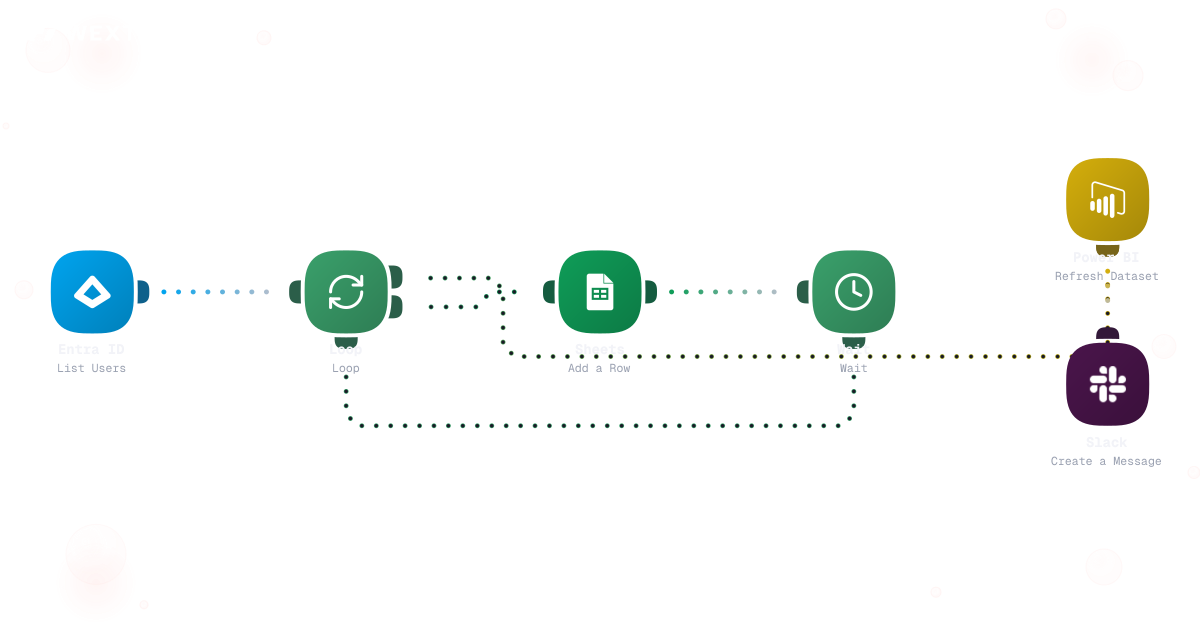
Workflow that loops through account systems and provisions each one for a new hire
* Illustrative example, not measured customer data.
New-hire accounts exist before their first coffee; departures are revoked everywhere the same day.
Route by service, severity, and schedule so the page reaches the one person who can fix it.
Connect internal tools on a canvas the whole team can read, instead of another repo of cron jobs.
Every run records what executed, with what input, and what came back — per step.
Common patterns, built from real workflows. Start from a template or a blank canvas.
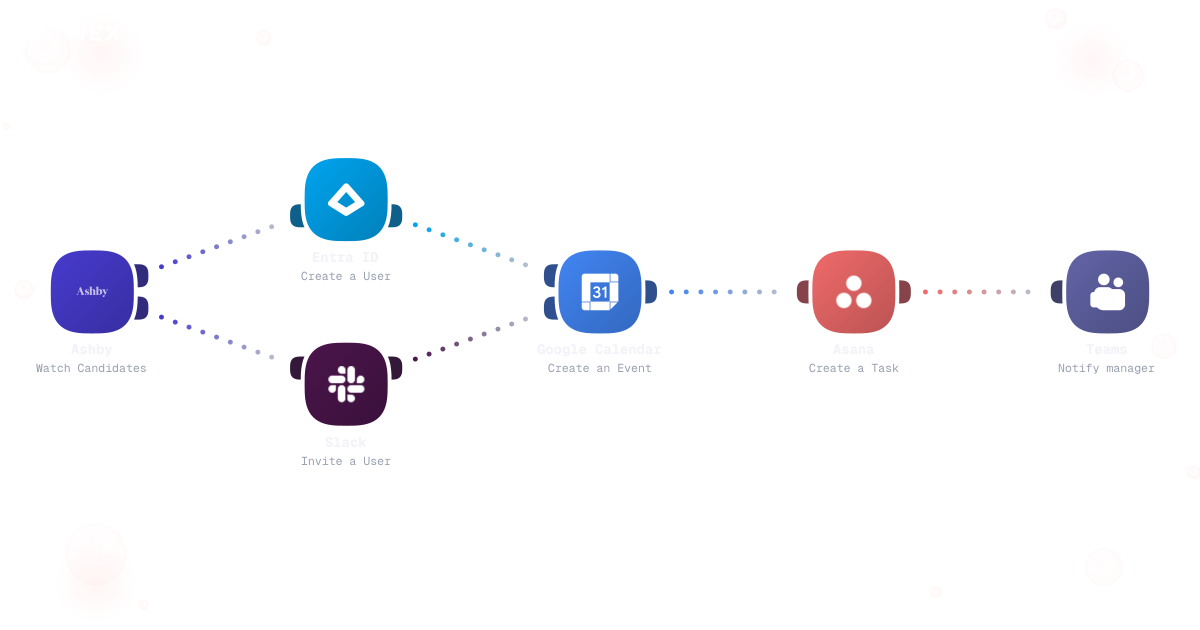
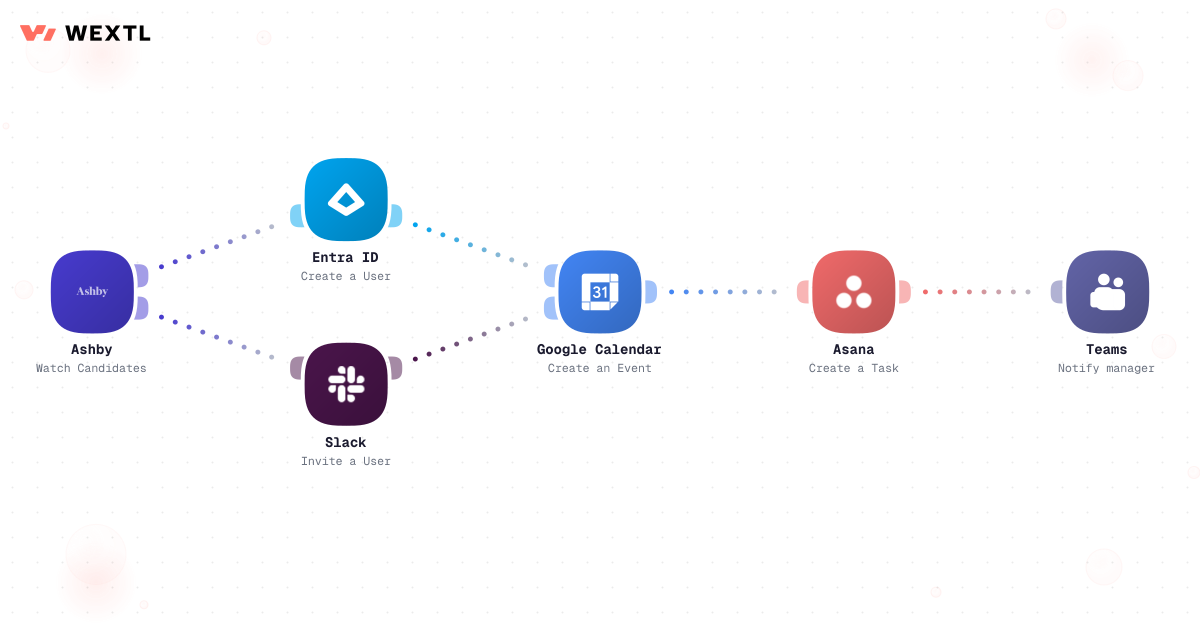
A signed offer kicks off one workflow that creates accounts, assigns groups, and requests hardware — in order, with a log.
Workflow that loops through account systems and provisions each one for a new hire
Filter the noise, group the duplicates, and route what remains by service and severity.
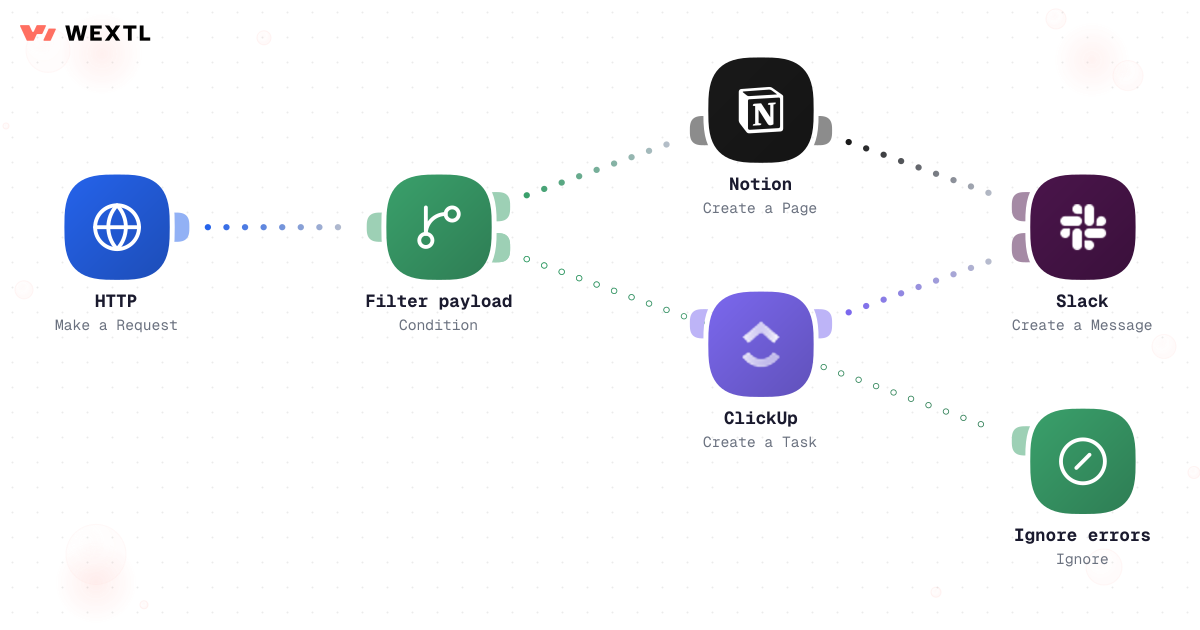
Move data between systems on a canvas. The apps catalog covers the common tools; a generic HTTP step covers your internal ones.
Per-step logs for each run: inputs, outputs, timing, and the branch the workflow took.
None of it is hard. A new hire needs six systems touched in the right order before their laptop even boots. An alert fires at 2am and pages four people because nobody trimmed the routing rule since the last reorg. A departing contractor's access sits open for a week because offboarding lives in someone's head, not a system. None of this needs deep expertise. All of it needs to happen exactly the same way, every time, including the week you're out.
Identity, groups, ticketing seat, and hardware request — six systems, one person remembering the order.
A routing rule nobody's trimmed since the last reorg wakes the whole rota for one incident.
Offboarding lives in someone's head — so it slips the week that person is out.
WEXTL isn't trying to replace the sysadmin — it handles the repetitive provisioning and routing work so IT spends its attention on the systems that actually need a human decision.
A concrete run, start to finish — the kind of provisioning workflow IT clones from the template library and adjusts to match the role-to-access map that already exists somewhere in a spreadsheet.
Trigger: an HR status change lands — a start date confirmed, a role change, or a termination date set — or the same workflow runs from a filled-in intake form when there's no HR system feed yet.
WEXTL checks: the role-to-bundle mapping (which groups, licenses, and tools that title gets), whether the person is a contractor with a fixed access window, whether the request touches an elevated or admin group, and what's already provisioned if this is a change rather than a new start.
Human judgment
Elevated access, a role with no mapped bundle, and any mismatch between the HR signal and what's already provisioned all route to a person instead of getting a guess. The workflow proposes the bundle; a human clears anything outside it.
A start date, role change, or termination date lands, and role/department map to a saved bundle of groups, licenses, and tools.
Admin, finance-system, or production-environment groups get flagged separately from the standard bundle.
Creates or updates the Microsoft Entra ID account, assigns the mapped groups, and opens the Invgate hardware ticket.
Admin-level or production-access groups wait for a manager or security sign-off before they're applied.
Manager and helpdesk get a Slack or Teams confirmation, not a status meeting.
Every mapped system revokes the day access should end, with each grant, ticket, and revoke recorded for the audit trail.
The same logic applied to incidents: collapse the noise, page the rota that actually owns the service, and escalate on a timer instead of hoping someone notices.
Trigger: a monitoring alert arrives — a Cloudflare health check failing, or any monitoring tool posting through a webhook or the HTTP step.
WEXTL checks: whether this is a duplicate of an alert already open for the same service, the service-to-rota mapping, severity against the paging rules for that rota, and whether the primary on-call has acknowledged within the window.
Human judgment
Whether the alert is actually an incident, and what fixes it, stays a person's call. The workflow's job stops at getting the right page to the right person before the fifteen-minute window closes.
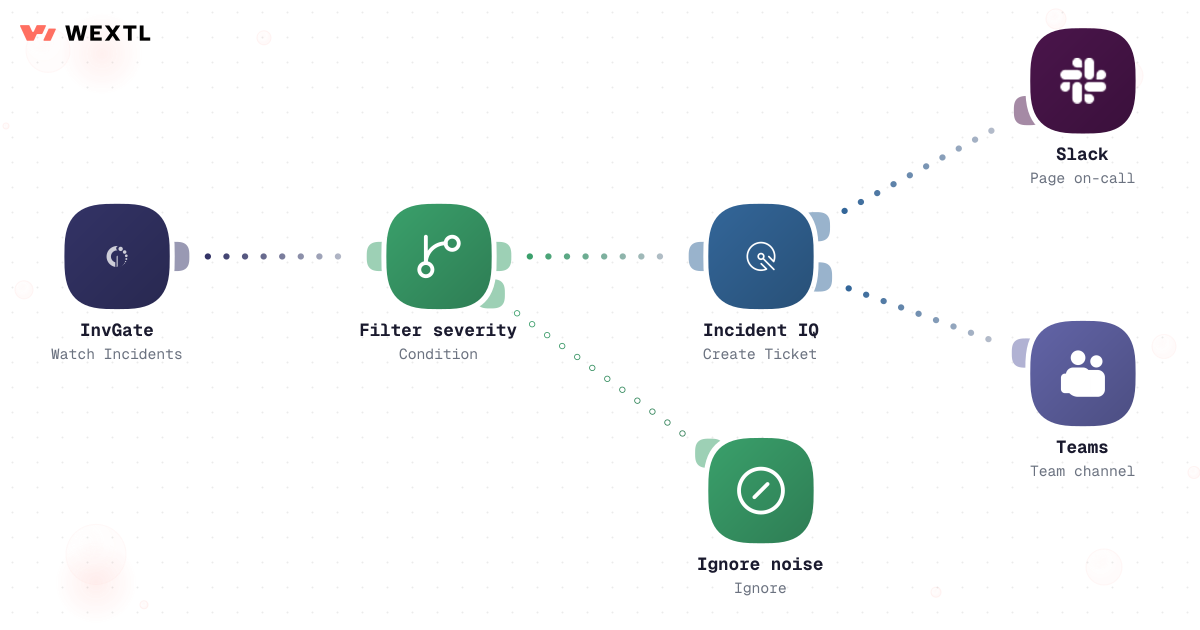
A monitoring webhook or health-check failure starts the run.
Repeat alerts for the same service fold into the one already open; service-to-team mapping decides who owns it.
Low severity routes to a digest; paging severity moves to the next step.
AI turns the raw alert payload into a one-line summary instead of a JSON dump.
Sent to Slack or Teams first, Twilio SMS as fallback; no acknowledgment after fifteen quiet minutes pages the secondary on-call.
Opens or updates the Invgate ticket so the timeline exists without anyone typing it up after.
Groups, licenses, and tickets that follow a known role assemble without you.
Admin and production grants are a human approval step, not a default.
A DNS cutover or firewall rule with real blast radius gets proposed, not applied, until someone signs off.
Admin and production-level access, an alert with ambiguous severity, and any change to a system with no rollback are exactly where automation should stop and hand back to a person — not because the tooling can't attempt them, but because a wrong automated grant or a wrong automated revoke costs more than doing it slowly.
Where a human stays on
Anything granting admin or production access, any DNS or firewall change with real blast radius, any offboarding for a role with a legal hold on their data. The workflow drafts, flags, and proposes for these — it does not decide.
Not every IT role needs this on day one. It's built for the parts of the job that repeat across a lot of accounts, a lot of alerts, or a lot of disconnected systems.
IT doesn't get to pick a clean stack. The identity provider, the ticketing system, and the infra platform are whatever's already in place — automation has to meet them there.
These are the integrations most IT workflows actually use. An HTTP step reaches anything else with an API.
Integrate IT workflows with the tools your team already uses.
| Task | By hand | With WEXTL |
|---|---|---|
New-hire setup | Five tickets and two days of waiting | One workflow, runs when the offer is signed |
Offboarding | A checklist in someone’s head | Every system revoked on the end date |
Alert routing | Everything pages everyone | Filtered, grouped, sent to the right on-call |
Connecting internal tools | A cron job only its author understands | A canvas the whole team can read |
Per-step run logs | Scattered across scripts and inboxes | Supported |
When something breaks | Silent until a user complains | The failing step is flagged, with its input |