Contract intake
Typeform requests become Notion matters and Slack pings.


Intake forms, approval threads, renewal dates, and NDAs scatter across email and shared drives. WEXTL routes requests, logs decisions, and nudges owners before dates slip — on a canvas counsel can audit.
Deploys this workflow into your workspace — you'll connect your own accounts.
Legal intake workflow from Typeform to Notion and Slack
* Illustrative example, not measured customer data.
Typeform requests become Notion matters and Slack pings.
Email attachments branch by value and wait for sign-off.
Notion renewal pages trigger reminders before expiry.
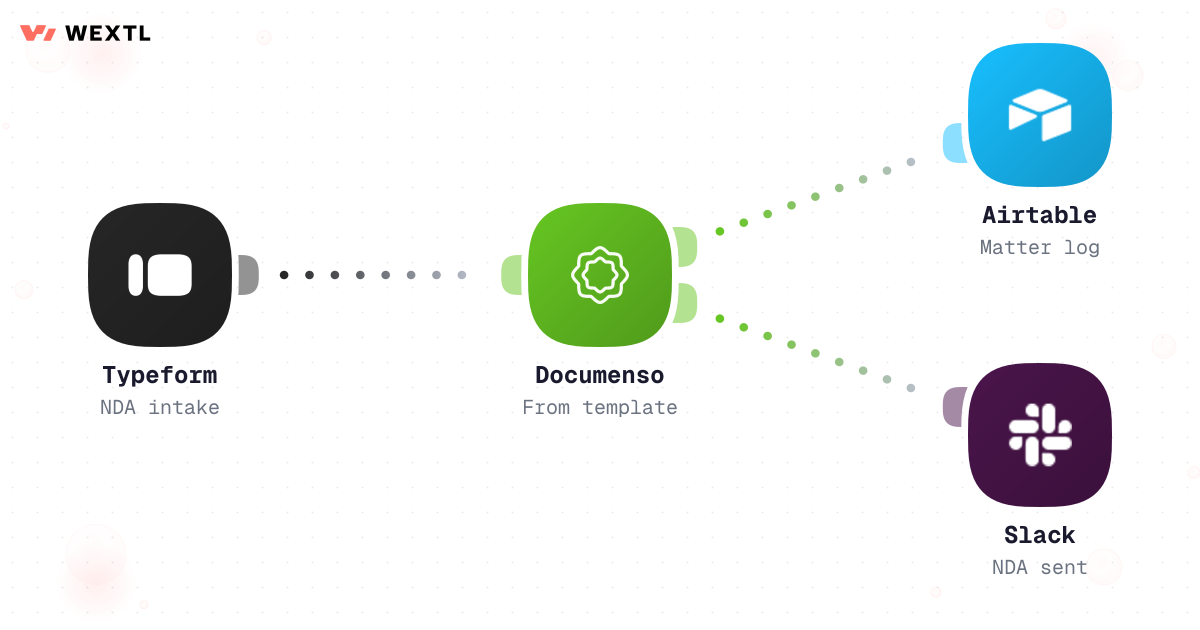
NDA submissions land in Airtable with owner alerts.
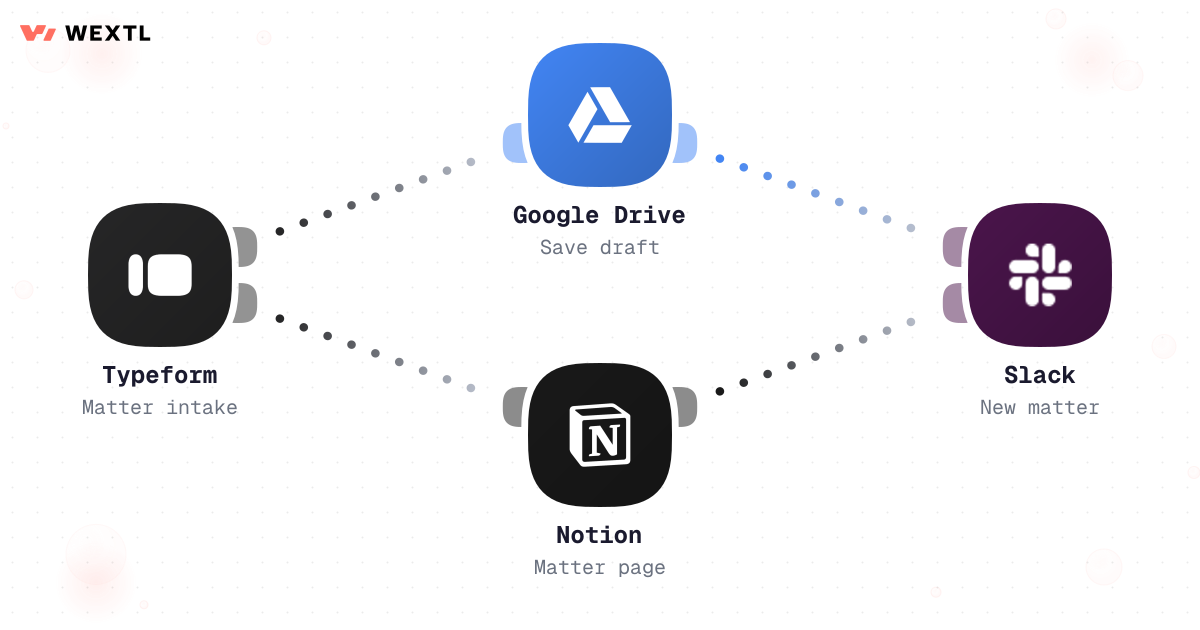
Watch Typeform submissions, create Notion pages, notify legal Slack.
Legal intake workflow from Typeform to Notion and Slack
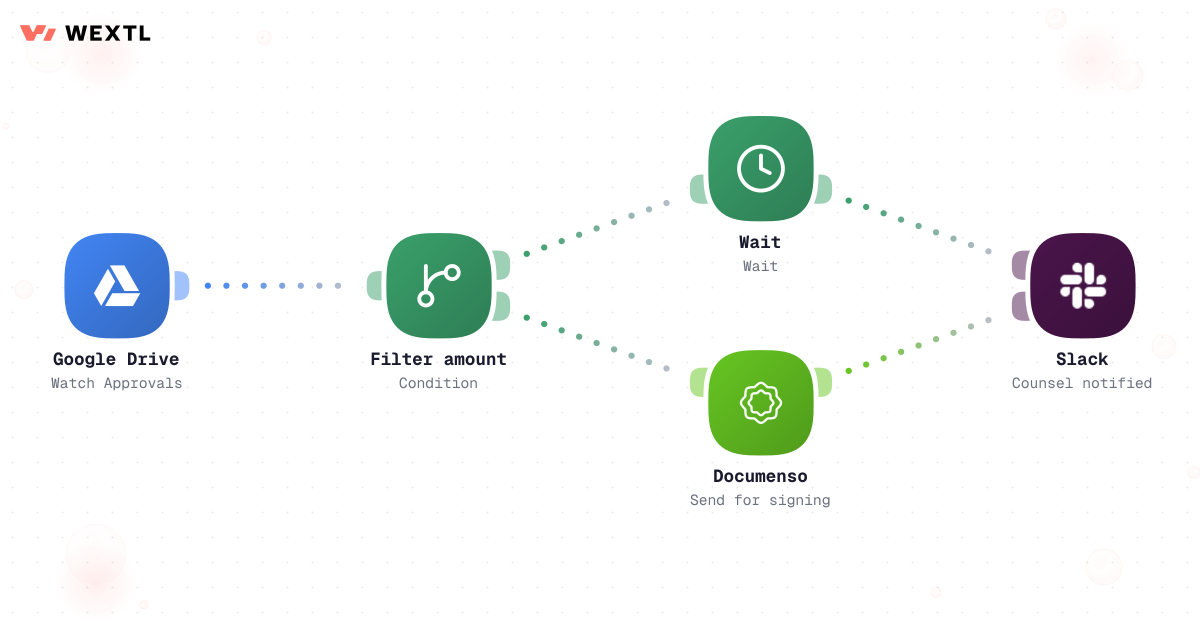
Watch contract emails, filter amount, wait for approval, post Slack outcome.
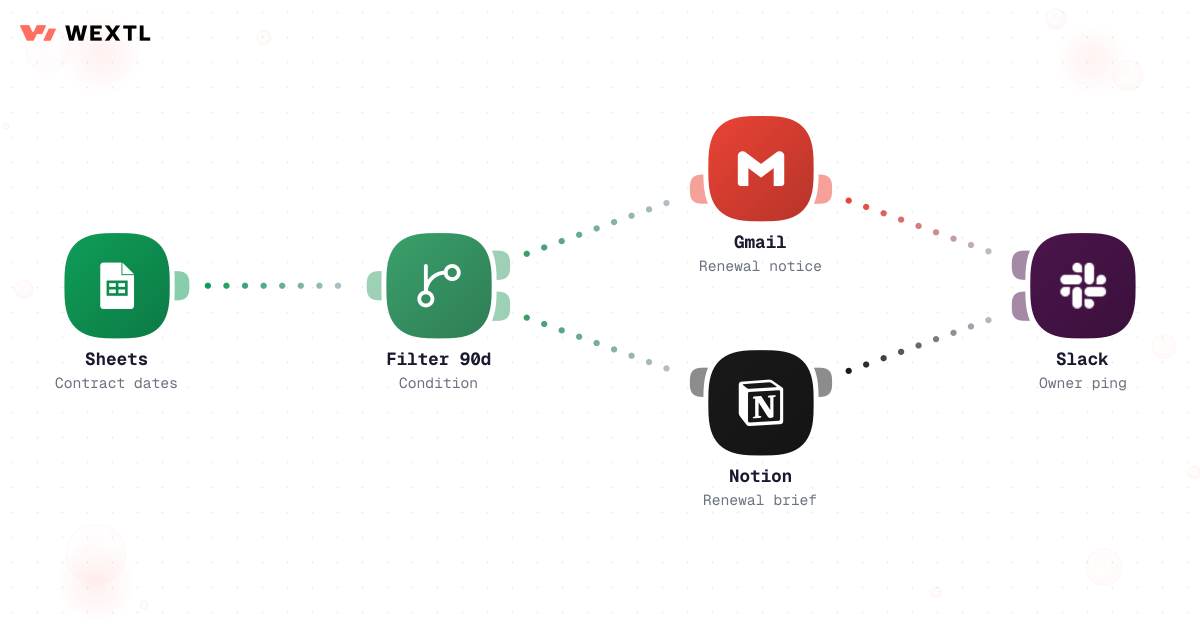
Watch Notion renewal database, filter within 90 days, email owners, log row.
Typeform NDA intake, create Airtable record, notify legal channel.
None of it is legal work. A contract sits in a shared inbox for two days because nobody's sure whose queue it's in. An approval thread balloons to six people cc'd because nobody's sure who has signing authority, and it stalls the moment the one person who could approve it steps into a client meeting. A renewal auto-fires because the opt-out deadline was a date buried in a PDF footer nobody was re-reading.
No one owns the queue, so nothing moves until someone happens to check.
Nobody's sure who has signing authority, so everyone gets looped in just in case.
The clause that mattered was on page 14, and nobody re-reads page 14.
None of it needs a law degree. All of it needs someone paying attention to a queue or a date.
A concrete run, start to finish — the kind of approval workflow a legal ops team clones from the template library and tunes to its own value thresholds and playbook.
Trigger: a contract needing sign-off is forwarded to the legal intake alias, or a Notion matter's status changes to “Ready for review.”
WEXTL checks: the contract's dollar value against saved threshold tiers, whether any clause (indemnification, liability cap, auto-renewal without a notice window) falls outside the standard playbook, the counterparty's risk flag, and who the assigned approver is for that department.
Human judgment
Whether a flagged clause is actually acceptable, and any exception to the playbook, is a legal call — the workflow flags and routes, it never approves a contract itself.
A forwarded email or a matter status change starts the run.
Compares contract value against saved thresholds, and flags indemnification, liability, or auto-renewal language that falls outside the playbook.
Pulls the flagged clauses and value into a one-paragraph approval request.
Sends to the department head, Finance, or the GC alias based on the tier and any clause flag.
Pauses on the assigned approver's reply in Slack or email; no response inside the SLA window forwards to the alternate approver or GC automatically.
An approved contract routes straight to e-signature, and every check, route, and decision is recorded for the approval record.
Compares every contract's end date against today, on a set cadence.
Separates contracts with an open opt-out window from ones simply approaching their end date.
Surfaces anything inside 90, 60, or 30 days out.
AI summarizes the contract terms, renewal value, and the deadline to decide by.
Sends the reminder to the contract's assigned owner, not a shared inbox.
Adds the contract to the rolling renewal tracking sheet, and anything that close gets posted to the legal Slack channel, not just emailed.
The same logic, applied to renewals: catch the notice-period deadline before it passes, not after.
Trigger: a scheduled check runs against the contract register and compares today's date to each contract's end date and notice-period deadline.
WEXTL checks: whether the contract has an auto-renewal clause and, if so, whether its opt-out window is still open; the contract's owner and renewal value; and whether it falls inside the 90/60/30-day reminder windows.
Human judgment
Renew, renegotiate, or let it lapse is a decision for the contract owner and legal — the workflow surfaces the deadline with enough lead time, it doesn't decide the contract's fate.
Not every legal function needs this on day one. It's built for the parts of the job that repeat across a lot of contracts, a lot of counterparties, or a lot of departments asking for sign-off.
WEXTL is not trying to be outside counsel or a CLM's redlining tool — it handles the routing, tracking, and reminding so legal spends its time on the clauses and decisions that actually need a law degree.
Legal doesn't pick its own tools in a vacuum — the CLM, the e-signature platform, and the intake form are usually already decided. Whatever gets automated has to meet them where they are.
These are the integrations most Legal workflows actually use. An HTTP step reaches a CLM or e-signature API without a native connector.
Integrate Legal workflows with the tools your team already uses.
| Task | By hand | With WEXTL |
|---|---|---|
Contract intake | Email forwards and lost attachments | Supported |
Approvals | Ad hoc email chains | Policy routes with wait steps |
Renewals | Calendar reminders per lawyer | Supported |
NDA tracking | Shared folder chaos | Structured records + alerts |