Inbox triage
Classify messages, escalate exceptions, ignore noise — with logs.


Copilots in a sidebar are helpful; agents in a workflow are accountable. WEXTL connects AI assistant steps to your inbox, CRM, and task tools — with conditions and human review when policy requires it.
Deploys this workflow into your workspace — you'll connect your own accounts.
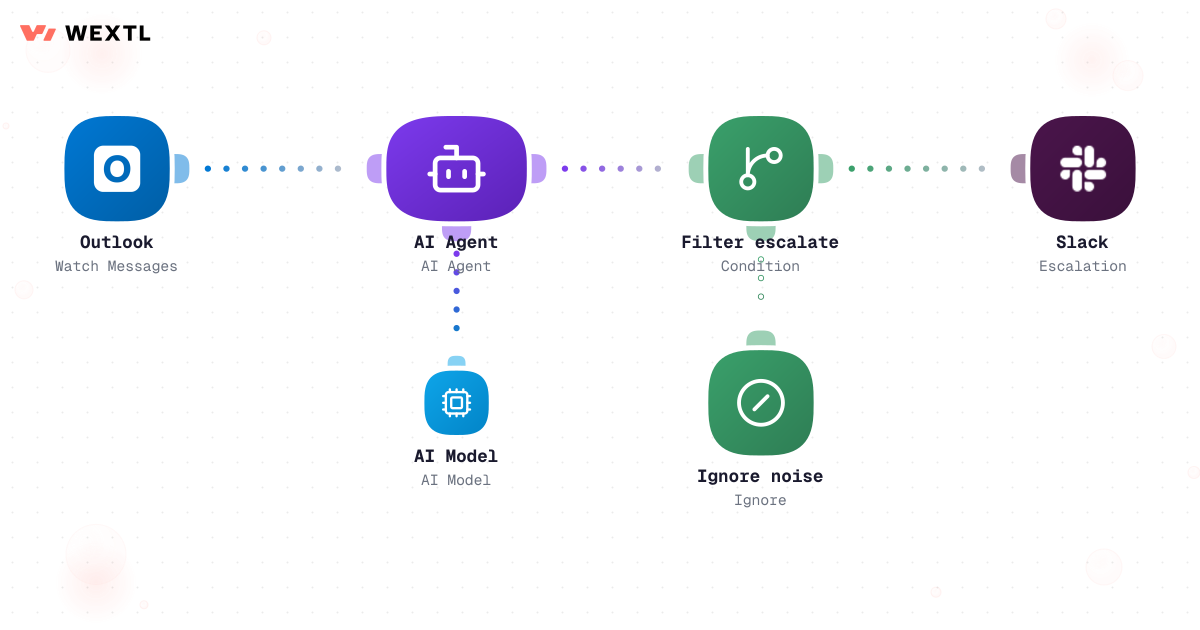
AI agent triaging Outlook messages with escalation branch
* Illustrative example workflow shown on this page, not measured customer data.
Classify messages, escalate exceptions, ignore noise — with logs.
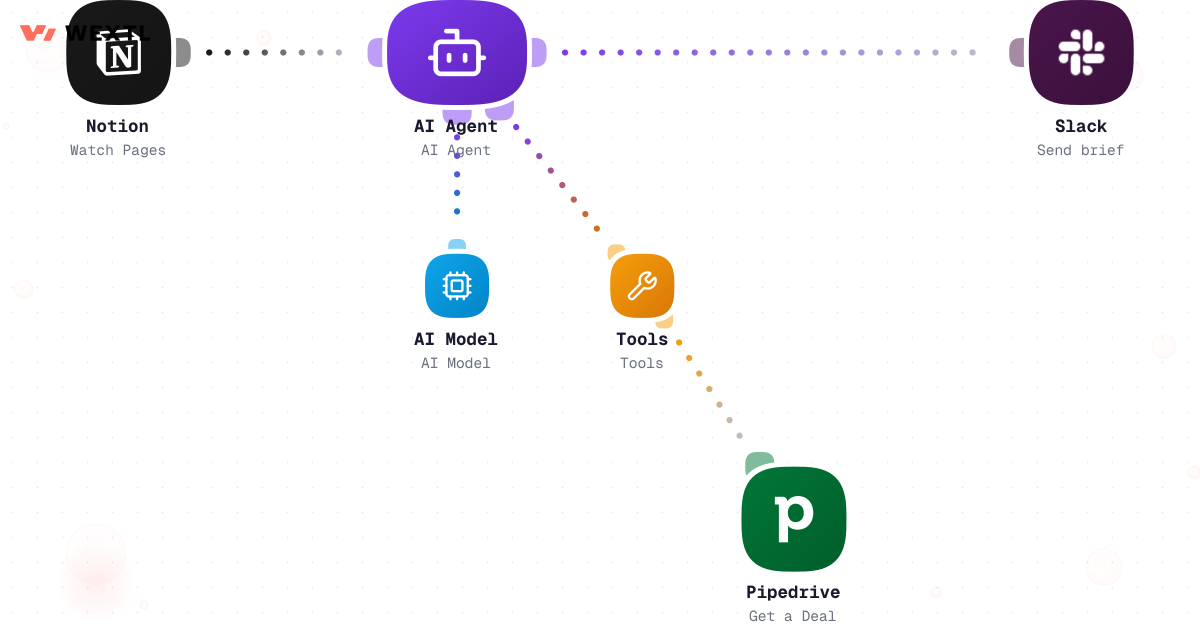
Agents pull CRM context and post a brief before the meeting.
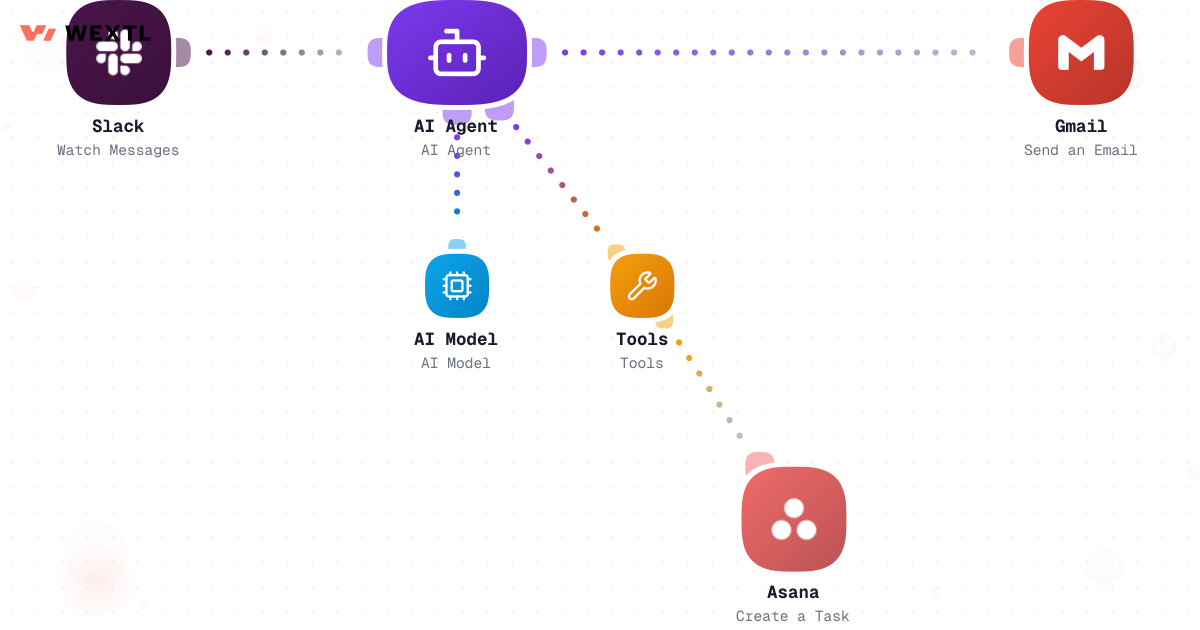
Let agents create tasks and send email through approved tools only.
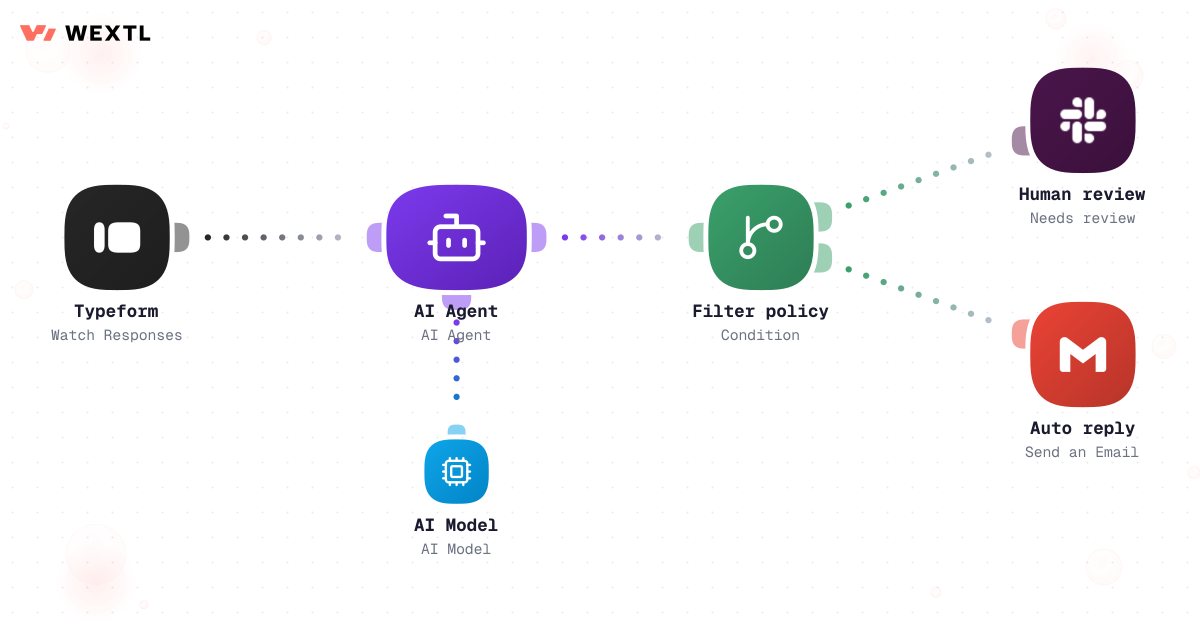
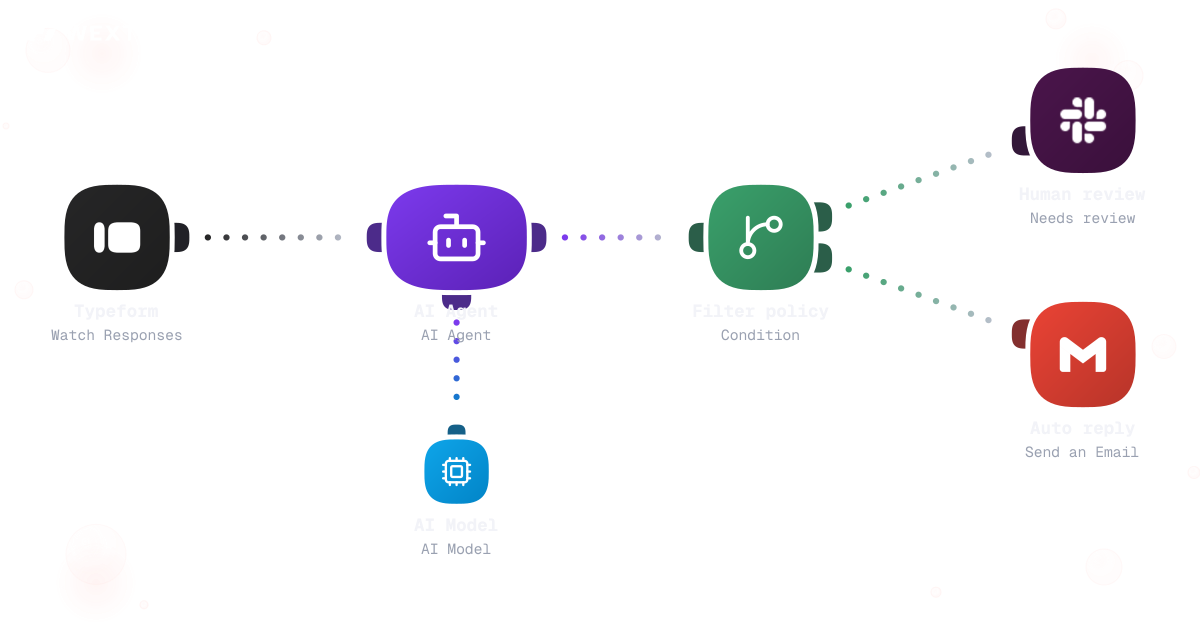
Policy filters decide auto-send vs human review.
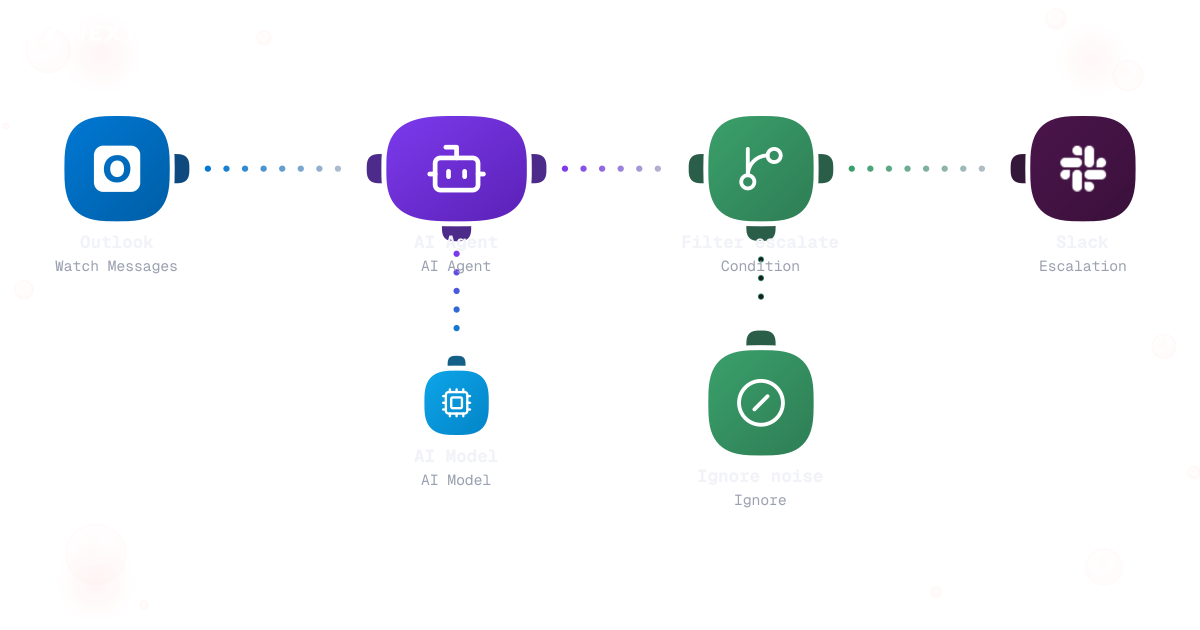
Agent classifies mail, escalates priority items, ignores spam.
AI agent triaging Outlook messages with escalation branch
Watch Notion or calendar, agent pulls CRM deal, posts brief.
Slack trigger, agent creates tasks and sends email via tools.
Agent drafts reply; condition routes to human review or auto-send.
A sidebar copilot summarizes the ticket, and someone still opens Zendesk and pastes the summary in by hand. A research question in Slack gets a confident paragraph back with no trace of which CRM record or doc it came from, so nobody can check it later without redoing the work. Someone finally says 'just let it send' — and the first wrong auto-reply is the last one before every agent in the company gets paused pending a review nobody scoped in advance.
Chat answers the question; a human still opens the ticket and pastes the summary in.
A confident answer with no pointer back to the CRM record or doc it came from.
One wrong auto-reply and every agent gets paused for a review nobody scoped.
None of that is an AI problem. It's a missing audit trail and a missing approval gate.
A concrete run, start to finish — the kind of triage agent a team clones from the template library and tunes to its own sender and topic rules.
Trigger: new mail or a Slack message hits the monitored inbox or channel.
The agent checks it against saved rules before it ever drafts anything — an ignore-list for known noise, a VIP list for priority senders, and a keyword/topic match for the rest.
Human judgment
An unfamiliar sender, a mixed-language thread, or anything the classifier scores below your confidence threshold gets forwarded whole to a human queue — the agent never invents a new rule to fit it.
The same tool-calling logic, applied one step earlier: pull from the systems that actually have context, cite where each fact came from, and hand over only what's decision-ready.
Trigger: a Slack command or an upcoming meeting asks for a brief on an account.
Sources combined: the CRM record for deal stage and owner, linked docs, and the last several logged interactions.
Human judgment
The brief states what it found and what it couldn't find. Deciding whether a flagged gap needs a phone call before the meeting stays with the requester, not the agent.
A Slack command or an upcoming meeting asks for a brief; the agent resolves the account or contact ID from the request.
Pulls deal stage, owner, and recent activity from Salesforce, plus linked Notion pages or Drive files for that account.
AI summarizes each source with a pointer back to the record it came from.
A missing owner or conflicting stage is stated, not guessed at.
Delivered to the requester in Slack, ready before the call.
The run log shows exactly which records were read, in what order.
WEXTL doesn't ship an autonomous agent that decides its own permissions — it ships an agent step on a canvas where the tools, the branches, and the audit log are yours to set.
Sensitive external replies, ticket closures on incomplete resolutions, and any write to a system of record are exactly where an agent should stop and hand back — not because the model can't attempt them, but because a wrong autonomous write costs more than a slower, reviewed one.
Where a human stays on
Anything that sends mail externally, closes a ticket, or writes to the CRM as a final answer — the agent drafts, flags, and proposes for these. It does not decide.
Auto-send is an opt-in switch per policy rule, not the default for any agent step.
Below the threshold, the agent hands off to a human instead of guessing it's resolved.
Every field an agent changes is in the run log, tied to the tool call that set it.
Not every automation needs a tool-calling agent. This is for the specific moment a team decides an AI should be allowed to act, not just answer.
The model is one piece. What decides whether a pilot becomes production is which tools the agent can call, and whether every call gets logged.
These are the model providers and tool integrations agent workflows use most on WEXTL. An HTTP step reaches anything without a native connector, on the same allow-list.
A research agent that only summarizes still leaves someone to open the ticket tool and type it in by hand.
Chain the tool calls instead: the same run that reads the CRM record can hand its findings straight to a ticket-creation step — one workflow, one audit trail, no copy-paste in between.
Agent pulls deal stage, owner, and last activity from the CRM tool call.
Fields fill from what the agent found — no blank form for a human to complete.
Every field the agent set traces back to the source record in the run log.


Integrate AI Agents workflows with the tools your team already uses.
| Task | Ad hoc | With WEXTL |
|---|---|---|
Inbox triage | Manual sorting and flags | Supported |
Meeting prep | Tab switching before every call | Agent brief with CRM tool use |
Taking action | Copy from chat into tools | Supported |
Safety | Hope nobody auto-sends wrong | Explicit review branches |