Alert enrichment
Pull context from tickets and chat before anyone pages on-call.


Alerts pile up, identity tickets lag, and the war room opens in five tabs. WEXTL enriches signals, revokes access, and escalates incidents on a canvas your team can audit — not another script folder.
Deploys this workflow into your workspace — you'll connect your own accounts.
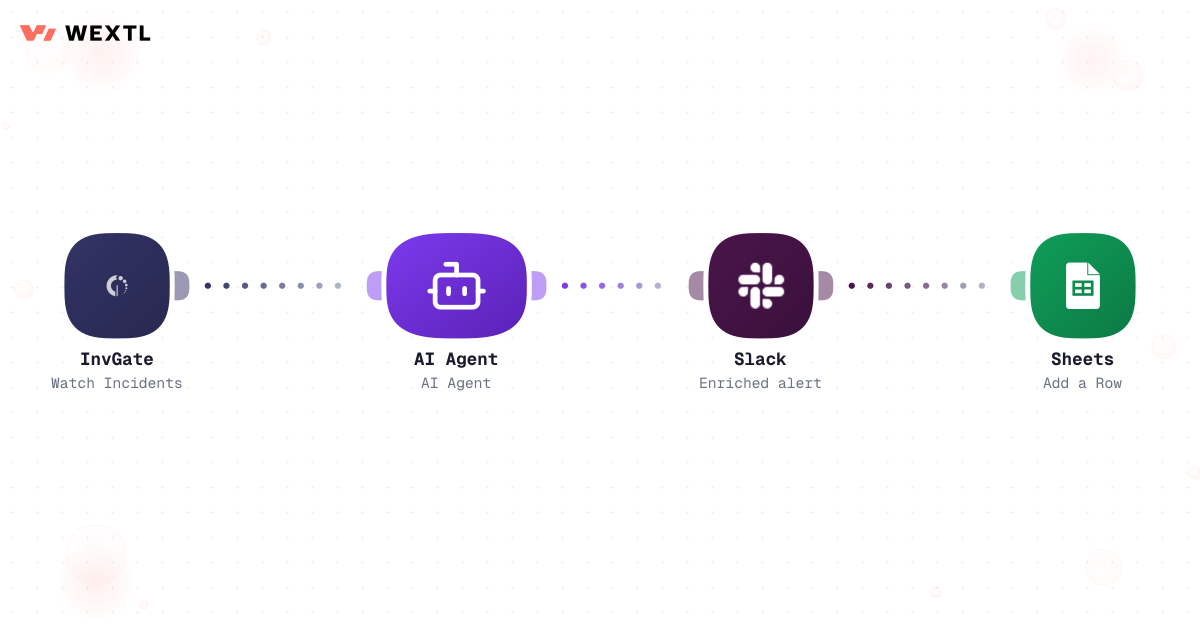
Workflow enriching security alerts with AI and posting to Slack
* Illustrative example, not measured customer data.
Pull context from tickets and chat before anyone pages on-call.
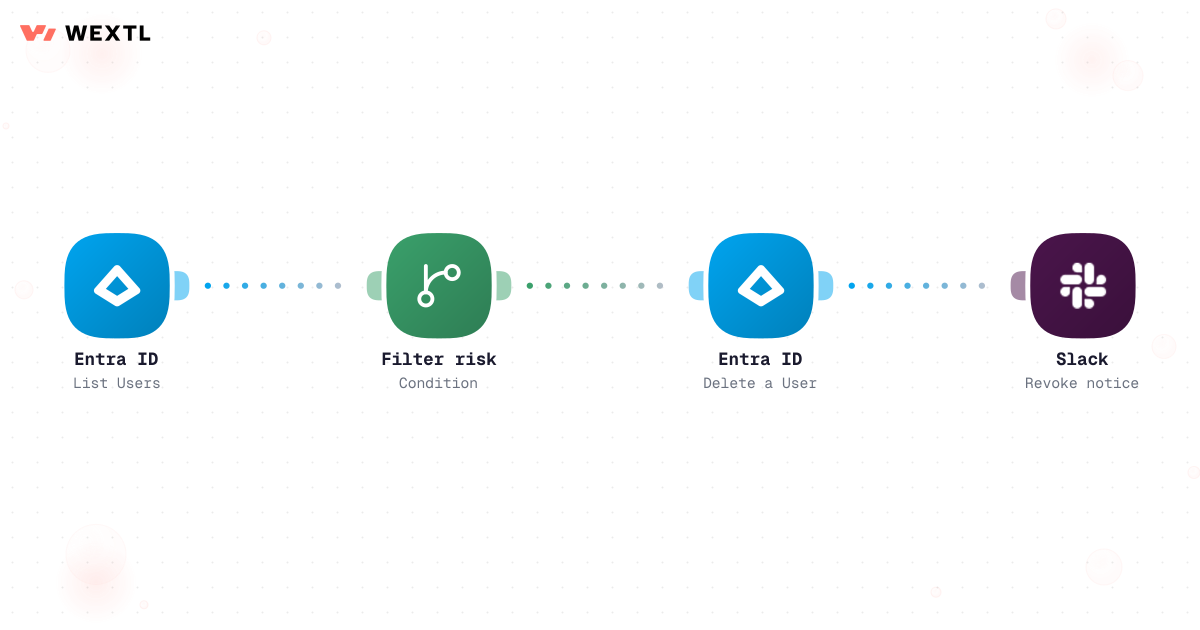
Disable accounts and notify owners when risk scores spike.
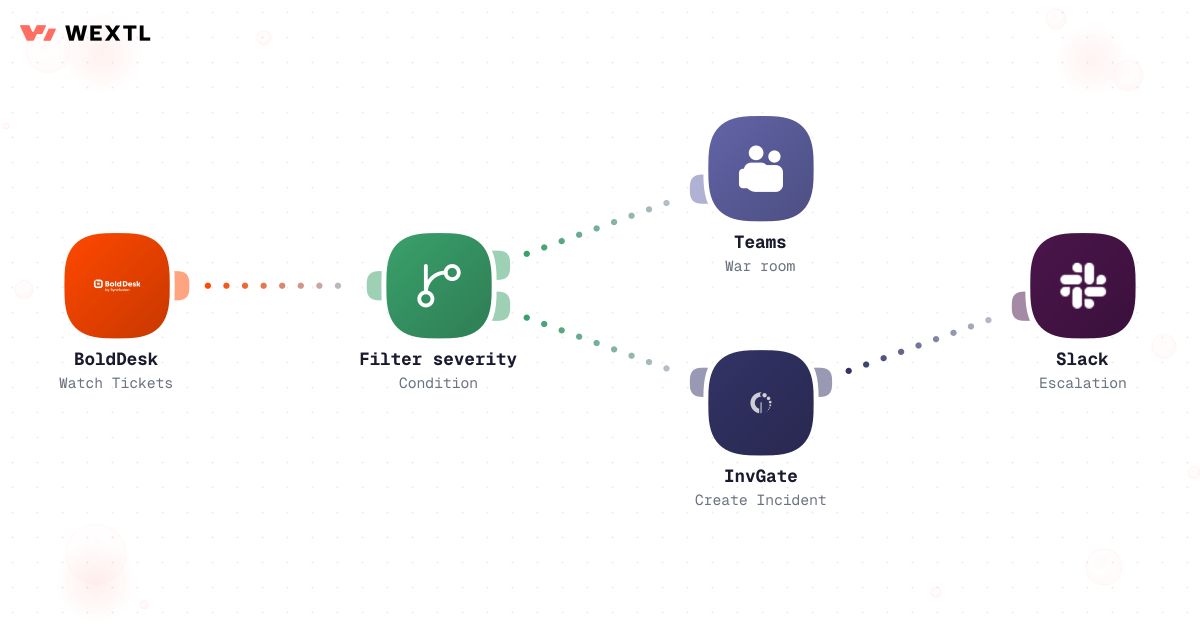
Severity rules open Teams and ITSM records in the same run.
Aggregate overnight events into a sheet row and a morning brief.
Four workflows security teams clone first — enrich, revoke, escalate, and digest.
Watch incidents, enrich with an agent, and post a structured summary to Slack.
Workflow enriching security alerts with AI and posting to Slack
List risky users, branch on score, disable accounts in Entra, and notify SecOps.
Watch help desk tickets, filter severity, open Teams, and create ITSM follow-ups.
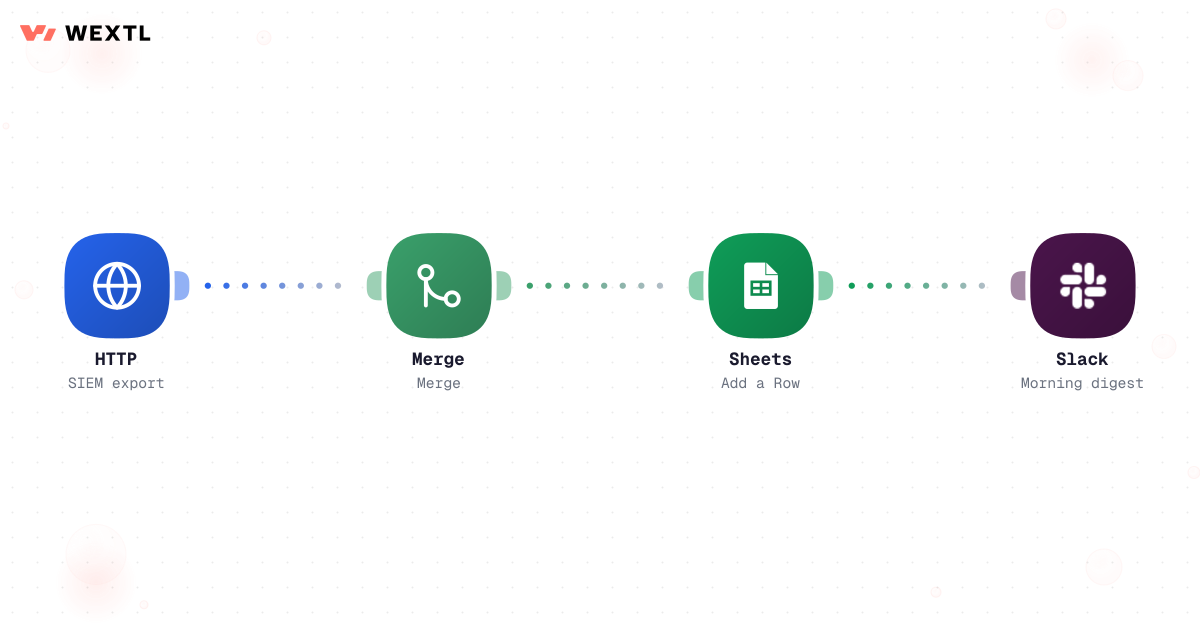
Pull SIEM export via HTTP, aggregate counts, append rows, and ping the channel.
None of it is technically hard. A SIEM alert needs the same five minutes of context-pulling every time — asset owner, prior occurrences, whether it's the known-noisy rule again. An access review finds the same dozen stale accounts every quarter because offboarding a leaver's laptop access is not the same ticket as offboarding their SaaS logins. And the on-call severity call gets made from memory, under pressure, differently depending on who picked up the page.
Forty alerts by 7am, most of them the same false positive as last Tuesday, and the one real one looks identical until you've opened all forty.
A quarterly access review turns up twelve accounts nobody offboarded — and now it's a finding, not a fix.
Whoever's on call decides what SEV1 means today, because the escalation matrix lives in someone's head, not a doc anyone opens under pressure.
WEXTL is not a SOAR replacement and it doesn't ingest your SIEM natively — it's the canvas that turns an HTTP export or webhook into a consistent enrich-decide-escalate path, with a record of what happened at every step.
A concrete run, the kind a SOC clones from the template library on day one and adjusts to its own severity matrix.
Trigger: a new event lands from the SIEM export — pulled over HTTP on a schedule, or pushed as a webhook the moment the SIEM fires.
WEXTL checks: the asset and owner on record, whether this exact rule fired for this exact asset before (and how it was closed last time), any open ticket already covering it, and the severity/confidence thresholds your team has configured for that alert type.
Human judgment
Adding an IP to a block list, naming an incident commander, and any score within one point of your threshold stay with the analyst. The workflow enriches and proposes; a person decides what gets blocked and what gets paged.
SIEM export lands over HTTP, or a webhook fires the moment the rule matches — the asset owner, criticality, and any open ticket come with it.
Matches against prior occurrences of this exact rule on this exact asset, then scores severity and confidence against your team's thresholds, not a default.
A source IP or domain matching a known-bad indicator gets flagged for a Cloudflare block-list add.
AI drafts what fired, why it matters, and what changed since the last occurrence, in a few sentences.
Anything at or above your paging threshold waits for on-call acknowledgment before the block-list change goes live.
Above threshold: pages on-call and opens the incident room. Below: posts to the review channel and updates the ticket.
The same discipline applied to identity: a risk signal shouldn't turn into a stale ticket sitting in a queue, and it shouldn't turn into an account getting disabled on a hunch either.
Trigger: Microsoft Entra ID raises a risk signal — impossible travel, a leaked-credential match, an offboarding event pushed from HR — or a scheduled access review flags an account inactive past your policy window.
Sources combined: the risk signal itself, sign-in location and device history, the account's role and owner, and whether it's flagged as a service account, shared mailbox, or a registered AI agent identity rather than a person.
Human judgment
A service account, a shared mailbox, or an account on the sensitive-role list never gets auto-revoked — those wait for a security lead. The workflow flags and proposes; a person decides where breaking access outweighs the risk of leaving it open.
Entra ID raises a score change, or a scheduled access review flags an inactive account.
Location, device, and timing context for the flagged session, matched to a manager or system owner before anything happens to it.
Human, shared mailbox, service account, or a registered AI agent identity each follows a different policy path — only high risk plus a human account clears auto-revoke.
AI writes a plain-language explanation of what was seen and why the threshold was crossed.
Service accounts, shared mailboxes, and any account on the sensitive-role list wait for a security lead, no exceptions.
Disables or suspends the account in Entra ID, or files it for manual review if it didn't clear the policy path.
Judgment showed up exactly where it mattered — the account outside policy, the alert with no history to score against. Everything else followed the same path it followed last night.
Not every security function needs this on day one. It's built for the parts of the job that repeat across a lot of alerts, a lot of accounts, or a lot of on-call shifts.
A confirmed-bad IP doesn't need a ticket, an assignment, and a deploy window before it's blocked — it needs the block applied and the team told it happened.
When an alert matches a known indicator, WEXTL can add it to a Cloudflare block list and post the change to the channel in the same run, with the analyst's confirmation gate still in front of it.
The IOC match triggers a proposed block-list change, held for confirmation.
Once confirmed, the block runs in Cloudflare — no separate change ticket.
What was blocked, which alert triggered it, and who confirmed it — posted where the team can see it.


You don't get to pick a clean-slate stack. The SIEM, the identity provider, the ticket queue, and the escalation channel are already fixed — automation has to meet them where they are.
These are the integrations most SecOps workflows actually use. An HTTP step reaches your SIEM's export or webhook, and anything else with an API.
Integrate SecOps workflows with the tools your team already uses.
| Task | By hand | With WEXTL |
|---|---|---|
Alert triage | Analysts pivot five tools per alert | Supported |
Access revoke | Manual admin portal clicks | Policy-driven Entra steps with logs |
Escalation | Different path every incident | Supported |
SIEM reporting | Exported CSV and a spreadsheet | Scheduled digest to sheet + Slack |