Bidirectional sync
Update both sides when either system changes — with loops that stay bounded.


CRM, support desk, spreadsheets, and warehouses drift the moment someone skips an export. WEXTL keeps records aligned with scheduled syncs, webhooks, and reconcile jobs that log every row they touch.
Deploys this workflow into your workspace — you'll connect your own accounts.
Bidirectional sync between CRM and help desk
* Illustrative example, not measured customer data.
Update both sides when either system changes — with loops that stay bounded.
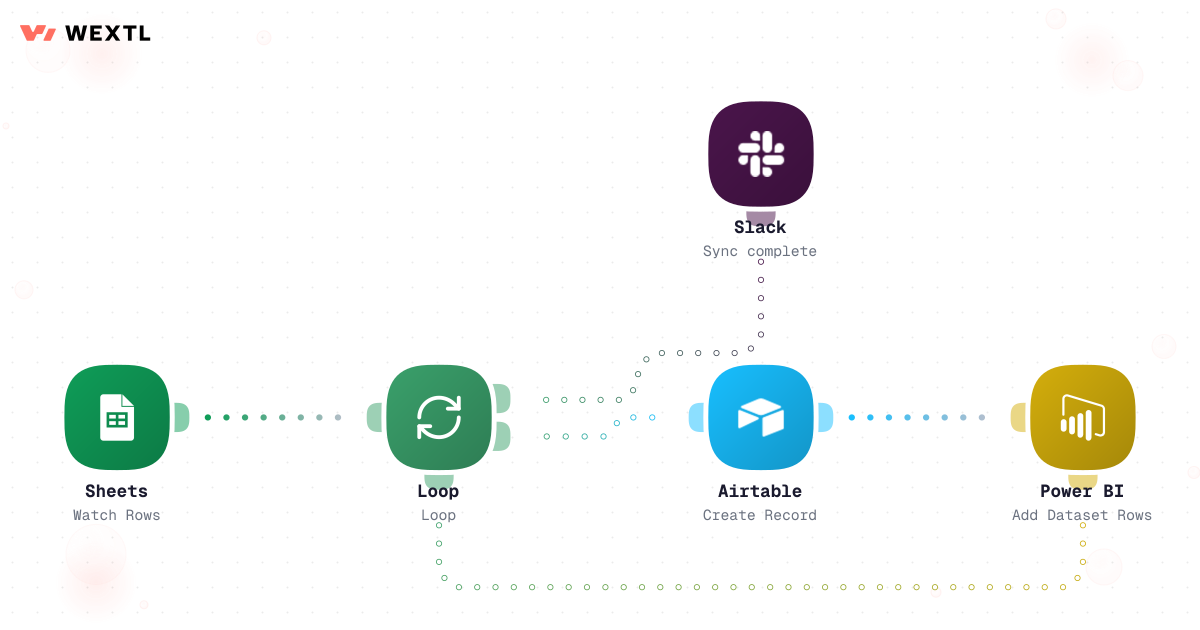
Move rows from sheets into tables and BI datasets on a schedule.
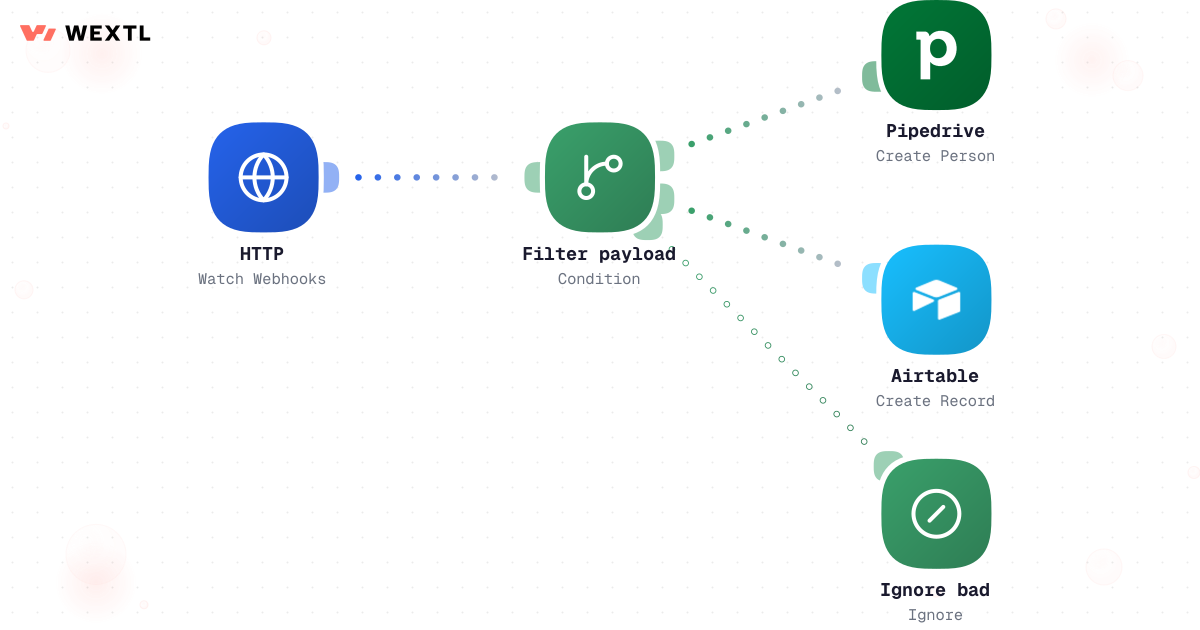
Turn inbound webhooks into CRM and ops records — bad payloads filtered out.
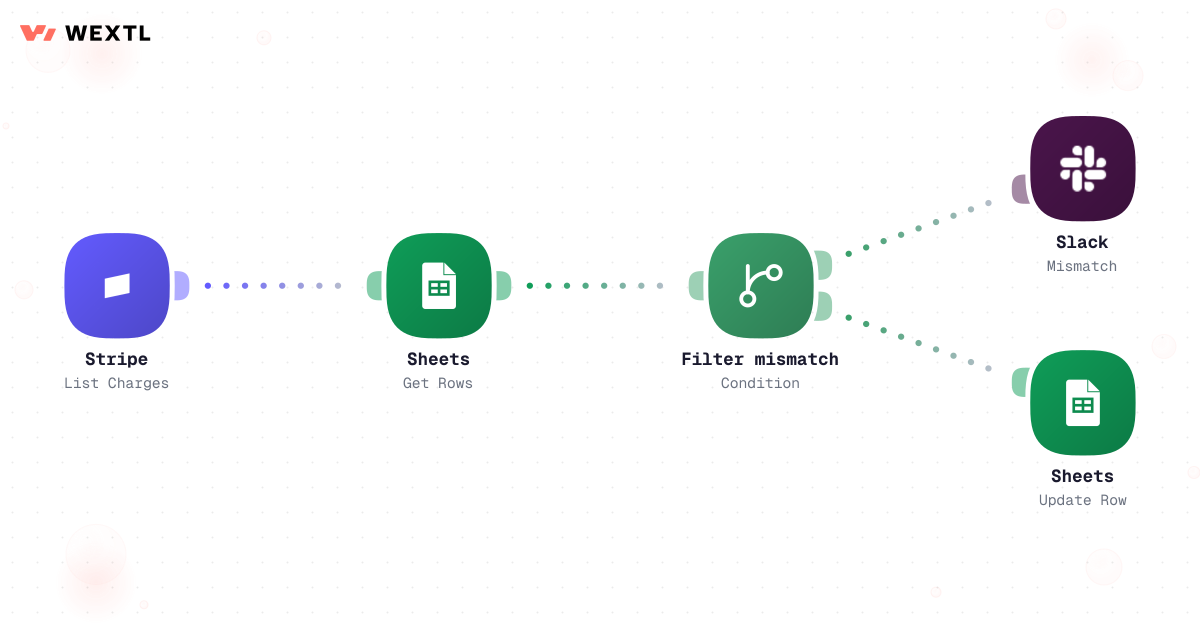
Compare billing to ledger rows and alert on mismatches before close.
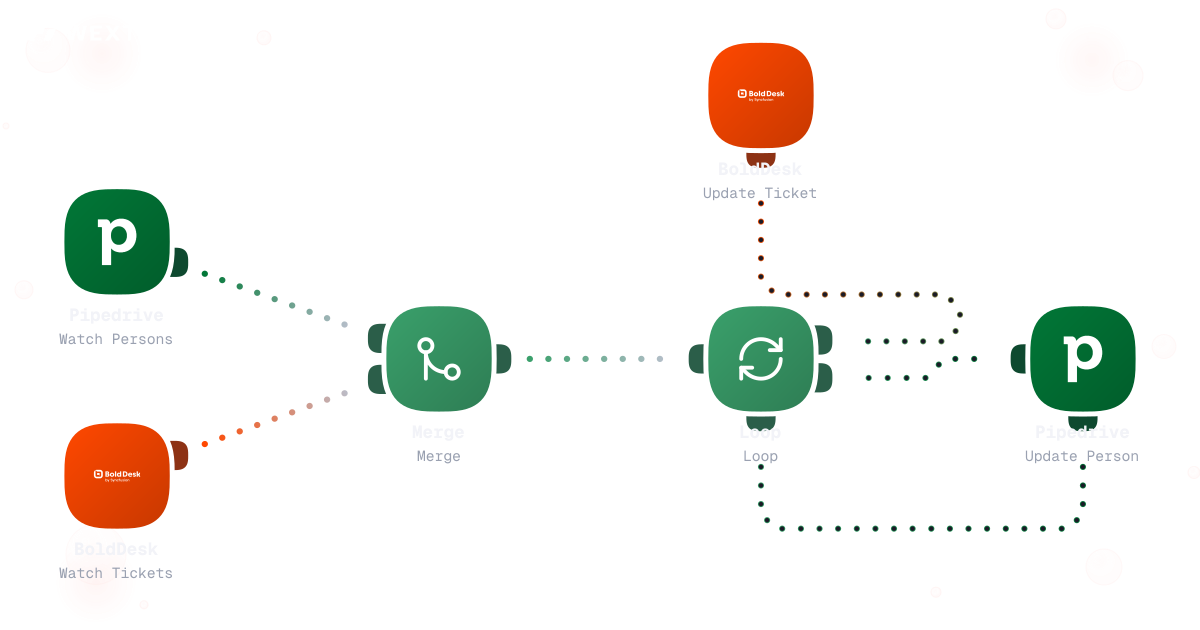
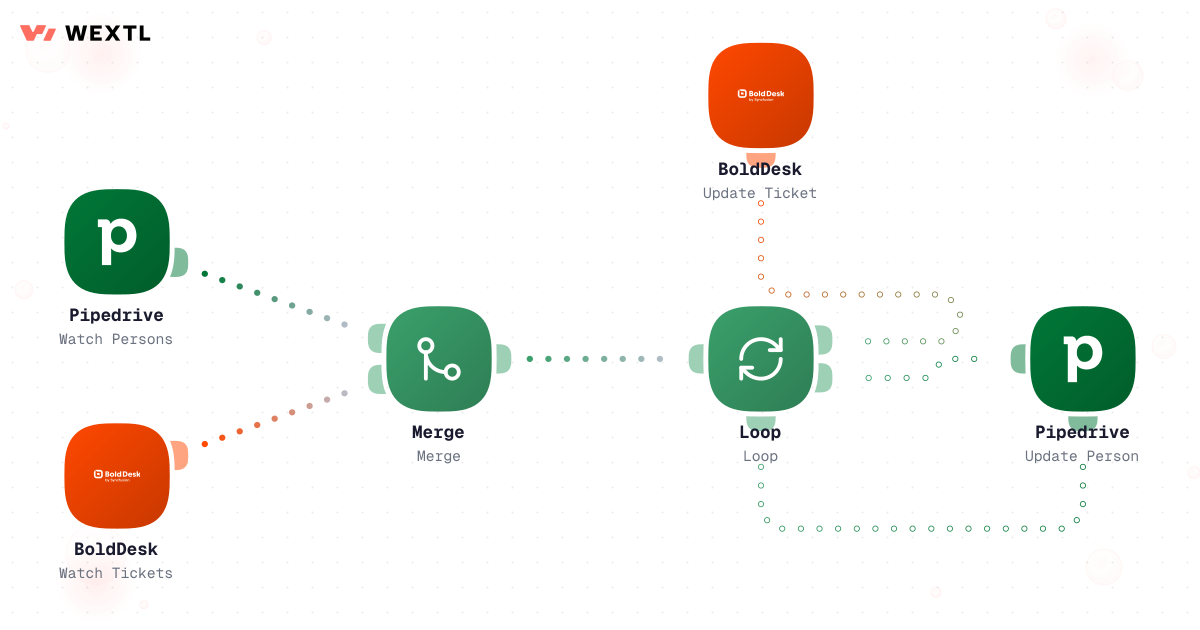
Aggregate changes from both systems and update records in a bounded loop.
Bidirectional sync between CRM and help desk
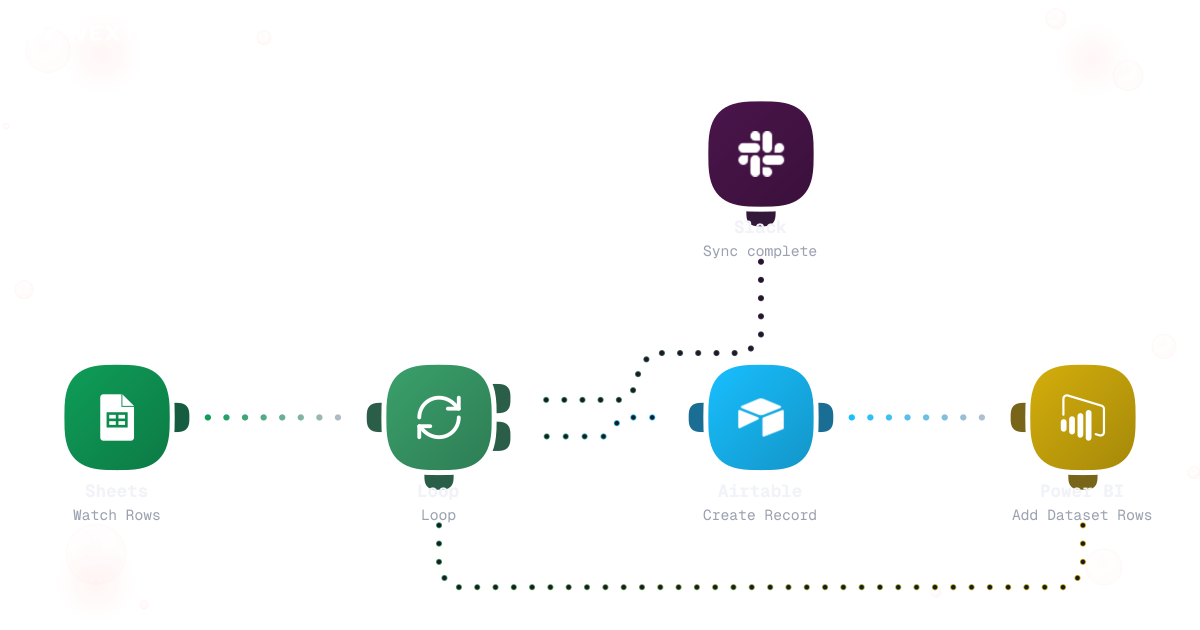
Watch rows, loop inserts, refresh BI, notify when complete.
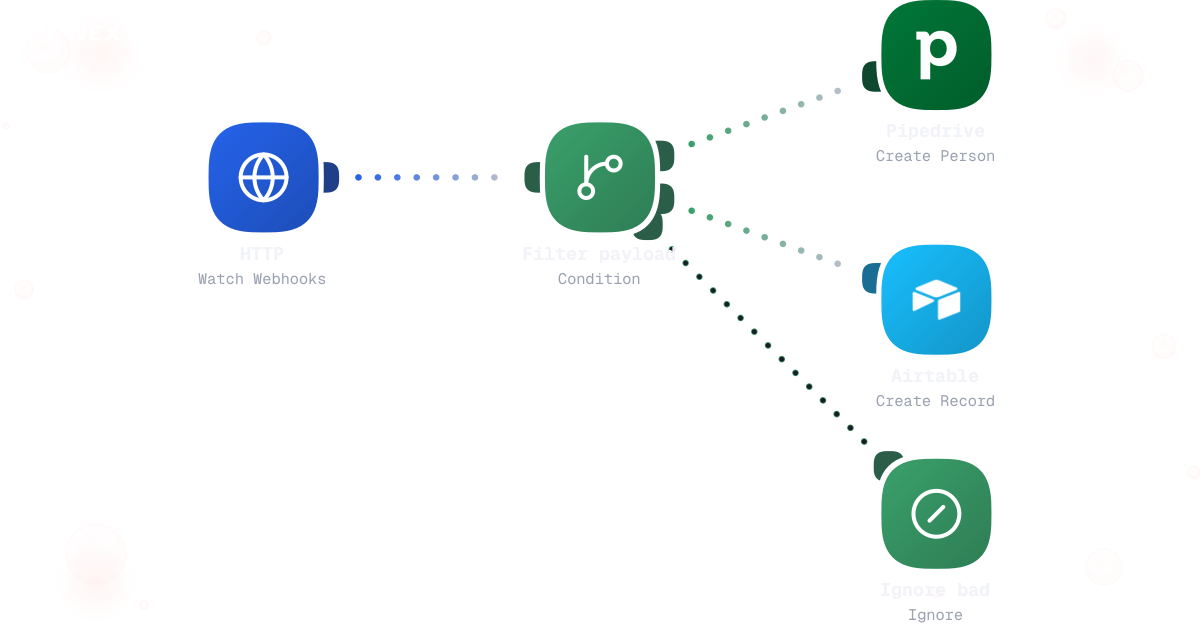
Validate payload shape, write to CRM or ops base, ignore garbage.
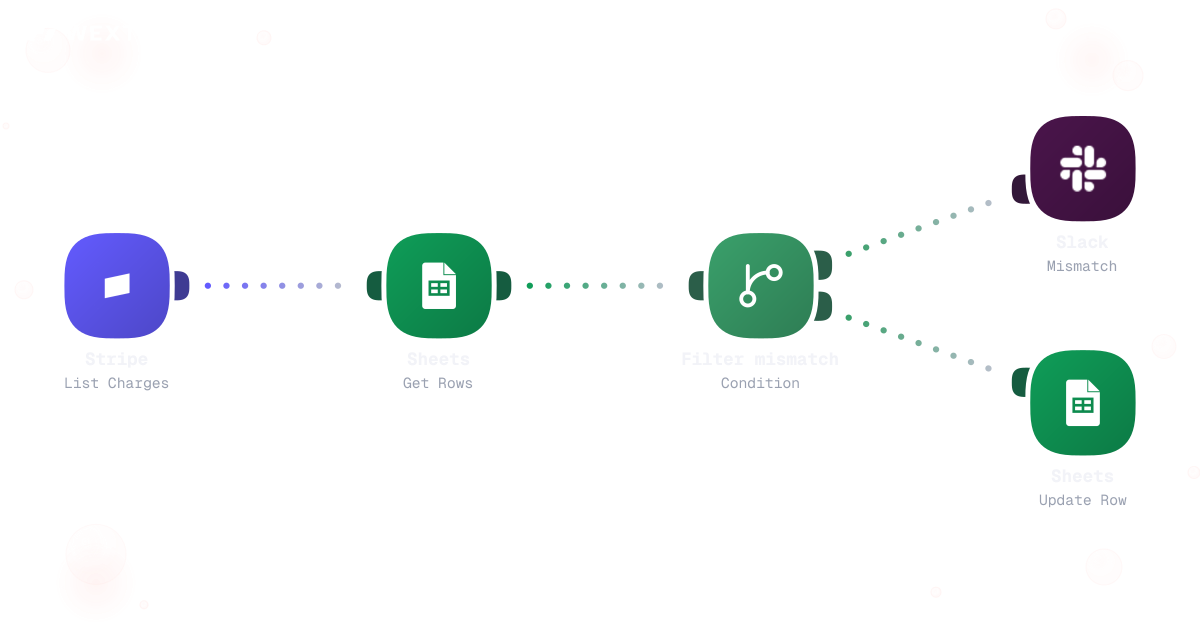
Compare charges to ledger rows; alert or fix mismatches.
None of this needs a data engineer. It needs to happen every day, in four systems — CRM, help desk, spreadsheets, and the ledger — without anyone noticing when it doesn't.
A rep edits a deal at 9am; the help desk ticket for that account still shows the old plan at 2pm because nobody remembered to update it by hand. A Friday afternoon means someone exports a CSV from the CRM, cleans it in a spreadsheet, and uploads it to the warehouse — and if they're out sick, the dashboard is a week stale before anyone notices. A finance close starts with a $340 gap between what Stripe charged and what the ledger sheet says, discovered the morning of the board call instead of the week before.
One system updates; the other finds out days later, if at all.
One person's CSV habit is the only thing keeping the warehouse current.
A billing-to-ledger gap surfaces the morning of the board meeting.
None of it needs judgment about which number is right. It needs someone — or something — checking every night.
A concrete run, start to finish — the two-way sync a RevOps analyst clones from the template library and points at their own CRM and help desk.
Trigger: a record changes on either side — a deal stage updates in the CRM, or a ticket's plan or tier field changes on the help desk.
WEXTL checks: which system owns that field under the source-of-truth map, whether the other side has a newer un-synced change to the same field, and whether the record is on the exclusion list (test accounts, archived deals).
Human judgment
A genuine field conflict, a delete without a matching rule, or a record outside the sync scope routes to a person instead of a guess. The workflow proposes the update; a person resolves the conflict.
A field updates in the CRM or a ticket updates on the help desk.
Checks the source-of-truth map, then flags it if the other side changed the same field since the last successful sync.
AI maps free-text notes or inconsistent picklists to the field the receiving system expects.
Test accounts and archived deals are skipped; a genuine conflict routes to a person instead of picking a side automatically.
Pushes the change to the other system and stamps a synced-at timestamp.
Every write is recorded for audit, and a Slack note reaches the record owner when a field they watch changes.
Runs overnight, timed to finish before the close meeting, and reads charges from the payment processor plus revenue rows from the ledger for the same date range.
Pairs rows by invoice or order ID, not by amount alone.
Groups likely-same mismatches — a rounding diff vs. a genuinely missing row — so the alert leads with what matters.
Every mismatch is proposed for a human decision, never silently written to either ledger.
Each diff is logged with a timestamp, and a Slack summary posts before the close meeting.
A mismatch marked 'known timing difference' doesn't re-alert every night.
The same discipline, applied to finance: compare two sources every night instead of discovering a gap at close.
Trigger: a scheduled run, timed to finish before the morning close meeting.
Sources compared: charges from the payment processor and revenue rows in the ledger or CRM for the same date range, matched on invoice or order ID.
Human judgment
The workflow never rewrites the ledger or the CRM on its own — every mismatch is a proposal a person confirms, adjusts, or marks as a known timing difference.
WEXTL is not trying to replace the person who owns data quality — it handles the row-by-row mechanics so that person can spend their time deciding what a conflict means, not chasing which system is right.
Not every team needs a dedicated sync workflow. It's built for the moments where two or more systems have to agree, and nobody wants to be the manual bridge between them.
You don't pick your systems of record — the CRM, the help desk, and the accounting tool are already decided elsewhere. What you control is whether they agree with each other.
These are the integrations most data sync workflows on WEXTL actually connect. An HTTP step reaches anything else with an API.


Someone still exports a CSV on Fridays so the warehouse table doesn't go stale over the weekend.
Schedule the pull, validate the rows against the destination schema, and load — with an alert if the source sheet is empty or malformed.
Runs nightly instead of waiting for someone to remember.
Type-checks each row before it reaches the warehouse table.
Every batch records row count and any rejects.
Polling once an hour is how 'eventually consistent' becomes 'visibly wrong' to a customer.
Accept the event, validate the payload, write the record, and acknowledge — with retries queued if the destination is briefly down.


Fires the moment the event lands, not on the next poll.
Unverified payloads are dropped before they touch a record.
A brief CRM outage queues the write instead of losing it.
Integrate Data Sync workflows with the tools your team already uses.
| Task | By hand | With WEXTL |
|---|---|---|
Keeping systems aligned | Manual exports and hope | Supported |
Partner webhooks | Custom code per partner | Guarded branches on the canvas |
Warehouse loads | Ad hoc scripts | Supported |
Reconciliation | Discovered at month-end | Nightly compare with alerts |