Onboarding on autopilot
Accounts, paperwork, and the welcome message go out the moment an offer is signed.


Onboarding, offboarding, approvals, pulse surveys — the work matters, the chasing does not. Design the process once and WEXTL runs it the same way every time, with a log to prove it.
Deploys this workflow into your workspace — you'll connect your own accounts.
Workflow that loops through onboarding checklist items and completes each one in order
* Illustrative example, not measured customer data.
Accounts, paperwork, and the welcome message go out the moment an offer is signed.
Requests reach the right approver on their own, and the reminders send themselves.
Pulse checks collect responses and hand you readable themes, not a raw spreadsheet.
When a record changes in your HRIS, payroll and the directory follow within minutes.
Four patterns most HR teams start with. Clone a template, swap in your tools, and adjust the steps to match your process.
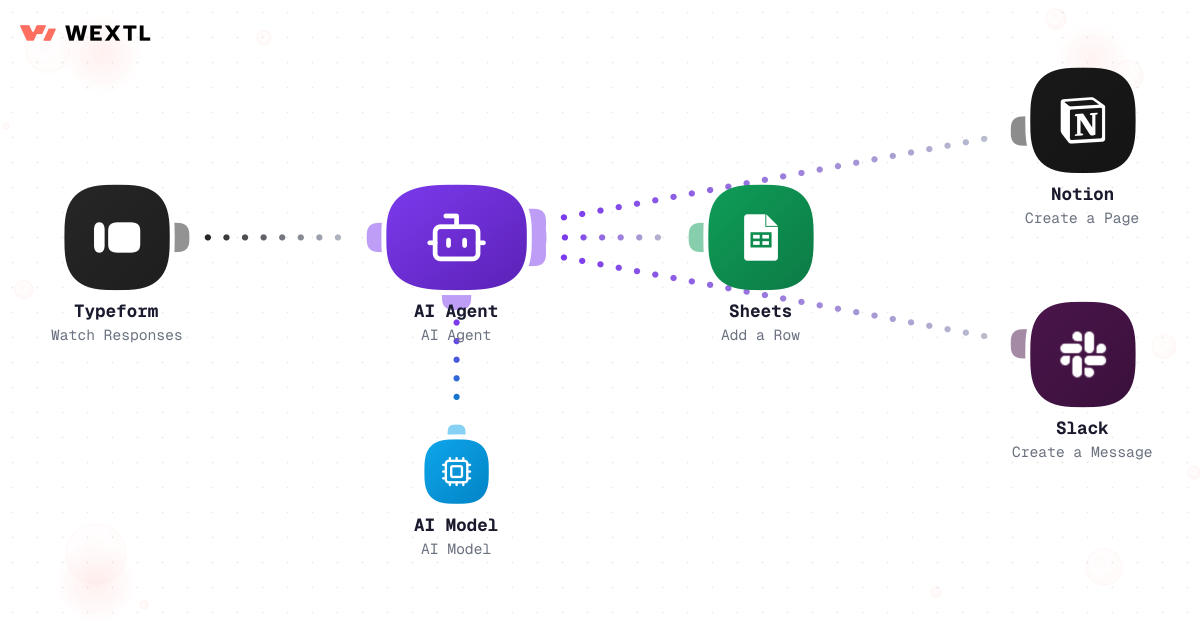
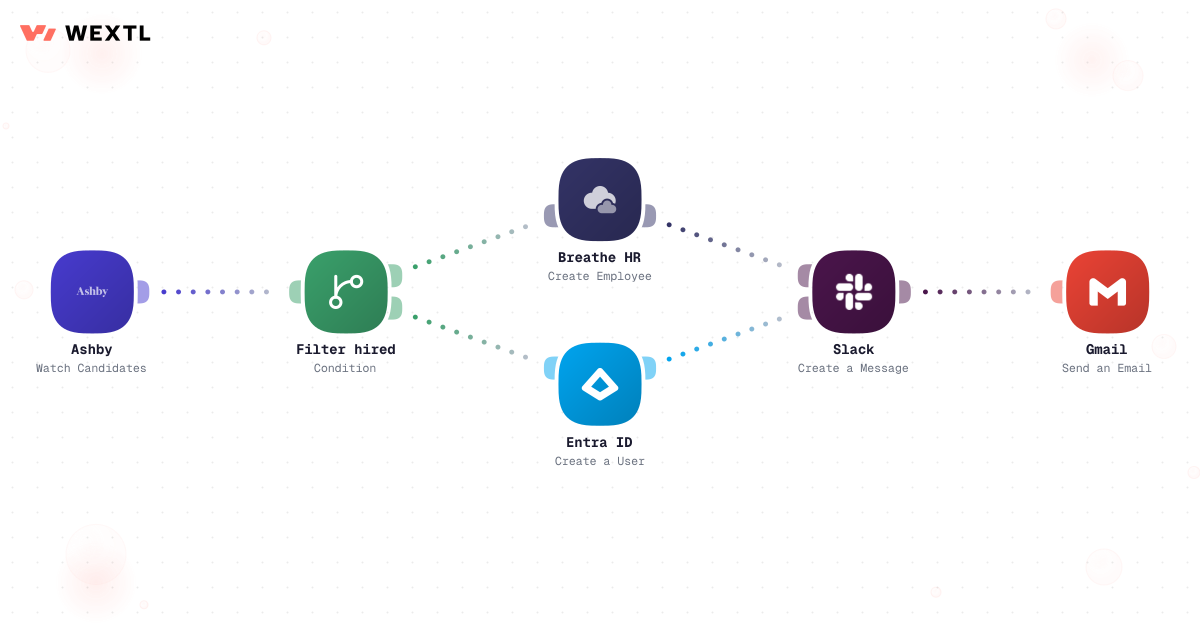
One workflow watches for signed offers and works through your entire checklist — accounts, groups, equipment, welcome email — in order.
Workflow that loops through onboarding checklist items and completes each one in order
Leave requests, comp changes, policy exceptions — each one routed, nudged, and escalated without a single follow-up email from you.
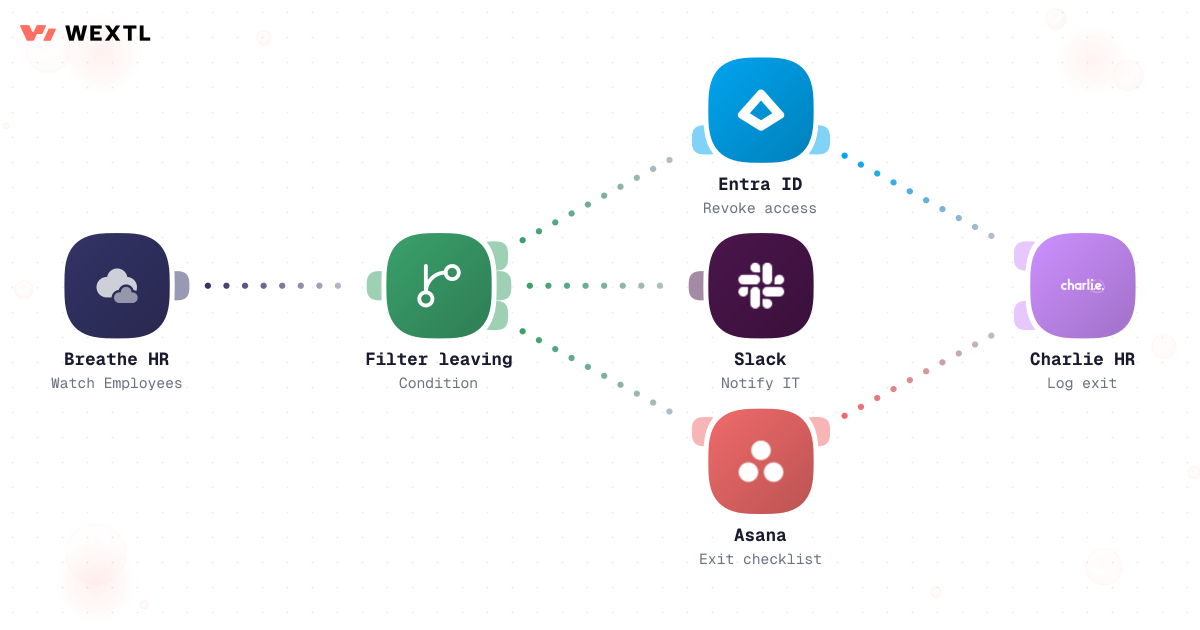
When someone leaves, access is revoked, equipment is recalled, and every stakeholder hears about it — in the right order.
Send a short pulse check, gather every response, and let an AI agent turn the raw answers into themes worth acting on.
None of it is hard. A promotion is one change — new title, new pay band, new reporting line — and yet it has to be typed into the HRIS, then payroll, then the directory, then benefits, each in a slightly different format. An approval sits in a manager's inbox because nothing nudges it after three days. A termination lands on a Friday afternoon and access has to be gone everywhere by end of day, coordinated by email between HR, IT, and security.
HRIS, payroll, the directory, and benefits each need the update separately.
A leave or comp request sits in an inbox until someone remembers to chase it.
Termination access removal coordinated by email across HR, IT, and security.
WEXTL is not trying to replace HR's judgment — it handles the repetitive record-keeping and routing so HR can spend more time on the people decisions that actually need a person.
A concrete run, start to finish — the onboarding workflow an HR generalist clones from the template library and adjusts to the company's own checklist.
Trigger: the offer is marked signed in the ATS, or the signed offer letter comes back through the e-sign tool.
WEXTL checks: employment type, work location and country, start date, department, and manager — then branches the rest of the checklist off those fields.
Human judgment
Compensation and start-date fields always wait for a human check. A missing work-authorization field halts provisioning and routes to HR instead of guessing at eligibility.
The e-sign or ATS event starts the run and pulls employment type, location, department, manager, and start date.
Contractors skip benefits enrollment; different countries pull different compliance documents.
AI personalizes the welcome note and fills the HRIS profile from the offer letter instead of retyping it.
Compensation and start-date fields wait for a human check before the profile goes active.
Access is created in the connected systems the role actually needs.
A day-one task list arrives already filled in, and every field read and branch taken is recorded for the audit trail.
A manager requests a raise or promotion through the HRIS form.
Reads the employee's current manager and role directly from the HRIS.
Flags a requested amount outside the role's configured band instead of routing it silently.
AI writes a short brief with current pay, requested pay, and band context.
Goes to the direct manager first; above the configured threshold, a second approver is added.
An approved change writes back to the HRIS and pushes to payroll for the next cycle.
Who approved, when, and at what amount — recorded on the employee record.
The same logic, applied to approvals: route on the org chart that already exists, not a manually maintained spreadsheet of who reports to whom.
Trigger: a manager submits a raise or promotion request through the HRIS self-serve form.
WEXTL checks: the requested amount against the role's comp band, the employee's current manager from the org chart, and whether the amount clears the threshold that requires a second approver.
Human judgment
No comp change is ever auto-approved. An amount outside the band, or a request missing a configured second approver, routes back to HR instead of moving forward on a guess.
Termination timing, disciplinary communications, compensation decisions, and anything touching protected employee data are exactly where automation should stop and hand back to a person — not because the tooling can't attempt them, but because getting them wrong carries legal and human cost that a slow, correct decision doesn't.
Where a human stays on
Anything affecting pay, employment status, or a disciplinary record gets drafted and routed — never decided — by the workflow.
The workflow executes the revocation; a person decides when it's appropriate to trigger it.
Sensitive fields write to the HRIS record; Slack gets a status, not the packet.
AI drafts context; it never decides an amount or a consequence.
Not every HR role needs this on day one. It's built for the parts of the job that repeat across a lot of hires, a lot of approvals, or a lot of systems that don't talk to each other.


Offboarding is a security deadline, not a task someone gets to eventually.
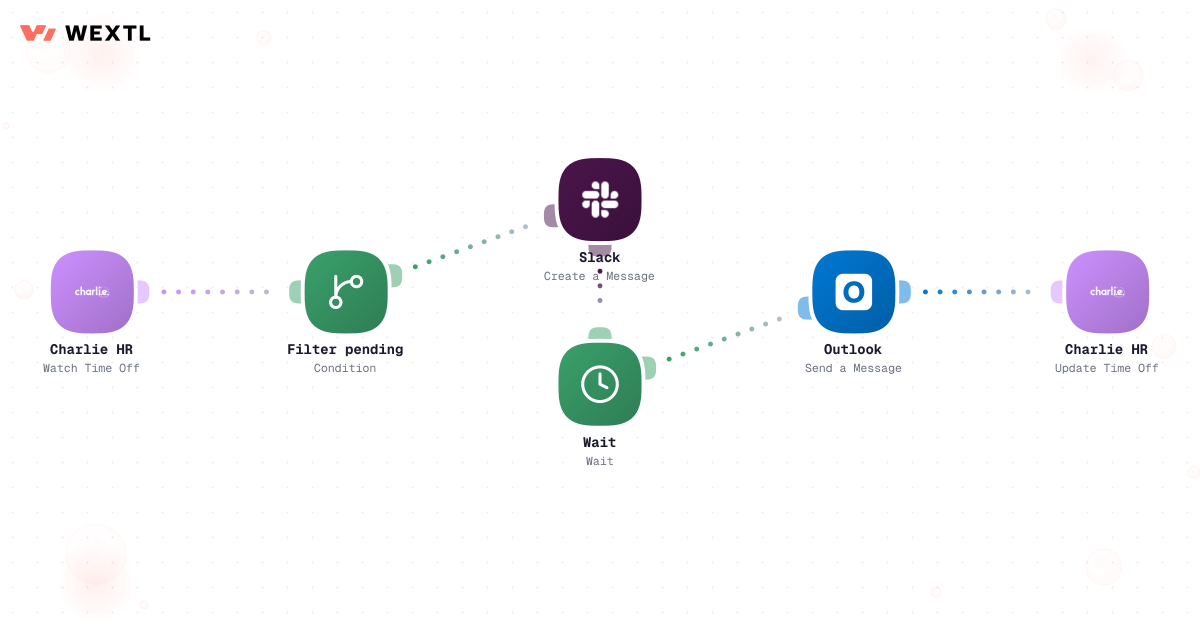
When the HRIS marks an employee terminated, the workflow revokes access at the effective moment and logs exactly what was removed and when.
Access is removed at the configured moment, not the next time someone checks.
A flagged account skips automatic revocation and routes to HR instead.
Every system checked and every access removed is recorded per run.
You don't get to pick a new HRIS just to automate around it. The HRIS, payroll, and ATS already in place are what has to be met where they are.
These are the integrations most HR workflows actually use. An HTTP step reaches anything else with an API.
Integrate HR workflows with the tools your team already uses.
| Task | By hand | With WEXTL |
|---|---|---|
Kicking things off | Someone remembers to start the checklist | Starts the moment the offer is signed |
Accounts and access | Five tickets and two days of waiting | Provisioned in one run, before day one |
Approvals | Forwarded emails and hallway reminders | Routed, nudged, and escalated automatically |
HRIS-to-payroll sync | The same record re-typed into three tools | Supported |
Audit trail | A shared doc, last updated in March | Per-step logs for every run |
Offboarding | Access lingers for weeks after exit | Revoked everywhere on the end date |