Scheduling without ping-pong
Requests, reschedules, and confirmations move through a workflow instead of your inbox.


Run three calendars without losing your evening.
Scheduling ping-pong, inbox triage, meeting prep, expense chasing — the work that eats your day in five-minute bites. Hand the repetitive parts to a workflow and keep the judgment calls.
Deploys this workflow into your workspace — you'll connect your own accounts.
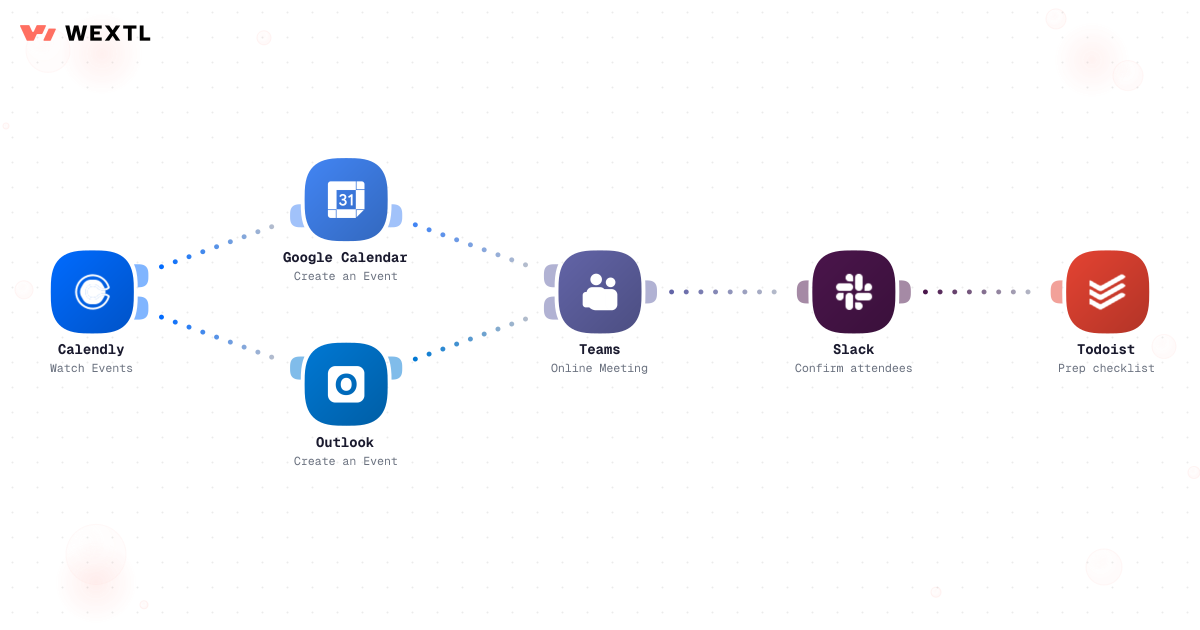
Workflow that works through a list of meeting requests and confirms each one
* Illustrative example, not measured customer data.
Requests, reschedules, and confirmations move through a workflow instead of your inbox.
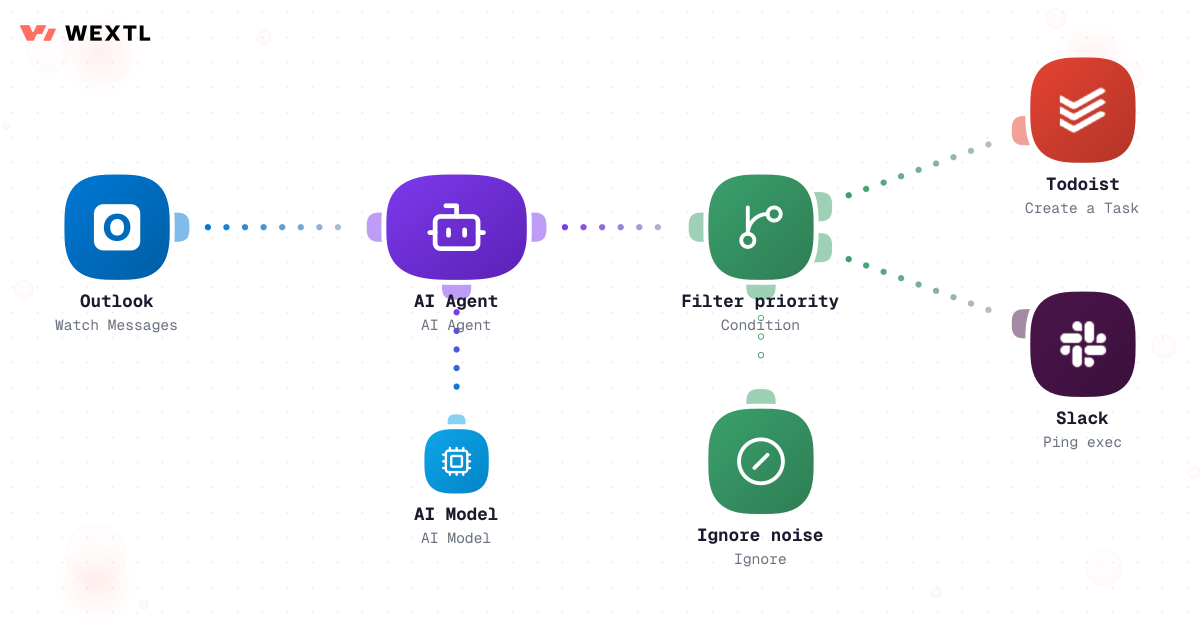
An AI agent sorts what came in overnight and flags the five messages that matter.
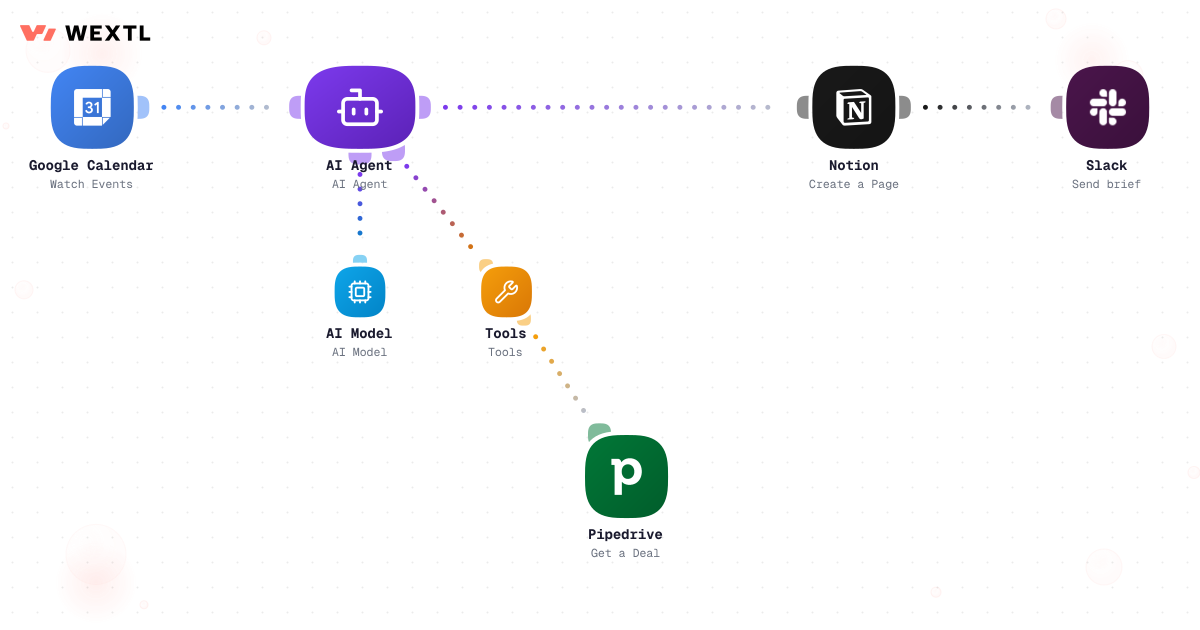
Notes, threads, and open items assembled into a one-pager before each meeting.
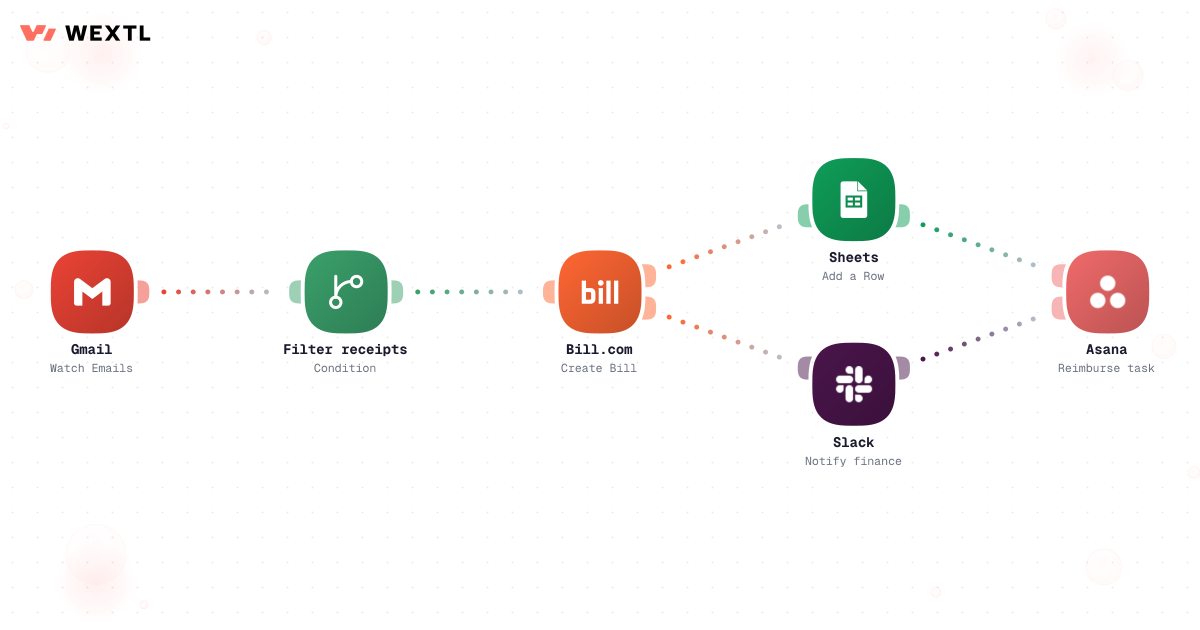
Travel confirmations and receipts collected and logged the moment they land.
Four categories cover most of an EA's repetitive work. Each shows exactly how the workflow triggers, decides, and knows when to stop.
A meeting request moves through one workflow — checked against real rules, confirmed, and logged — instead of six email threads.
Workflow that works through a list of meeting requests and confirms each one
An AI agent reads what arrived overnight, classifies it, and drafts — it never sends on its own.
Before each call, a workflow gathers who's attending, what happened last time, and what's still open.
Confirmations, itineraries, and receipts get collected, labeled, and logged as they arrive.
None of this is complicated work. It is just constant. A meeting request needs three back-and-forths before a time sticks. An inbox fills overnight with eleven things that do not matter and one that does, and they look identical until you have read all twelve. A brief has to exist before a call whether or not last night gave you time to build one.
Three back-and-forths before a time sticks.
Eleven things that do not matter, one that does.
Assembled the night before, by hand.
None of it needs your judgment. All of it needs to happen anyway.
A concrete run, start to finish — the kind of scheduling workflow an EA clones from the template library and adjusts to match how their exec actually works.
Trigger: a new meeting request arrives — an email asking for time, or an external contact using a booking link.
WEXTL checks: calendar availability across every connected calendar, working-hour and time-zone rules, saved preferences and buffers (no meetings after 4pm, fifteen minutes before board calls), existing holds and commitments, and any VIP or priority rules configured for specific contacts.
Human judgment
A double-booked VIP, a request from someone outside your rules, or any reply that needs tone rather than facts routes to you instead of getting a guess. The workflow proposes; you decide the judgment calls.
An email or booking-link submission starts the run.
Reads every connected calendar for open windows.
Filters against working hours, time zones, and buffers you've set.
A configured VIP list gets first choice of slot, where you've set one up.
AI proposes a time and any context the requester needs.
Waits for you unless auto-send is on for that condition.
Creates the calendar event once approved.
Invites the room or team members if the meeting needs them.
Every step — read, decided, drafted — is recorded for the audit trail.
Pulls calendar, CRM, recent email, and linked documents for the meeting.
Drops fields not mapped for this meeting type — a sales call and a 1:1 pull different sources.
Compresses threads and notes into a few lines each, not raw dumps.
Surfaces unresolved items and questions from the last interaction.
Assembles attendees, history, and open items into one page.
Marks fields it couldn't confidently fill instead of guessing.
Posts to Slack or email ahead of the meeting, not the night before.
You can edit any field before the exec sees it.
The same logic, applied to meeting prep: pull from every source that actually has context, then hand over only what's decision-ready.
Trigger: a meeting starts within a set window on the connected calendar.
Sources combined: calendar details, CRM notes, recent email with the attendees, notes from the previous meeting, open tasks, and any documents linked to the deal or project.
Human judgment
If the calendar and CRM disagree about a meeting, or a source is missing entirely, the brief flags it instead of picking one silently — you resolve it before it reaches the exec.
"AI executive assistant" gets used to mean a chatbot, a scheduling bot, or a fully autonomous agent — three different things. Here, it means three layers working together, not a replacement for the EA.
Classifies, summarizes, extracts, and drafts — reading a thread, writing a reply, pulling the right CRM fields.
Moves a request from inbox to calendar, checks it against the rules you've set, updates the CRM or brief, and logs what happened at each step.
Sensitive communications, exceptions, ambiguous requests, and relationship-sensitive decisions stay with the EA.
WEXTL is not trying to replace the executive assistant — it handles the repetitive coordination and information work so the EA can spend more time on judgment, relationships, priorities, and decisions.
Sensitive executive communications, relationship-sensitive replies, ambiguous scheduling calls, and anything with incomplete or uncertain context are exactly where automation should stop and hand back to a human — not because the tooling can't attempt them, but because getting them wrong costs more than doing them slowly.
Where a human stays on
Anything that sends mail as the exec, any reply where tone matters more than facts, any expense that needs the exec's own card. The workflow drafts, flags, and proposes for these — it does not decide.

Requests, filing, and briefs assemble without you.
Auto-send is an opt-in switch, not the default.
Anything charging the exec's card stays a human call.
Not every EA role needs this on day one. It's built for the parts of the job that repeat across a lot of meetings, a lot of messages, or a lot of systems.
Not a hypothetical — the moments an EA actually navigates in one day, and what changes when a workflow runs alongside.
Meetings land from three time zones at once. The workflow checks every connected calendar and proposes slots that respect working hours in each — before you've opened your inbox.
The exec forwards a batch asking "can you handle these?" Routine ones get filed and drafted; anything ambiguous or sensitive waits for you in the digest.
The room hold, the calendar, and everyone already invited update from one change — you don't chase each thread separately.
The new arrival time lands in the itinerary workflow, labeled and matched to the right trip — no separate email hunt before wheels-up.
Attendee history, the last conversation, and open items assemble into one page before you have to ask for it.
Judgment showed up exactly where it mattered — the sensitive reply, the ambiguous request. Everything else just ran.


Forty minutes of triage before real work is a tax on every executive day.
An AI pass files the routine, summarizes threads, and hands you only what needs a decision.
The cost of a prepared exec is the night before — pulling notes and open items by hand.
On a schedule, gather attendees, last conversation, and open deals into one brief.

You don't get to choose the tools. The exec's calendar, inbox, and CRM are fixed — whatever you automate has to meet them where they are.
These are the integrations most Executive Assistant workflows actually use. An HTTP step reaches anything else with an API.
An EA's job carries disclosure risk as much as busywork — the wrong auto-sent reply to a board member is a bigger problem than a slow one. Every AI step here defaults to draft-and-review, not draft-and-send, and every run is logged per step, so you can see exactly what was read, what was decided, and what an AI drafted before anything reaches an inbox.
Start from a template another EA already built and tuned — meeting-briefs and inbox-triage are cloneable, not blank canvases — then adjust the branches to match how your exec actually works.
AI steps propose; a switch you control turns on auto-send.
See what was read, decided, and drafted, per step.
Clone a real EA workflow instead of a blank canvas.
Integrate Executive Assistants workflows with the tools your team already uses.
* Illustrative example — a typical week, not measured customer data.
| Task | By hand | With WEXTL |
|---|---|---|
Scheduling a meeting | Eleven emails to find a slot | Preferences checked, invite sent, done |
Morning inbox | Forty minutes of skimming before coffee | A digest of what needs you, ready at 7 am |
Meeting prep | Assembled the night before, by you | Assembled on schedule, by a workflow |
When plans change | Update the calendar, the guests, the room, the car | One change fans out everywhere it needs to |
Expense reports | A shoebox of PDFs at month end | Filed and labeled as receipts arrive |
Workflow history | No centralized record — memory and scrolling through sent mail | Every run recorded with step-by-step history |