Pipeline to billing
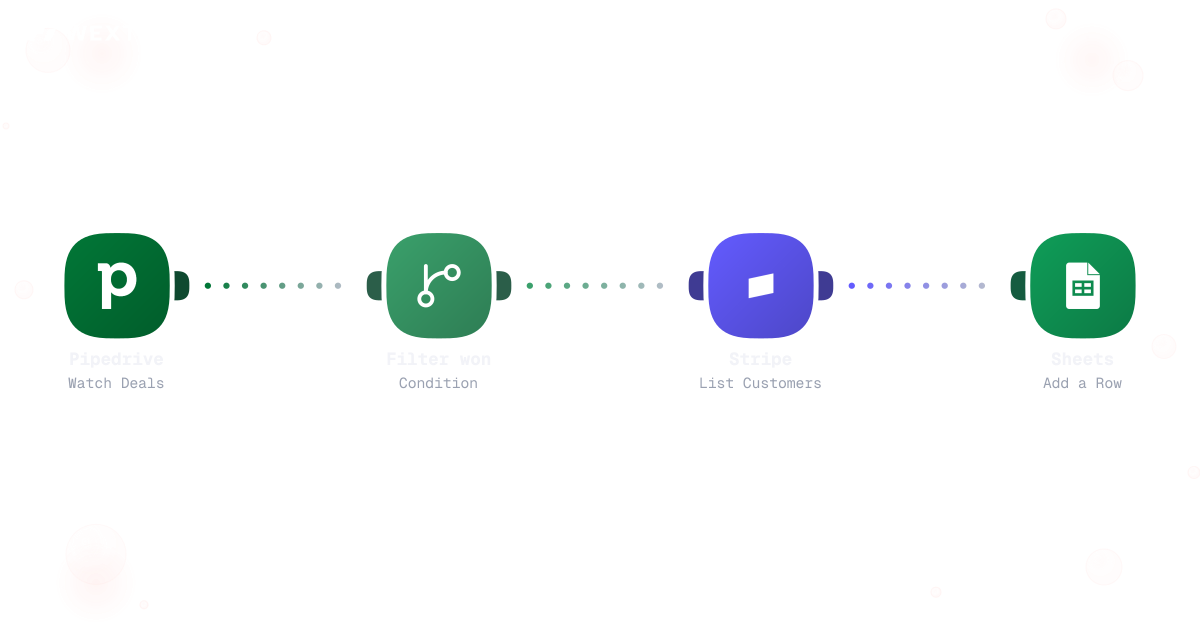
Won deals trigger Stripe checks and ledger rows automatically.


Deals close in the CRM while billing and CS still guess at timing. WEXTL connects pipeline, invoices, churn signals, and forecasts on a canvas RevOps can own — without a spreadsheet religion.
Deploys this workflow into your workspace — you'll connect your own accounts.
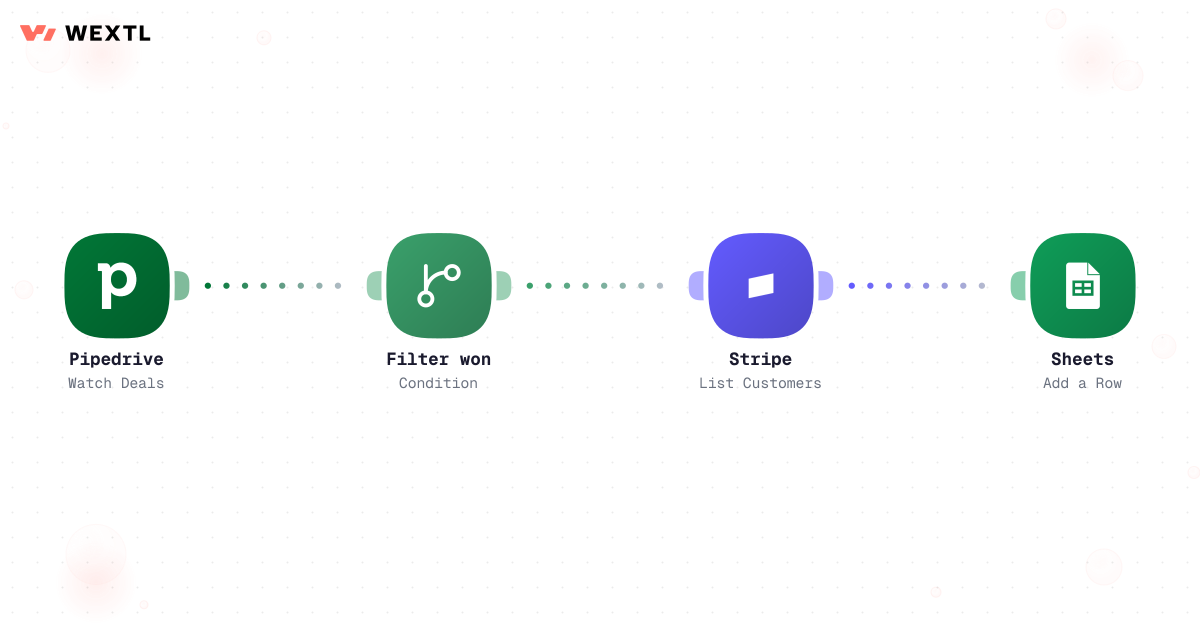
Workflow syncing won Pipedrive deals to Stripe and Google Sheets
* Illustrative example, not measured customer data.
Won deals trigger Stripe checks and ledger rows automatically.
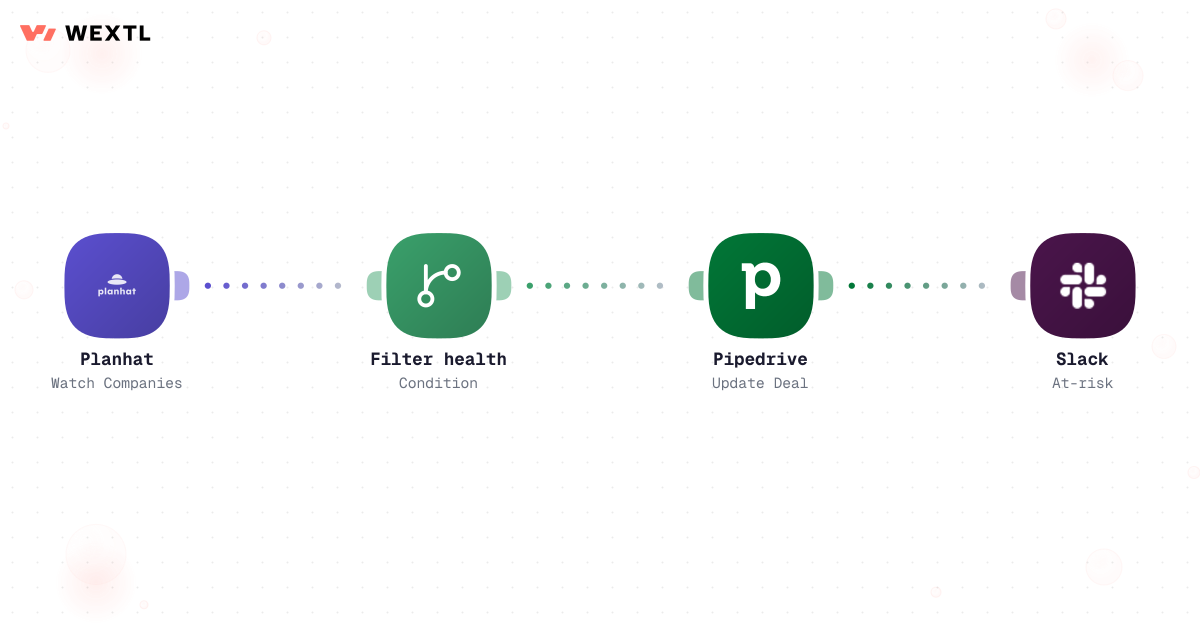
Health drops in Planhat ping owners and update CRM fields.
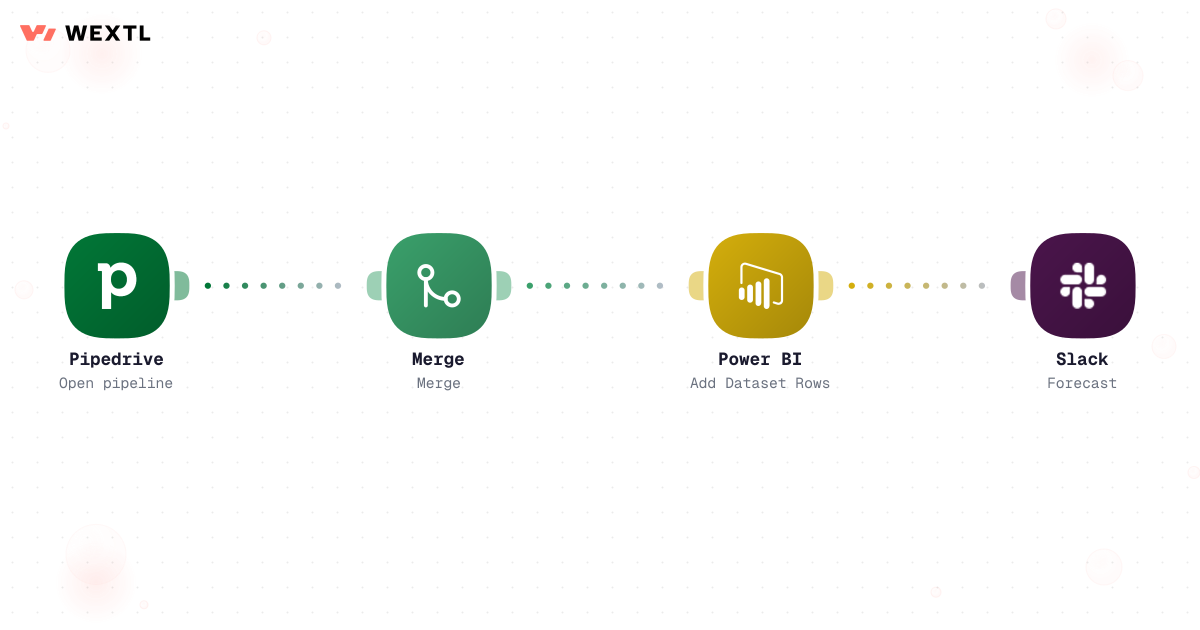
Refresh BI datasets and post the weekly number to Slack.
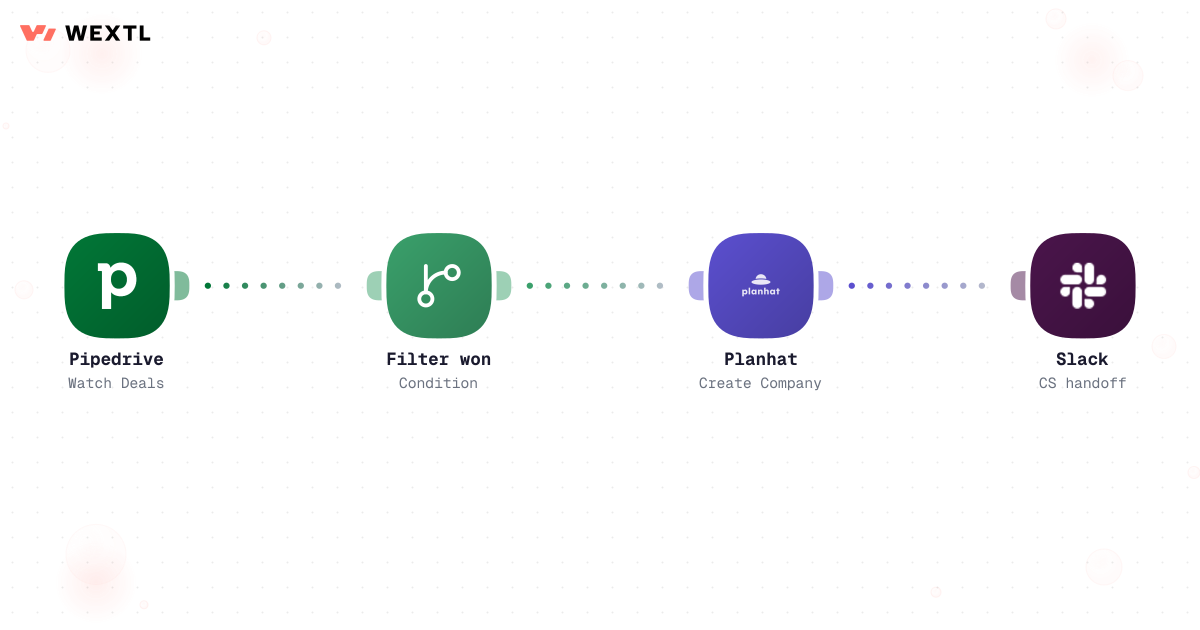
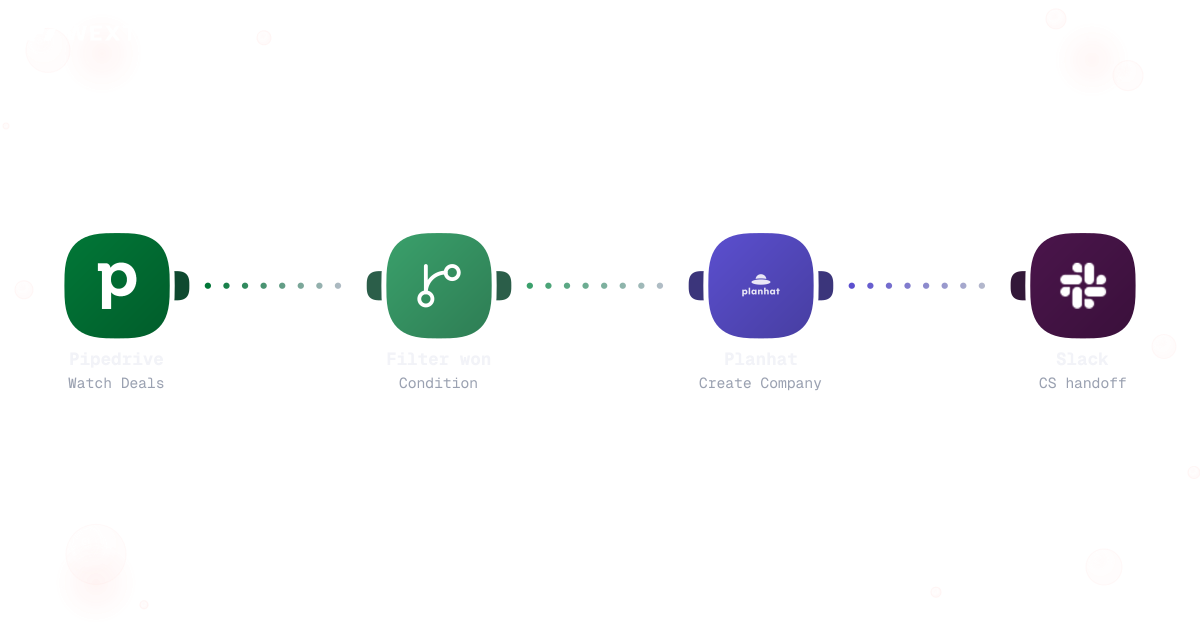
Closed-won creates CS records and notifies the pod channel.
Watch Pipedrive deals, filter won stage, verify Stripe customer, append sheet row.
Workflow syncing won Pipedrive deals to Stripe and Google Sheets
Watch Planhat companies, filter health score, update Pipedrive, alert Slack.
Pull open pipeline, aggregate, refresh Power BI, post Slack summary.
Filter closed-won, create Planhat company, notify CS Slack with context.
None of it is exotic work. It's reconciliation — the CRM says one thing, billing says another, and someone has to notice before the board deck goes out. It's a forecast category that means something different to every rep who fills it in. It's a deal-desk queue of non-standard discount requests nobody escalated in time, and a territory map still routing leads to a rep who left last week.
CRM shows Closed Won; billing shows no subscription — and nobody notices until close.
One rep's Commit is another's Best Case, and the roll-up inherits the difference.
A headcount change on Friday; Monday's leads still route to the old owner.
WEXTL is not trying to replace the RevOps function — it handles the reconciliation and classification busywork so RevOps can spend more time on process design, deal-desk judgment calls, and the systems architecture behind the numbers.
A concrete run, the kind a RevOps analyst clones from the template library and points at their own CRM and billing stack.
Trigger: a scheduled run ahead of the Monday pipeline review, or a stage-change event on a tracked deal.
WEXTL checks: every deal that changed stage since the last run, its prior-period ARR if any, current ARR, and billing status, against a fixed rule set for classifying the change — not a fresh judgment call each week.
Human judgment
Ambiguous classifications — missing baseline ARR, a deal that skipped stages, a contract restructured mid-term — go to a RevOps lead instead of getting bucketed automatically. The workflow classifies the clear cases; it doesn't guess at the disputed ones.
Reads every deal that changed stage since the last run, then looks up each account's prior-period ARR to establish the comparison baseline.
Buckets the change into new, expansion, contraction, reactivation, or churn using the same rule set every run.
A deal with no prior ARR on file, or a stage history that skips steps, is set aside instead of guessed at.
AI drafts the two-sentence "what moved and why" line that leads the digest.
A RevOps lead resolves only the flagged rows before they're added to the pack.
Appends classified rows to the Clari or Power BI dataset, then delivers the digest and full table to the leadership channel.
Reads the deal's stage, ARR, and account ID from Pipedrive or Salesforce, then checks Stripe or Chargebee for a matching subscription.
Flags a mismatch when one system has a record the other doesn't, or the ARR figures disagree past a set tolerance.
For Closed Won deals, confirms a matching company record exists in Planhat.
Ranks each mismatch by ARR exposure, appends it to the reconciliation sheet, and pings the deal owner.
A mismatch open past 48 hours escalates to the RevOps lead instead of aging silently.
The same discipline applied to the handoff points where CRM, billing, and CS tools are all supposed to agree — and quietly don't.
Trigger: a nightly scheduled run, or immediately when a deal's CRM stage changes to Closed Won.
Sources compared: the CRM deal record, the billing subscription record, and — for the CS handoff — the CS platform's company record.
Human judgment
The workflow never edits a system of record to make it match another — it flags the disagreement and the ARR at stake, and a person decides which system is actually right.
Not every GTM org needs this on day one. It's built for the parts of the job that repeat across a lot of deals, a lot of systems, or a lot of exceptions.
RevOps doesn't get to pick a single tool — the CRM, the billing system, the CS platform, and the BI tool are all fixed, and the job is making sure they tell the same story.
These are the integrations most RevOps workflows actually use. An HTTP step reaches a custom CPQ or a homegrown system with an API.
Integrate RevOps workflows with the tools your team already uses.
| Task | By hand | With WEXTL |
|---|---|---|
Pipeline → billing | Weekly reconciliation meetings | Supported |
Churn visibility | Spreadsheet health tabs | Automated CRM + Slack signals |
Forecast cadence | Manual exports before exec readout | Supported |
CS handoff | Email intros and lost context | Structured handoff with run log |