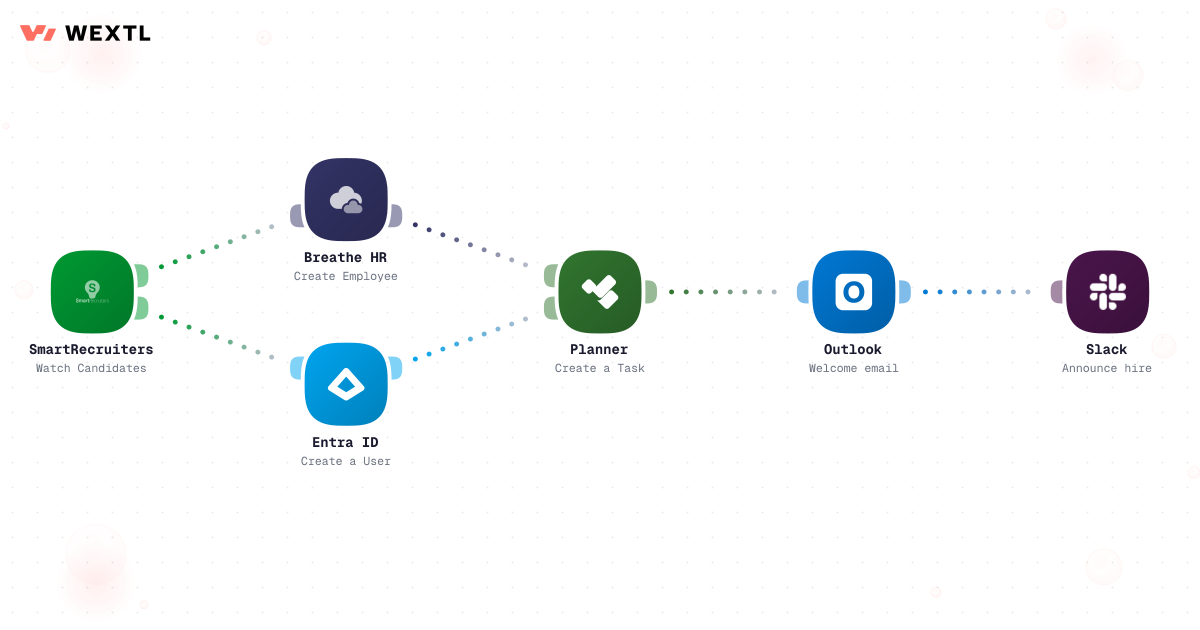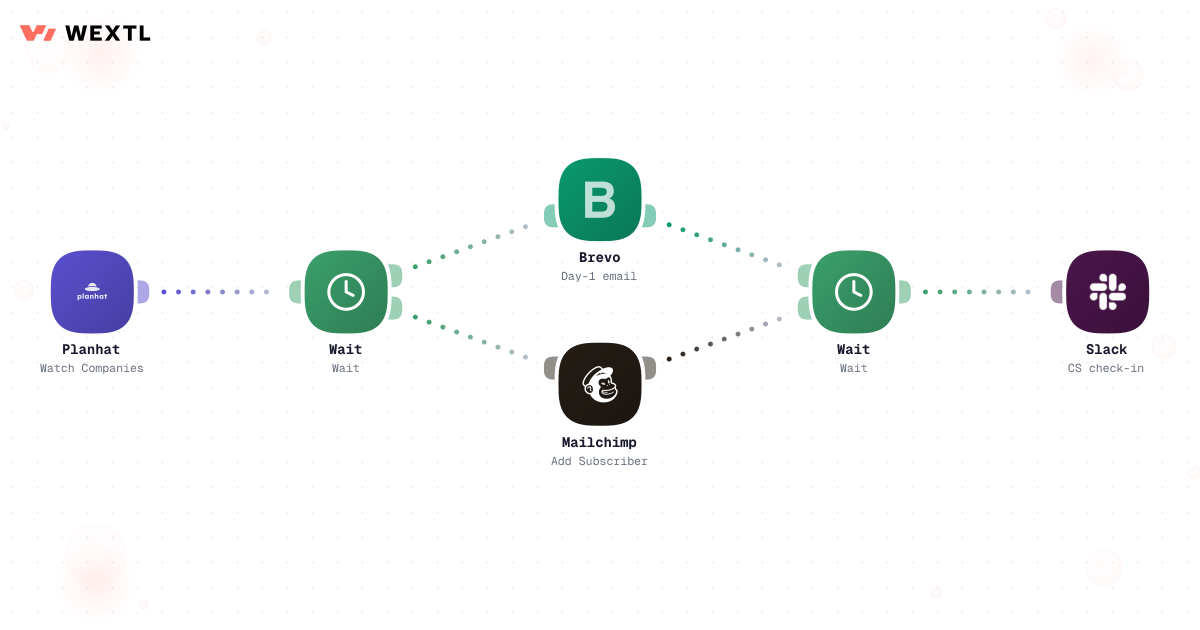
Day-one setup
Accounts, invites, and access requests fire the moment the contract is signed or the offer is accepted.


Whether it's a new customer or a new hire, the first week is a checklist of small tasks that always slip. Put the checklist in a workflow and day one takes care of itself — accounts created, invites sent, owners notified.
Deploys this workflow into your workspace — you'll connect your own accounts.
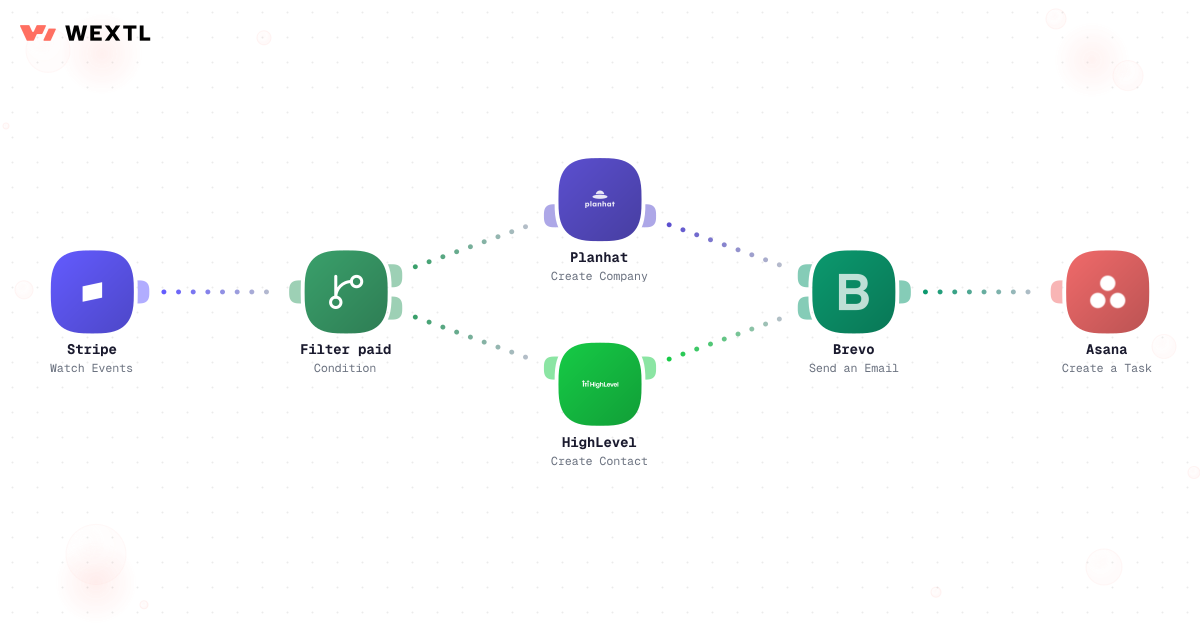
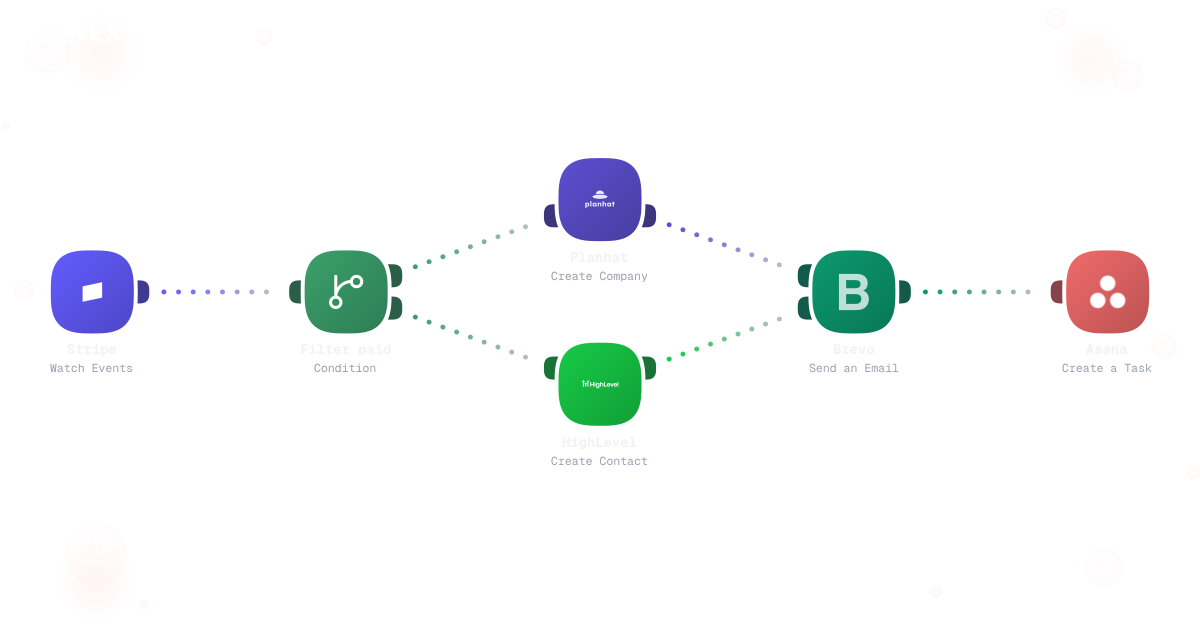
Workflow that loops over new customer records and creates accounts and welcome tasks for each
* Illustrative example, not measured customer data.
Accounts, invites, and access requests fire the moment the contract is signed or the offer is accepted.
Each step runs, logs itself, and pings a human only when a decision is actually needed.
Welcome emails branch on what the person actually does — finished setup gets the next step, stalled gets a nudge.
Every run is logged step by step, so you can see exactly which new starter is stuck where.
Customer or employee, the shape is the same: a trigger, a checklist of steps, and a clear record of what ran.
The deal closes and the workflow takes over: workspace provisioned, kickoff scheduled, welcome sequence started.
Workflow that loops over new customer records and creates accounts and welcome tasks for each
Offer accepted becomes accounts created: email, chat, HR system, and the team channels they'll actually need — branched by role.
The sequence checks what happened before sending the next message. Finished the setup guide? Skip it. Stalled for three days? Send the nudge and tell the owner.
None of it is hard. A new hire's directory account gets created a day late because the ticket sat in a queue. A signed contract sits in an inbox for two days before anyone tells Customer Success it closed. A welcome sequence sends the same day-one email to everyone, whether they finished setup or haven't logged in once.
A start date arrives before the directory account does.
Sales closes the deal; CS finds out from a forwarded email, or doesn't.
Setup-guide reminders sent to people who finished setup last week.
None of it needs a judgment call. All of it depends on someone remembering — until it doesn't.
A concrete run, start to finish — the kind of provisioning workflow an HR or IT team clones from the template library and adjusts to their own access tiers.
Trigger: an offer is marked accepted in the ATS, or a start date is confirmed in the HRIS.
WEXTL checks: department and role (to pick the right access set), employment type — full-time vs. contractor — work location, and whether a manager is assigned on the record.
Human judgment
A start date that moves, a missing manager assignment, or any request for admin-level access routes to a person instead of provisioning against a guess. The workflow assembles the access; IT decides the exceptions.
The ATS record flips to accepted and starts the run.
Reads department, role, manager, start date, and location from the HRIS record.
Engineering gets repo and staging access, finance gets ERP access — mapped by department and role — and contractors get scoped, time-limited access instead of the standard full-time set.
AI personalizes it with the manager's name, team, and first-week schedule.
Any request touching finance systems or admin-level groups waits for a human sign-off.
Creates the directory account, assigns groups, adds the new hire to the right Slack channels, and records each action against the hire's record for the audit trail.
A closed-won status or a fully executed contract starts the run.
Reads plan tier, contract value, and the handoff notes from the CRM.
No technical contact on file holds the run and asks CS to request one; self-serve accounts skip the kickoff call while enterprise accounts get one scheduled within 2 business days.
AI pre-fills the CS handoff brief from the deal's notes and call transcripts.
The assigned CSM confirms the kickoff date and reviews the brief before it reaches the customer.
Provisions the CS workspace and generates the first invoice — unless no payment method is on file.
The same logic, applied to a signed deal: get the account ready and the kickoff scheduled before the champion has to ask what happens next.
Trigger: a deal is marked closed-won in the CRM, or the contract shows fully executed after the last signature.
WEXTL checks: plan tier, contract value, whether a technical contact is on file, and whether a payment method is attached to the account.
Human judgment
A contract signed without a payment method holds the invoice and flags billing instead of invoicing a guess. A strategic account's contract terms stay a CSM's call, not the workflow's.
Not every team needs this on day one. It's built for the parts of onboarding that repeat across a lot of hires, a lot of signed deals, or a lot of systems that don't talk to each other.
WEXTL is not trying to replace HR, IT, or Customer Success — it handles the provisioning and scheduling mechanics so the people who own onboarding can spend their time on the parts that need a person.
Onboarding paperwork — I-9, tax forms, direct deposit — usually means a new hire fills something out and someone else re-keys it into payroll days later.
Completed onboarding forms flow straight into payroll setup the moment they're signed, so the first pay cycle isn't a scramble.
Signed forms trigger payroll setup instead of sitting in an inbox.
Banking details reach payroll before the first pay cycle, not during it.
The signed form and the payroll record reference the same hire, not a re-typed copy.


A signed contract sitting in an inbox for two days is a slow start with a customer who just committed.
The moment the last signature lands, the account and the first invoice exist — no handoff email to finance required.
The e-signature event is the trigger, not a status someone updates by hand.
The first invoice generates with the numbers already on the signed contract.
No forwarded email — the invoice exists in the finance tool the moment the contract closes.
You don't get to pick a clean slate. The ATS, HRIS, CRM, and e-signature tool are already fixed — whatever you automate has to meet them where they are.
These are the integrations most onboarding workflows actually use. An HTTP step reaches anything else with an API.
Integrate Onboarding workflows with the tools your team already uses.
| Task | By hand | With WEXTL |
|---|---|---|
Day-one readiness | Logins arrive during week one, maybe | Accounts and access ready before they walk in |
The checklist | A doc someone forgets to open | A workflow that runs every item and logs it |
Welcome emails | One generic blast for everyone | A sequence that branches on what each person does |
Tool-to-tool handoffs | Copy-paste between five tabs | Supported |
Who is stuck where | Ask around and hope | One run history, per person, per step |
Ten signups in one day | A very long day | Supported |