Reports on schedule
Pull numbers from ads, analytics, and the CRM, then post the summary to Slack every Monday morning.


Connect the tools your team already uses and let WEXTL handle the busywork between them. Leads land in the CRM with attribution, reports post on schedule, and nobody rebuilds a spreadsheet on Monday.
Deploys this workflow into your workspace — you'll connect your own accounts.
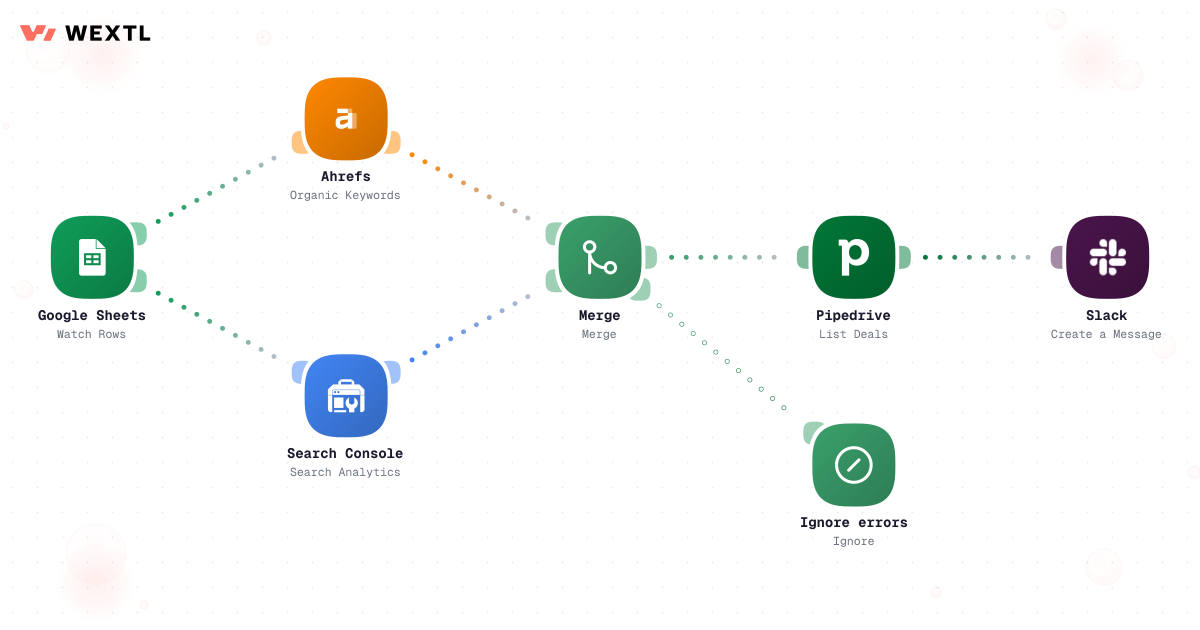
Branched workflow gathering campaign metrics from several sources, filtering them, and routing failures separately.
Pull numbers from ads, analytics, and the CRM, then post the summary to Slack every Monday morning.
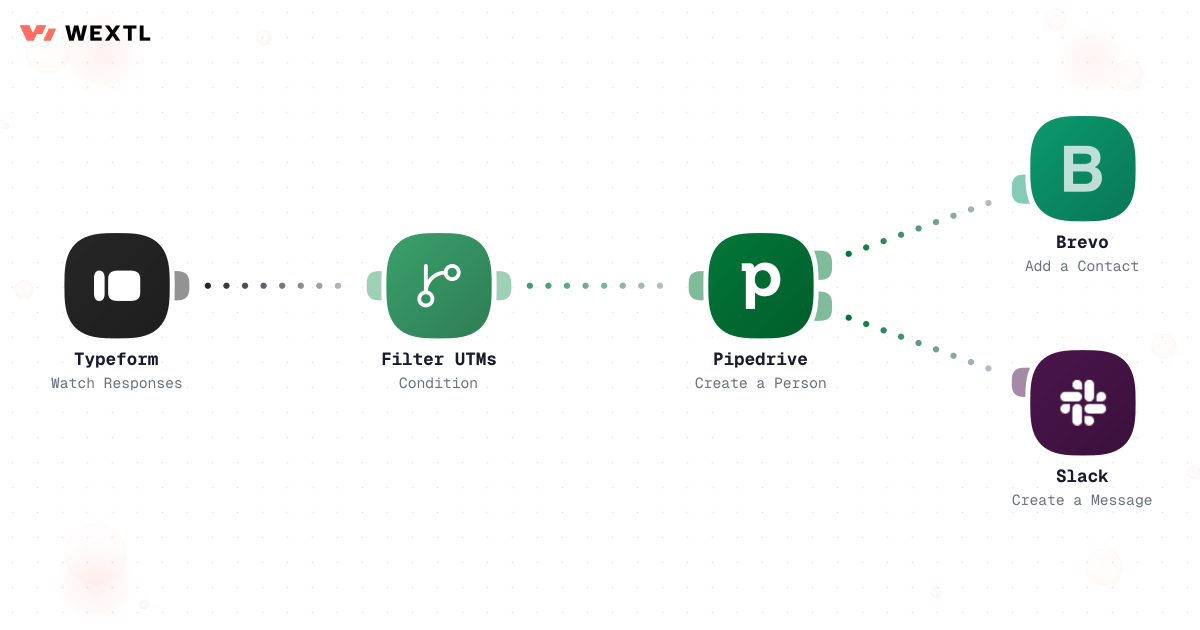
Every form fill lands in your CRM with the campaign and source that brought it in.
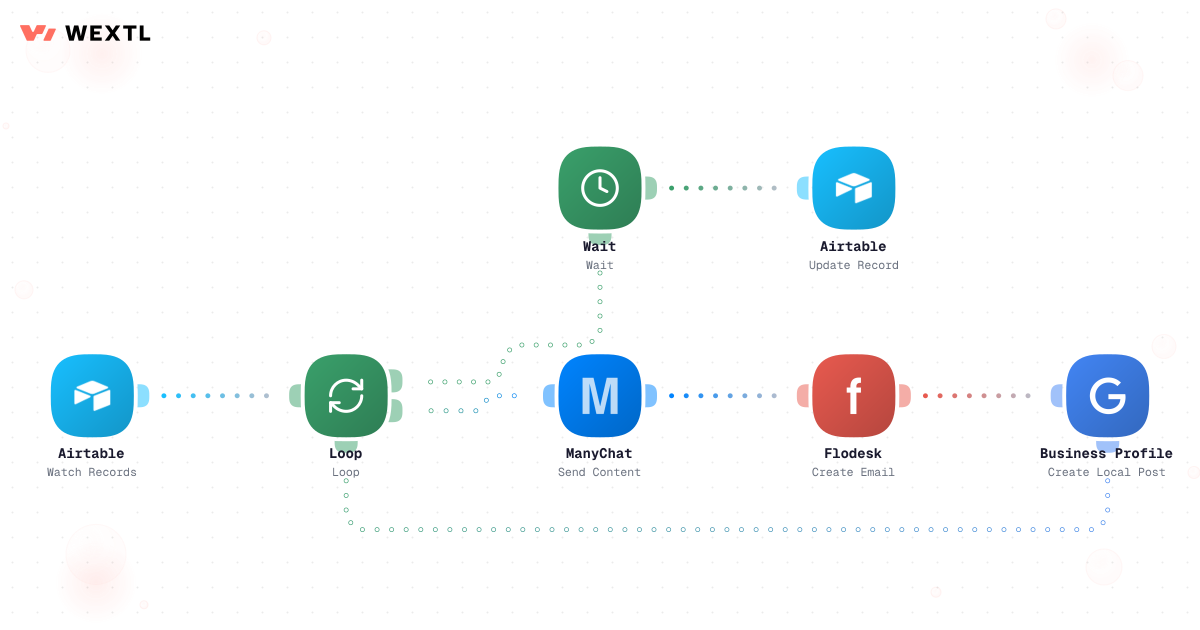
Draft once, then let the workflow queue posts across channels at the times you pick.
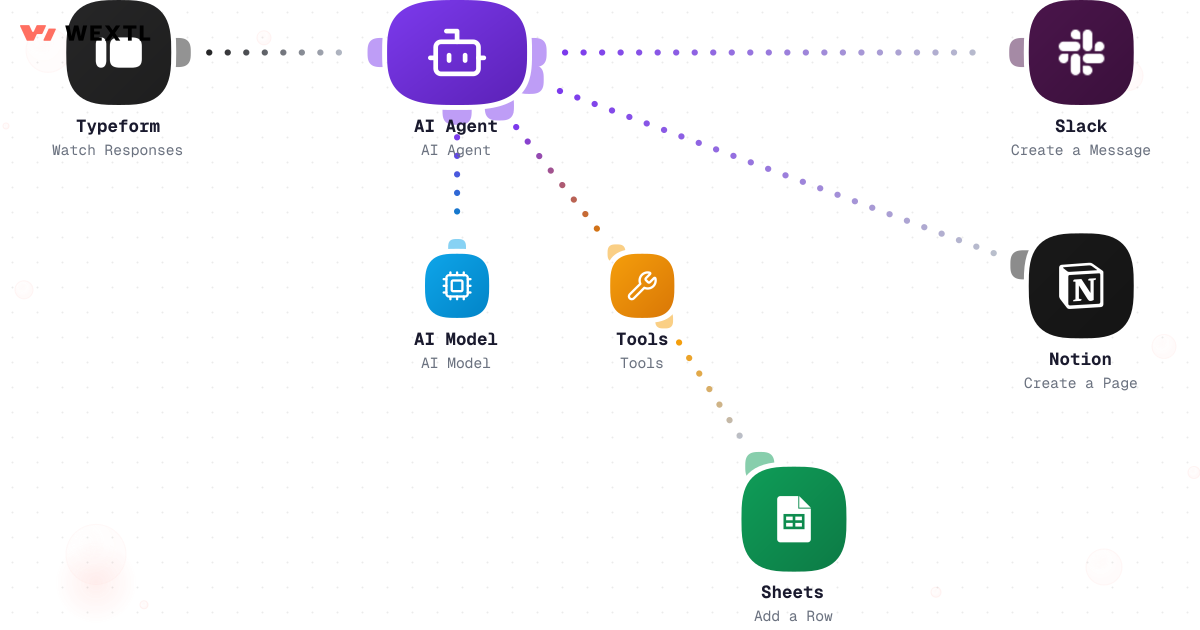
Summarize survey answers, tag feedback, and draft first-pass copy without leaving the canvas.
Four workflows our marketing users tend to start with. Clone one from the template gallery, or sketch your own on the canvas.
Pull spend and results from every channel into one summary, on a schedule you set.
Branched workflow gathering campaign metrics from several sources, filtering them, and routing failures separately.
From form fill to CRM record in seconds, with the UTM data still on it.
One approval step, then the workflow handles every channel on its own clock.
Let an AI step read the raw feedback so your team reads the digest.
None of this is complicated. A form fill and a paid click carry a campaign, medium, and source — right up until someone re-types the lead into the CRM by hand and the attribution stays behind in the ad platform. A Monday report needs five exports lined up before 9am whether or not Friday left time to build it. A social post is 'ready' the moment someone stops asking about it in Slack, not the moment someone actually approved it.
UTM data survives the click but not the copy-paste into the CRM record.
Five exports, four tabs, one report due before the team logs in.
Approval status lives in someone's memory, not the content calendar.
None of it needs a strategist's judgment. All of it needs to happen the same way every single week.
A concrete run, start to finish — the kind of reporting workflow a marketing ops person clones from the template library and points at their own ad accounts.
Trigger: a schedule fires early Monday morning, or spend on a live campaign crosses a pacing threshold mid-week and needs an out-of-cycle check.
WEXTL pulls: spend, impressions, clicks, and conversions from every connected ad platform, organic performance from search, and pipeline value from the CRM for the same date range, normalized to one currency and one reporting window.
Human judgment
A cost spike, a channel with no data this week, or a number that contradicts last week's trend routes to the campaign owner instead of shipping in the digest as fact. The workflow assembles the report; a person decides what a spike means.
Monday 6am, or a mid-week pacing check if spend crosses a saved threshold.
Facebook and Google Analytics report spend, clicks, and conversions; Google Search Console adds organic clicks and ranking movement for the same campaigns.
Salesforce pipeline value is matched to spend by campaign, not just by lead count.
Any channel where cost-per-conversion rose past the saved threshold is marked, not buried in a row.
AI writes a two-sentence summary of what changed and which campaign drove it.
A flagged spike waits for the campaign owner while routine numbers post to Slack on their own — every pull, join, and flag is recorded, so a disputed number is one click from its source.
A Typeform, landing-page form, or native Facebook Lead Ads submission starts the run.
UTM source, medium, campaign, content, and term are pulled off the referring URL or the ad platform's lead metadata.
Checked against existing contacts by email or phone to decide create vs. update, not a fresh duplicate.
AI reads any free-text 'what are you interested in' field into a category tag, then list or owner assignment follows the campaign-to-segment mapping you've set — not a round-robin guess.
Contact created or updated with source fields attached, and Klaviyo gets the new contact tagged by campaign, not dropped into one general list.
Slack message with the lead and its full source, not a bare email address.
The same discipline, applied to the form-to-CRM gap: nothing about a lead's source should depend on a person remembering to type it in.
Trigger: a form is submitted — a gated content download, a paid social lead form, or a landing page's contact form.
Sources combined: form fields, the UTM parameters on the referring URL, the ad platform's own lead ID when the form came from a lead ad, and any existing CRM record matching that email or phone.
Human judgment
A lead with no UTM data, a form submission that doesn't match any live campaign, or a contact whose match confidence is low gets tagged 'needs attribution review' instead of a guessed source — a person confirms it, the workflow doesn't invent one.


A lead form on a paid social ad and a CRM record are two different systems with two different ideas of 'done.' The gap between them is where campaign, medium, and ad set quietly disappear.
Wire the lead ad directly to the CRM and the source rides along — no export, no re-entry, no 'source: unknown' six weeks later when someone asks what drove the deal.
Campaign, ad set, and form ID land on the CRM record, not just the contact's name.
The record exists the moment the form is submitted, not at end of day.
An existing contact gets updated instead of a second row for the same person.
Not every marketing function needs this on day one. It earns its keep where campaigns, channels, or data sources multiply faster than the team running them.
WEXTL isn't a replacement for your ad platforms, your CRM, or your content calendar — it's the layer that keeps them agreeing with each other, so the team spends its time on strategy and creative instead of reconciling exports.
No two marketing teams pick the same stack, and this isn't asking you to switch. These are the integrations marketing workflows on WEXTL actually use — an HTTP step reaches anything else with an API.
Integrate Marketing workflows with the tools your team already uses.
| Task | By hand | With WEXTL |
|---|---|---|
Weekly campaign report | Three hours every Monday | Builds and posts itself on a schedule |
Getting leads into the CRM | Copy-paste from form exports | In the CRM within a minute, source attached |
Source attribution on every lead | Whatever someone remembered to type | Supported |
Publishing to every channel | Log in to each platform, paste, repeat | Queued once, posted everywhere |
Reading customer feedback | A spreadsheet nobody opens | AI-written digest, delivered to you |
Knowing when something broke | You find out when the numbers look wrong | Per-step logs on every run |