Close on a cadence
The same close steps fire every month — no one rebuilds the spreadsheet from scratch.


Month-end used to mean exports, pivots, and chasing approvers in chat. WEXTL runs the close checklist on a schedule — collect, reconcile, route approvals, and post the pack where leadership already reads.
Deploys this workflow into your workspace — you'll connect your own accounts.
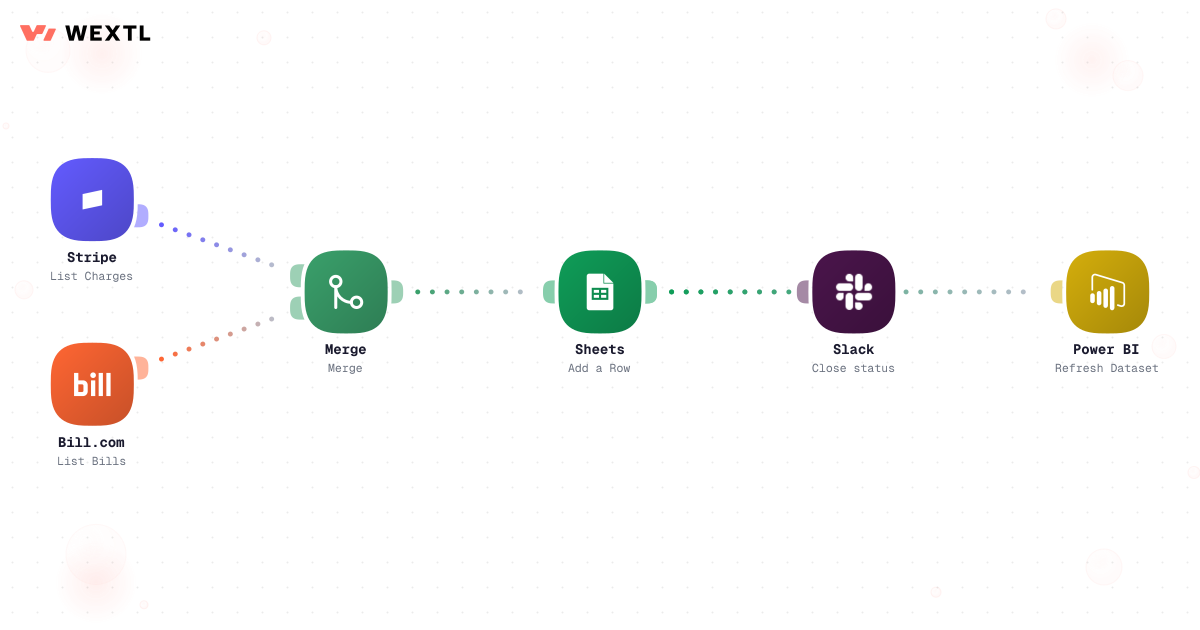
Workflow aggregating billing and AP sources into a close spreadsheet and status message
* Illustrative example, not measured customer data.
The same close steps fire every month — no one rebuilds the spreadsheet from scratch.
Invoices and receipts in email become structured records without manual re-keying.
Route by amount, vendor, or cost center — with a log of who approved what.
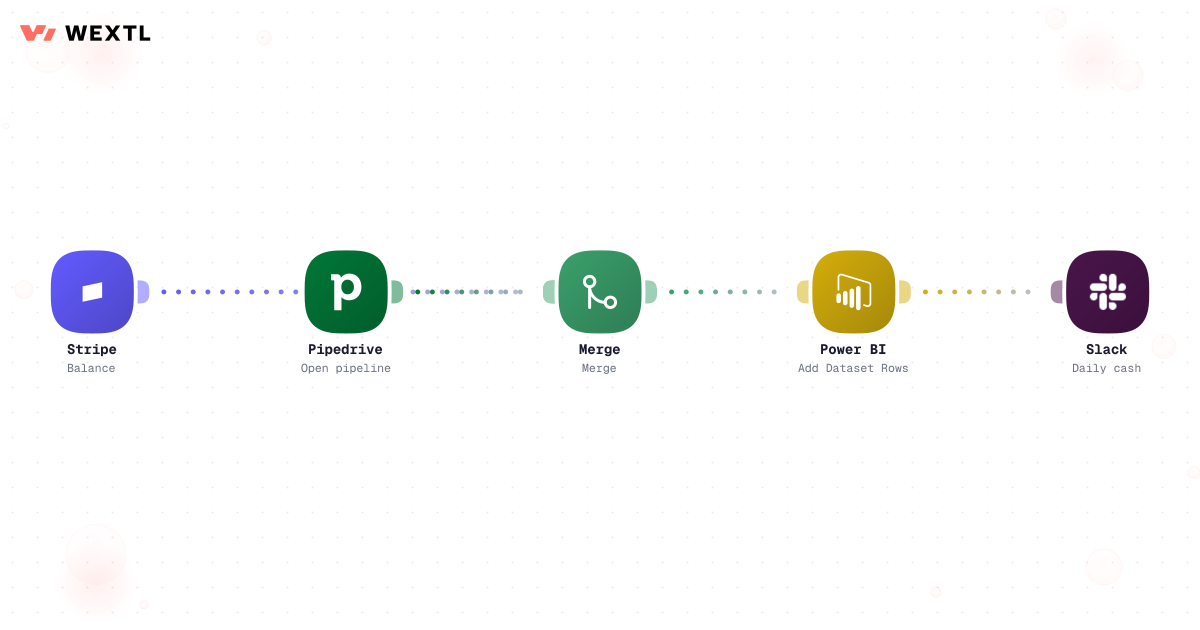
Billing, pipeline, and balances roll into a daily snapshot for the team channel.
Four workflows finance teams clone and adapt — close, expenses, approvals, and cash visibility.
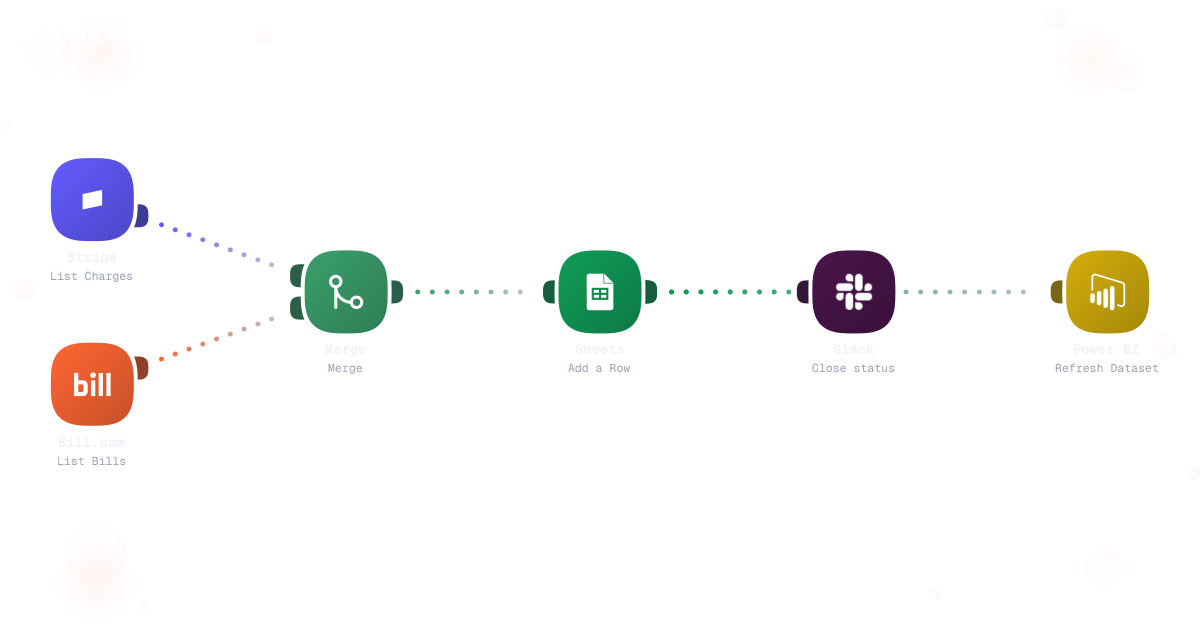
Pull charges, bills, and ledger rows into one close pack on the calendar you set.
Workflow aggregating billing and AP sources into a close spreadsheet and status message
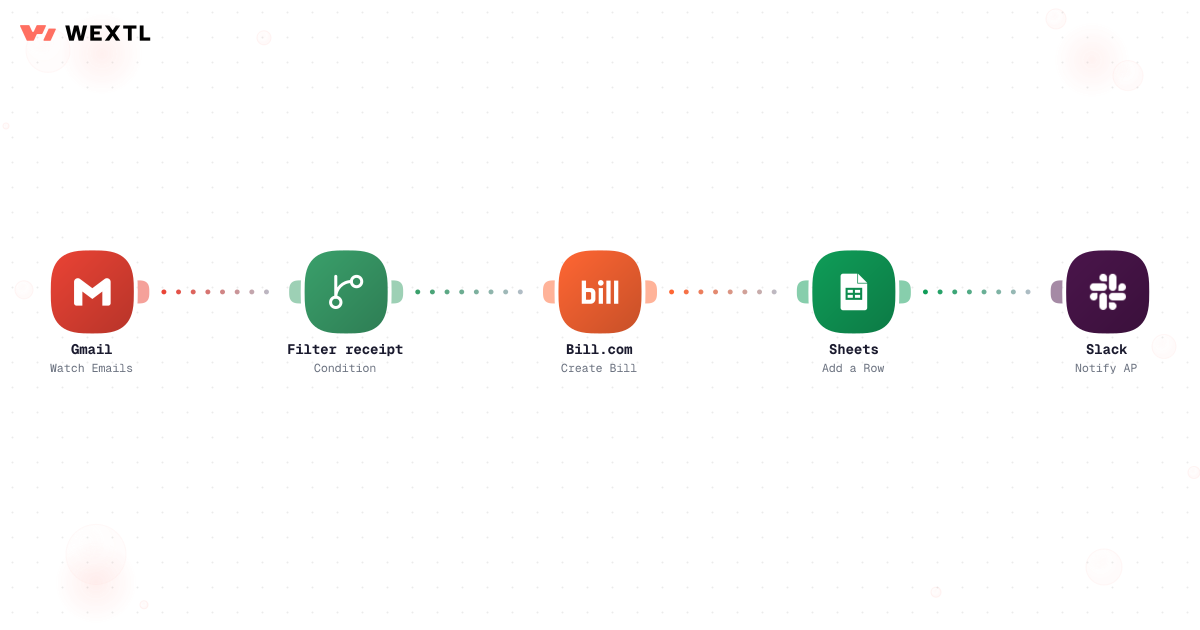
Filter vendor receipts, create bills, and append ledger rows in one pass.
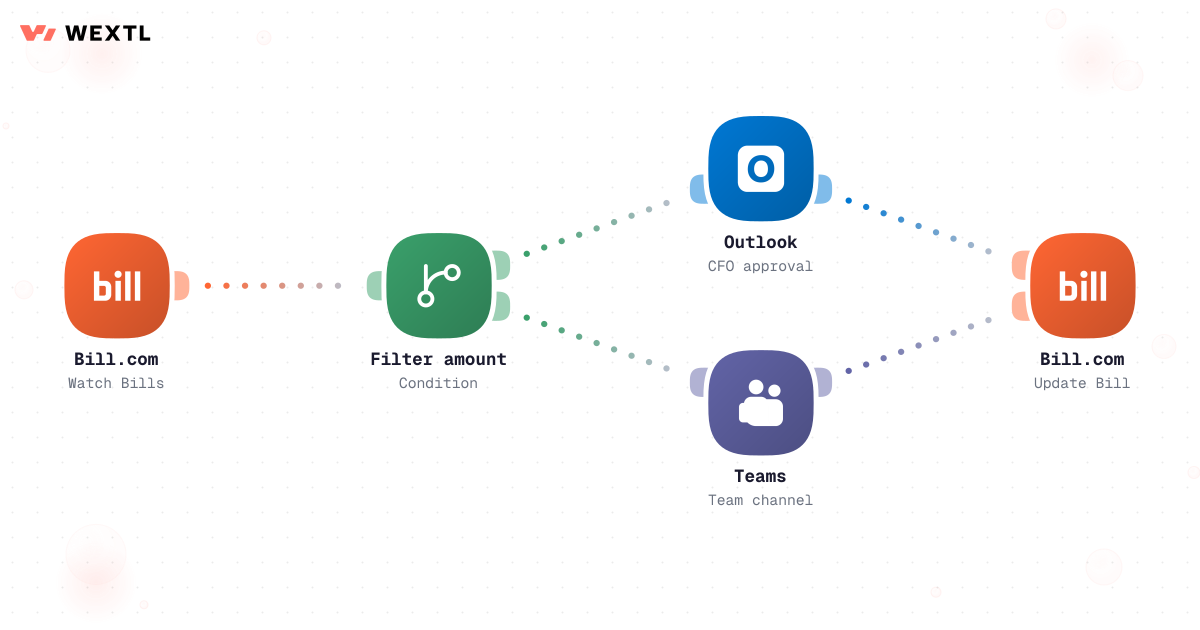
Large invoices escalate to email; smaller ones stay in the team channel — both logged.
Combine billing balance with open pipeline into a dataset refresh and a morning ping.
None of it is hard. It's just that the close checklist runs forty-some line items deep, and every one depends on someone else's inbox — an AP owner who hasn't uploaded bills yet, a subledger export that's a day stale, a CFO who's on a plane when a $40k invoice needs a signature. A cash number for the Monday leadership sync gets rebuilt from three separate exports because the dashboard nobody trusts is two clicks slower than just doing it by hand again.
Each item waits on a different person's inbox, and nothing pings them automatically.
A five-figure bill waits on a single approver instead of a documented threshold.
Three exports, every Monday, because the dashboard is slower to trust than to redo.
WEXTL doesn't close your books or approve your invoices — it does the pulling, matching, and routing so close and AP staff spend the week on the judgment calls, not the exports.
A concrete run, start to finish — the kind of close workflow a controller clones from the template library and adjusts to their own chart of accounts.
Trigger: the close-cadence date arrives (the 1st business day after month-end, or whatever date the controller sets) and the workflow pulls last month's checklist as a template.
Sources combined: open and pending AP bills from Bill.com, billing charges from Stripe and Chargebee summed by GL code, and the corresponding QuickBooks ledger balance for each.
Human judgment
A flagged variance never auto-clears. The controller decides whether it's a timing difference, a booking error, or something that needs a journal entry — the workflow does the pulling and matching, the sign-off is a human's.
The close-day trigger fires and pulls the prior month's checklist as a template.
Open, unpaid, and pending-approval bills come from Bill.com; Stripe and Chargebee charges are summed by GL code.
Each source total is compared against QuickBooks; a difference beyond a saved threshold (say, 2%) is marked for review, not auto-cleared.
AI proposes a one-line explanation for each flagged variance from the transaction detail.
Every flagged line and its flux note waits for a human before the checklist item can close.
Reviewed rows and status append to the shared close-pack sheet, with every pull, match, and flag recorded.
A new bill posts in "awaiting approval" status.
Matched against the recurring-vendor list and its last three approved amounts; a known vendor under its saved cap skips straight to release.
Anything above the cap, or a new vendor, checks the threshold table for who approves it.
Mid-size bills go to Slack with a one-line summary; large bills go to email with the invoice attached.
Waits for an explicit approve or reject; no response inside the window forwards to a named backup approver instead of stalling.
An approval updates the bill status, releases it for payment, and logs who approved it, and when.
The same logic, applied to AP: route by risk and amount, not by whoever happens to check email first.
Trigger: a bill posts in "awaiting approval" status in Bill.com or QuickBooks.
Checked against: the vendor's history and last three approved amounts, the assigned cost-center budget owner, and the CFO-set approval-ceiling table.
Human judgment
A vendor changing its bank or ACH details, a bill from a brand-new vendor, or anything over the CFO-set ceiling always goes to a named person — never the auto-approve cap. The workflow proposes a route; a person still says yes.
Not every finance role needs this on day one. It's built for the parts of the job that repeat across a lot of vendors, a lot of entities, or a lot of reconciling.
A receipt forwarded to AP shouldn't require anyone to retype a vendor name, an amount, and a GL code by hand.
Watch the inbox, extract the bill, create it in Bill.com, and append the ledger row — while the vendor's email is still on screen.
Receipts become coded bills without retyping line items.
Notified only when a bill needs a human decision.
The ledger row lands the same hour the receipt arrives, not at month-end.


Finance doesn't get to pick a new stack for this — the ledger, the AP tool, and the billing system are fixed, and whatever automates the close has to meet them where they are.
These are the integrations most finance workflows actually use. An HTTP step reaches an ERP or bank feed without a native connector.
Integrate Finance workflows with the tools your team already uses.
| Task | By hand | With WEXTL |
|---|---|---|
Month-end close | A week of exports and pivots | A scheduled workflow with the same steps every month |
Expense intake | Forward emails and retype | Supported |
Invoice Approvals | Lost in chat threads | Routed by policy with run logs |
Cash snapshot | Someone builds it ad hoc | Supported |