Deploy notify
Webhook deploy events become Slack threads and task updates.


Deploys go out, incidents open, and release notes lag the tag. WEXTL notifies the right channels, pages on severity, and keeps environments aligned — on a canvas the whole team can read.
Deploys this workflow into your workspace — you'll connect your own accounts.
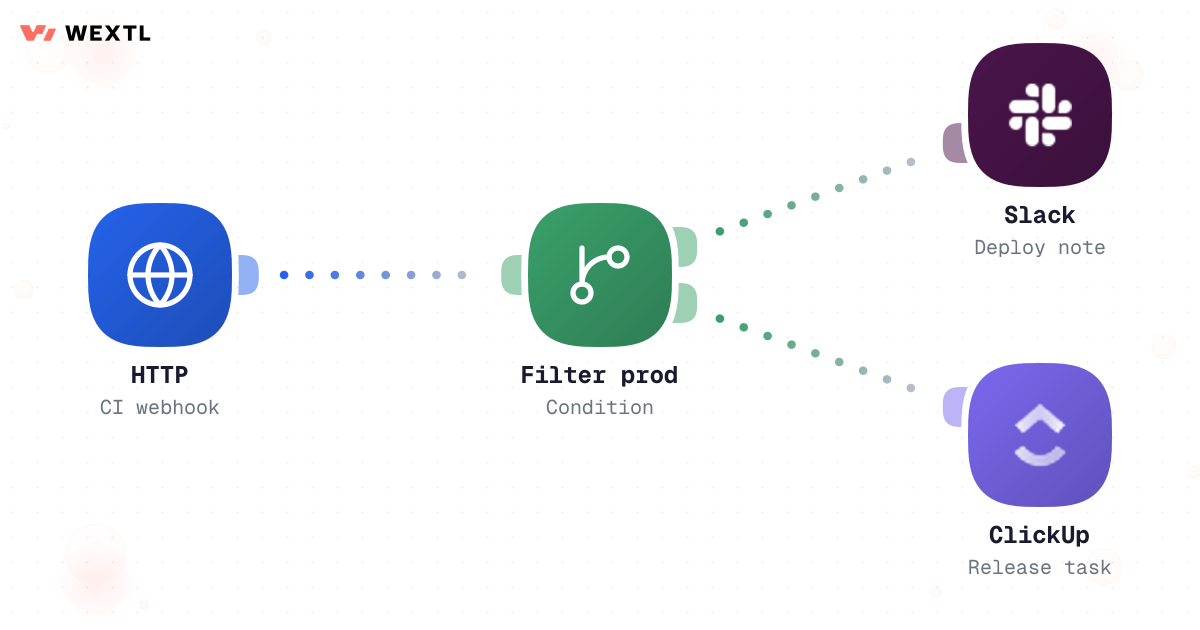
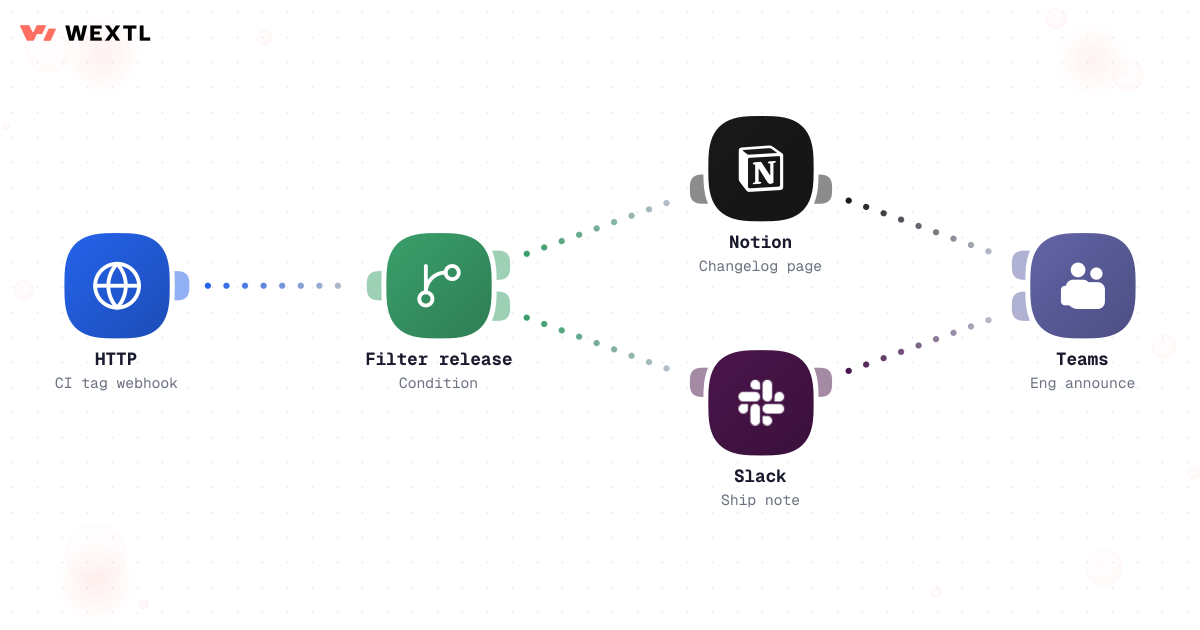
Workflow notifying Slack and ClickUp from CI deploy webhook
* Illustrative example, not measured customer data.
Webhook deploy events become Slack threads and task updates.
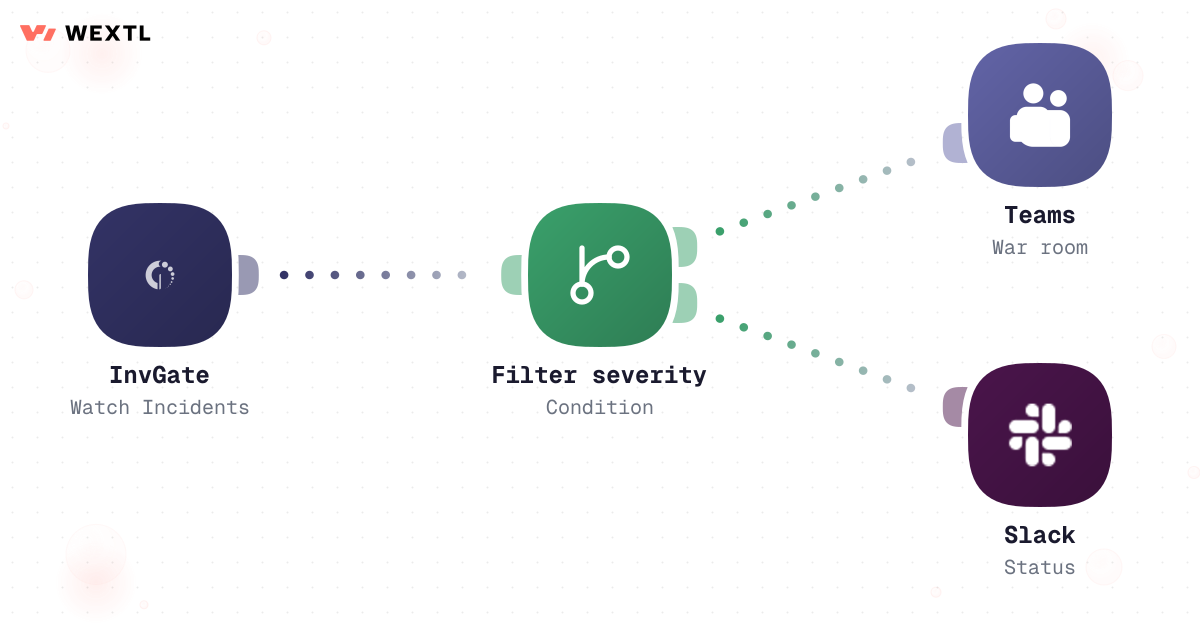
Filter severity, open Teams, and post status when monitors fire.
Pull changelog pages, summarize, and email stakeholders.
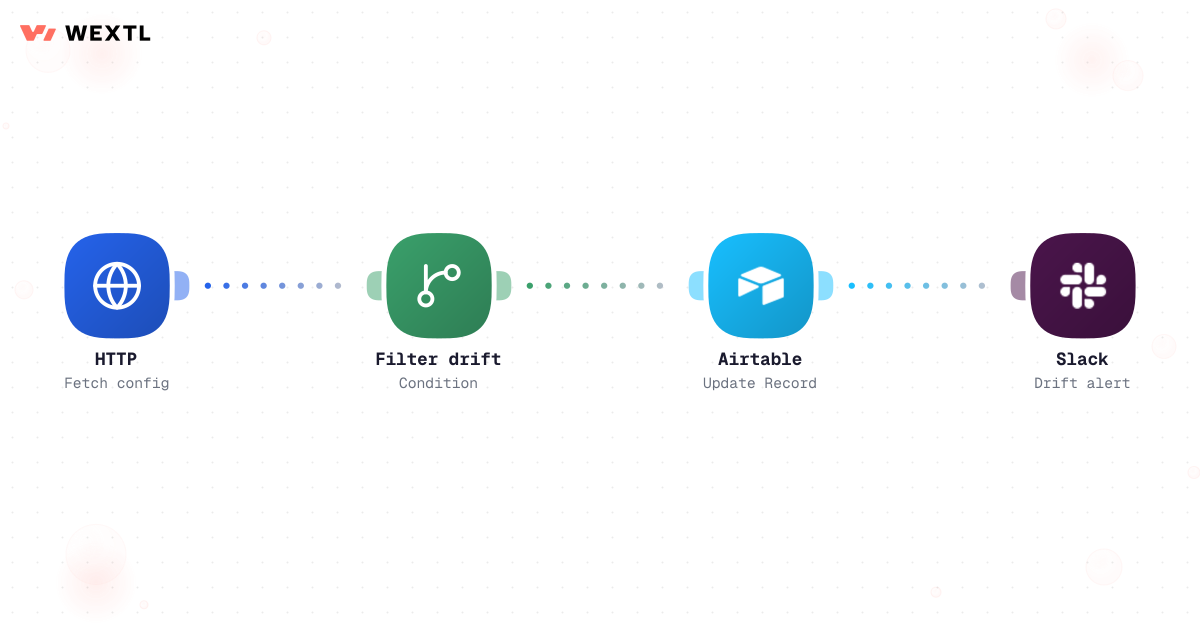
Compare staging vs prod configs and alert on drift.
HTTP webhook from CI, branch on environment, notify Slack and ClickUp.
Workflow notifying Slack and ClickUp from CI deploy webhook
Watch incidents, filter severity, open Teams war room, and post customer status.
Watch Notion release pages, draft summary with an agent, post Slack and email.
HTTP config fetch, compare with condition, update Airtable and alert Slack.
An alert fires and the first minutes go to logistics, not the incident: finding the severity level, opening a war-room channel, pasting the monitor link into Slack, and updating the ticket — four separate steps before a customer sees any status at all.
A deploy that actually shipped gets announced by hand in three places — the team chat, the change ticket, and sometimes a release doc nobody re-reads later — and none of them update each other when the next deploy goes out an hour later.
Meanwhile staging and prod drift apart quietly. Nobody schedules a config diff; it gets discovered the next time something behaves differently in prod than it did in staging an hour earlier.
Four manual steps before the first status update, every time a page fires.
Chat, ticket, and doc — pasted separately, none of them synced.
Staging and prod disagree, and nobody finds out until prod misbehaves.
None of this needs an engineer's judgment. All of it needs to happen the exact same way, every single time.
A concrete run, start to finish — the kind of incident workflow a platform team clones from the template library and wires to their own monitor and severity levels.
Trigger: a monitor or ITSM system opens or updates an incident — an alert fires, or an InvGate ticket is created with a severity field set.
WEXTL checks: the severity value, the affected service, whether it's inside or outside business hours, and whether an incident for the same alert is already open.
Human judgment
Root cause, the rollback decision, and the tone of the customer-facing message stay with the engineer on call. The workflow opens the room, pages the right person, and holds the draft — it doesn't declare the incident resolved or speak to customers on its own.
A monitor or ITSM system opens the incident; a repeat alert for one already open is deduped instead of opening a second war room.
SEV1 branches one way, SEV2/3 another, a warning a third.
SEV1 creates a dedicated Teams channel and pages the on-call owner and backup in Slack; lower severity posts to the standing channel.
AI drafts a first customer-facing status update from the incident description.
The draft waits for the on-call engineer before it reaches a public channel.
The confirmed status goes out, every step writes to the InvGate ticket and run history, and status updates through acknowledged, mitigated, and closed.
WEXTL doesn't replace on-call — it handles the paging, the posting, and the ticket updates so the engineer's attention goes to the incident itself, not the choreography around it.
CI/CD posts environment, branch, commit SHA, and build status.
A CI retry doesn't post the same deploy twice.
Staging deploys log quietly; production deploys always notify.
A prod deploy outside the approved window — a Friday-afternoon freeze, for example — holds for a manual go-ahead.
AI turns the commit list into a one-line summary for the announcement.
Announces in the deploy channel and updates the linked Jira or ClickUp ticket to "Deployed."
Every check and post is recorded, so "did prod actually deploy at 4:52?" has an answer.
The same logic applied to shipping: a deploy shouldn't need someone remembering to post in three places.
Trigger: your CI/CD pipeline posts a webhook when a deploy finishes — GitHub Actions, or any system that can call an HTTP endpoint.
WEXTL checks: environment (staging vs. prod), build status, whether the deploy falls inside an approved release window, and which ticket the commits are linked to.
Human judgment
The freeze-window hold is deliberate: a workflow can format an announcement, but the call to ship on a Friday afternoon — or to roll back — stays with the engineer who owns the pipeline.
Not every engineering org needs this on day one. It's built for the parts of the job that repeat across a lot of alerts, a lot of deploys, or a lot of environments.
Right now, knowing whether a deploy actually shipped means asking in chat and hoping someone saw it go out.
A webhook from CI becomes a threaded Slack post with commit summary, environment, and status — logged as a run, not just said out loud once.


Any pipeline that can call an HTTP endpoint starts the run — no native CI connector required.
Deploy posts land in the right channel per environment, not one long feed.
Every deploy notification is a recorded run you can search, not a scrollback hunt.
You don't get to pick a fresh stack. The CI system, the ticket tracker, and the chat tool are already fixed — what gets automated has to meet them where they are.
These are the integrations most DevOps workflows on WEXTL actually use. An HTTP step reaches any CI or monitoring system that can call a webhook.
Integrate DevOps workflows with the tools your team already uses.
| Task | By hand | With WEXTL |
|---|---|---|
Deploy comms | Someone posts in chat when they remember | Supported |
Incident response | Ad hoc paging and threads | Severity rules with logged steps |
Release notes | Copy-paste from commits | Supported |
Environment drift | Found during deploy | Scheduled checks with alerts |