Smart intake
AI reads invoice emails and creates structured bills — humans only for exceptions.


AP lives in email threads: intake, manager sign-off, payment, and audit scattered across tools. WEXTL chains those steps on a canvas — extract invoices, route by policy, pay vendors, and log every handoff.
Deploys this workflow into your workspace — you'll connect your own accounts.
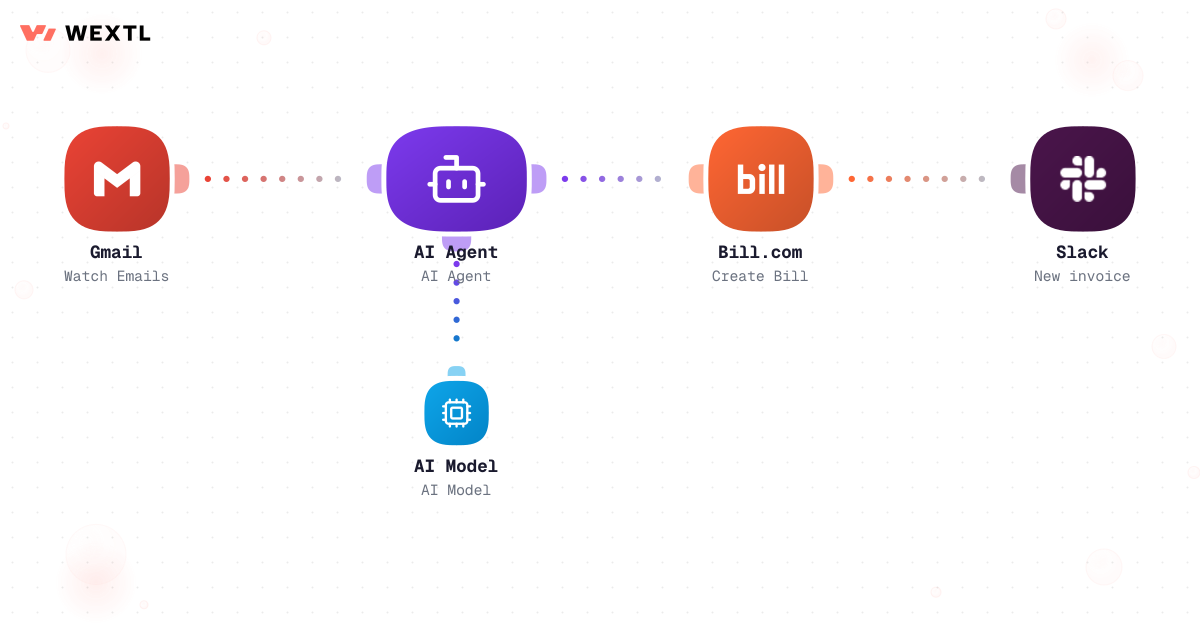
AI-assisted invoice intake from email to bill creation
* Illustrative example, not measured customer data.
AI reads invoice emails and creates structured bills — humans only for exceptions.
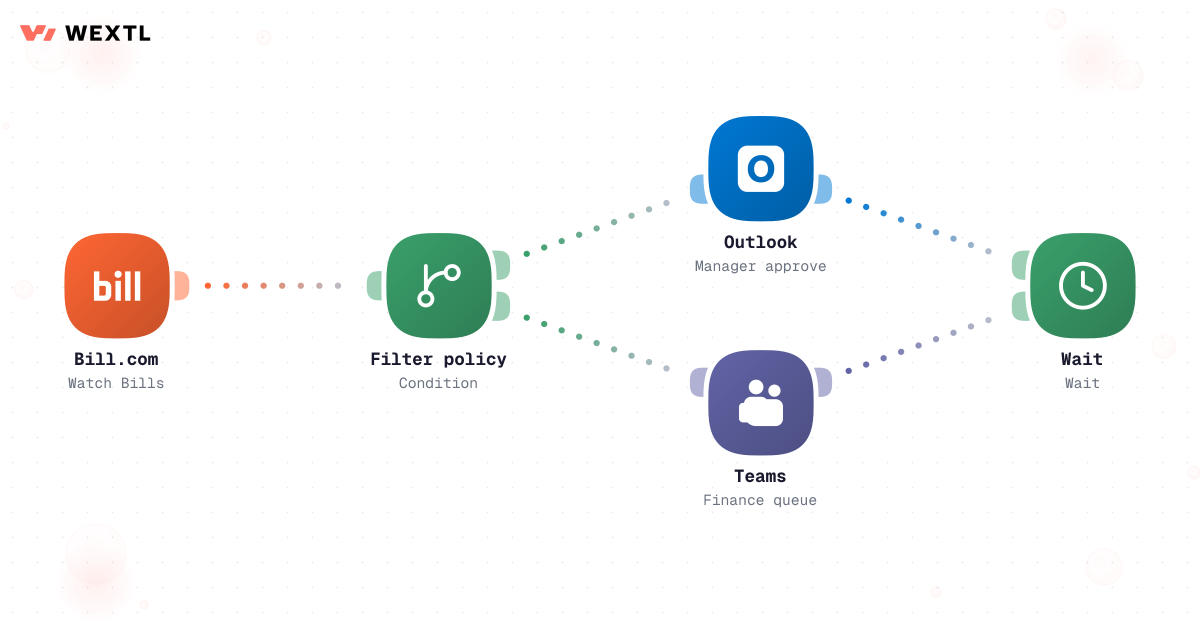
Amount and vendor rules decide which approver gets the ping.
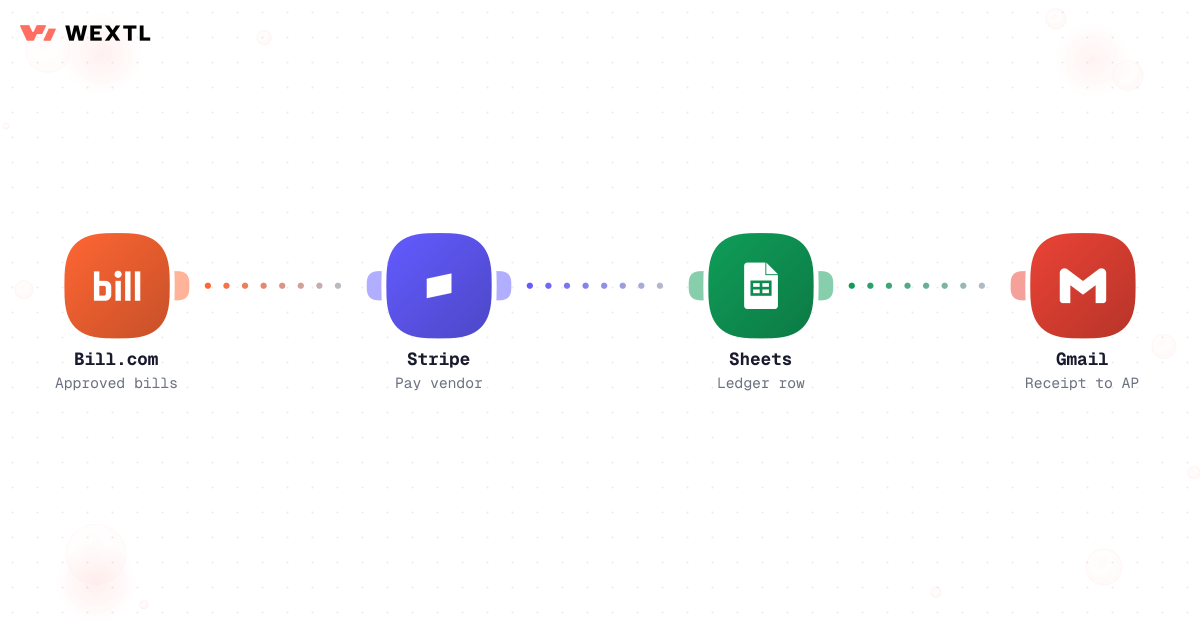
Approved bills trigger payment and ledger rows in the same run.
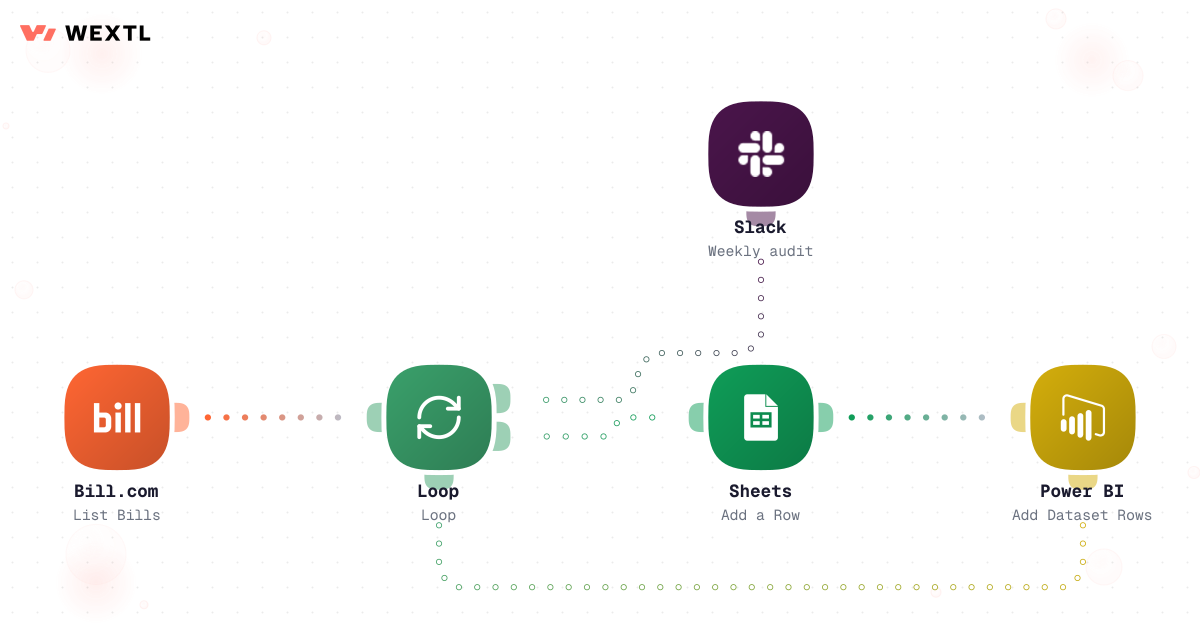
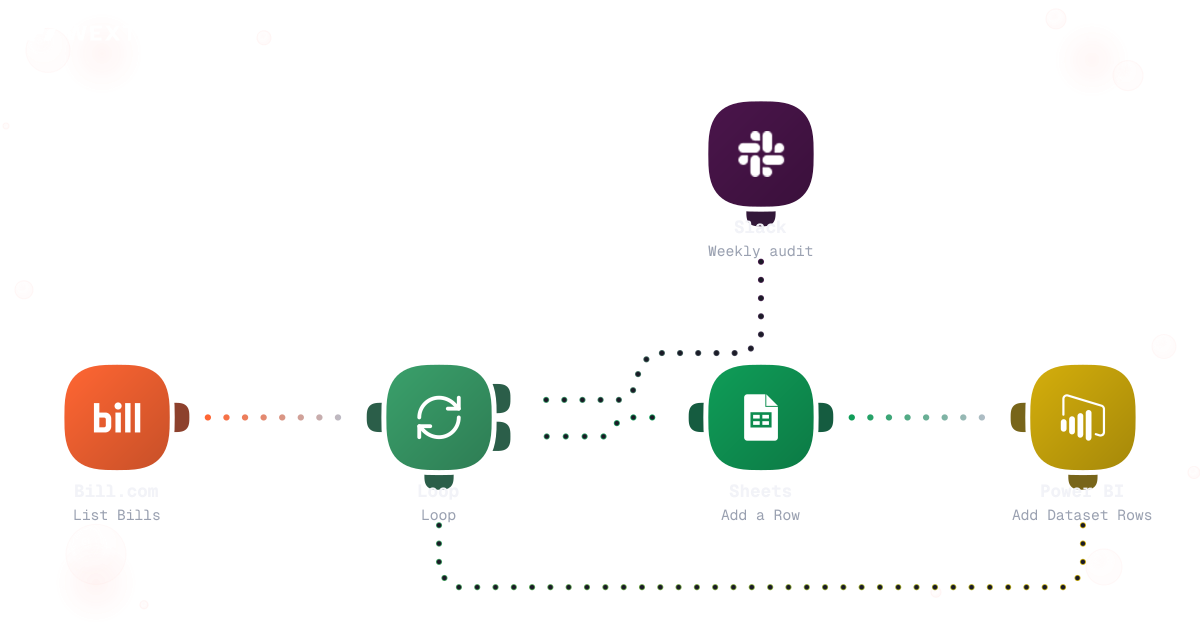
Weekly loops append approval history to sheets and BI.
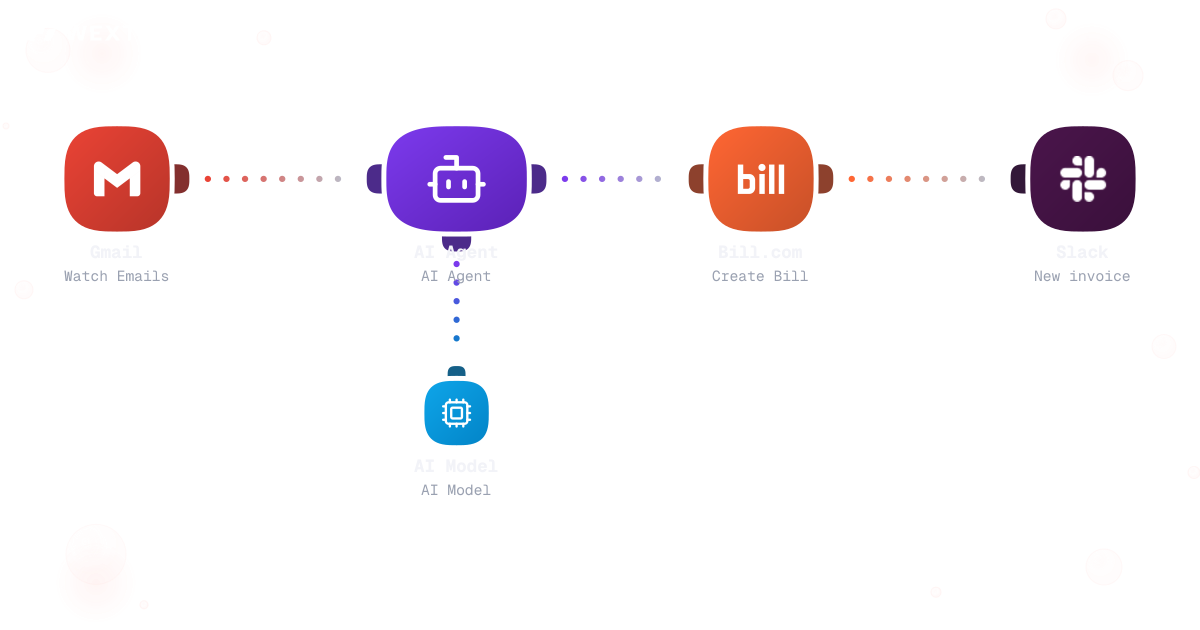
Watch AP inbox, extract fields with AI, create bills, notify finance.
AI-assisted invoice intake from email to bill creation
Filter bills, route to Outlook or Teams, wait for approval.
Trigger payment, append ledger row, email receipt to AP.
Loop open bills, append rows, refresh BI, post weekly summary.
On a bad Monday, twenty-three invoices land in the shared AP inbox before 9am — six as PDF attachments, four forwarded from someone else's inbox, the rest as portal downloads nobody remembers logging into. Reading them is the easy part.
A vendor resends an invoice because they think the first one got lost — now two bills exist for one shipment. GL coding happens from memory, not a rule. And a $40,000 invoice can sit for four days if the one person allowed to sign it is on a plane, because three different legal entities each run their own approval chain with no delegate on file.
A vendor resends because payment feels slow; nobody notices until two bills exist for one shipment.
A six-figure invoice sits for days because the one person who can sign it is out, with no delegate on file.
No rule decides the cost center — just whoever's been here long enough to remember how it was coded last time.
WEXTL doesn't approve invoices or decide who gets paid — it extracts, matches, and routes so the people with signing authority spend their time deciding, not chasing paperwork.
A concrete run, start to finish — the kind of intake workflow an AP team clones from the template library and points at its own inbox and PO system.
Trigger: an invoice arrives — an email attachment, a forwarded thread, or a PDF dropped into a shared Drive folder.
WEXTL checks: the referenced PO for ordered items and price, the receiving record for whether goods or services were marked received, and the vendor's recent invoice history for a possible duplicate — before trusting the extraction enough to create a bill.
Human judgment
A failed match, a missing PO, or a possible duplicate never gets auto-created — it waits for an AP clerk to confirm the fields or track down the PO before a bill exists at all.
An email attachment, a forwarded thread, or a dropped PDF starts the run.
AI reads vendor, invoice number, amount, line items, and any PO reference.
Checks the referenced PO for ordered items and price, and whether goods or services were marked received.
PO, receipt, and invoice have to agree on quantity and price before the match passes.
A price or quantity variance, no PO on file, or a possible duplicate routes to AP instead of auto-creating the bill.
A matched, non-duplicate invoice becomes a bill with the GL code attached, and every field and match result is recorded.
A matched invoice becomes a bill that needs sign-off, and the workflow looks up who can approve what amount for that entity.
Under the auto-approve floor posts straight through; above it goes to the named approver for that band.
A new vendor, a changed bank account, or an unusual price forces manual review regardless of amount.
Posts the summary to Teams or Slack, or email, depending on how that approver works.
The run pauses until someone approves or rejects; no response inside the window forwards to the approver's named delegate.
Approver, timestamp, and decision are logged against the invoice before the run continues.
The same discipline, applied to sign-off: route by who is actually allowed to approve what, for which entity, and escalate when they don't answer.
Trigger: a bill is created and needs sign-off before it moves to payment.
WEXTL checks: the DoA table for that legal entity, vendor risk flags (new vendor, changed bank account, price far above history), and how long the current approver has been waiting.
Human judgment
Every approval above the auto-approve floor is a real person's decision, not a rule guessing on their behalf — the workflow only decides who gets asked, and how long to wait before asking someone else.
Not every AP function needs this on day one. It's built for the parts of the job that repeat across a lot of invoices, a lot of approvers, or a lot of entities.
An approved bill still sits until someone remembers to push payment, and the ledger update lags behind by however long that takes.
On approval, the payment fires, the ledger updates, and the remittance goes out — in the same run, not a follow-up task someone has to remember.


Fires the moment the bill clears its last required sign-off, not whenever someone gets to it.
GL entry lands with the payment instead of a separate reconciliation pass.
The vendor gets a confirmation without AP writing it by hand.
You don't get to pick a clean-slate AP stack. The bill system, the inbox, and the approvers' chat tool are fixed — whatever you automate has to meet them where they are.
These are the integrations most invoice-approval workflows actually use. An HTTP step reaches anything else with an API.
Integrate Invoice Approvals workflows with the tools your team already uses.
| Task | By hand | With WEXTL |
|---|---|---|
Invoice intake | Manual PDF upload | Supported |
Approver routing | Email forwards | Policy branches with waits |
Payment | Separate treasury process | Supported |
Audit trail | Screenshots and spreadsheets | Run logs plus scheduled audit pack |