Health scoring
Planhat signals update sheets and Slack on score changes.


Health scores, onboarding tasks, and QBR decks scatter across CS platforms and spreadsheets. WEXTL scores accounts, flags renewal risk, runs onboarding checklists, and packs QBR data on a canvas CSMs can adapt.
Deploys this workflow into your workspace — you'll connect your own accounts.
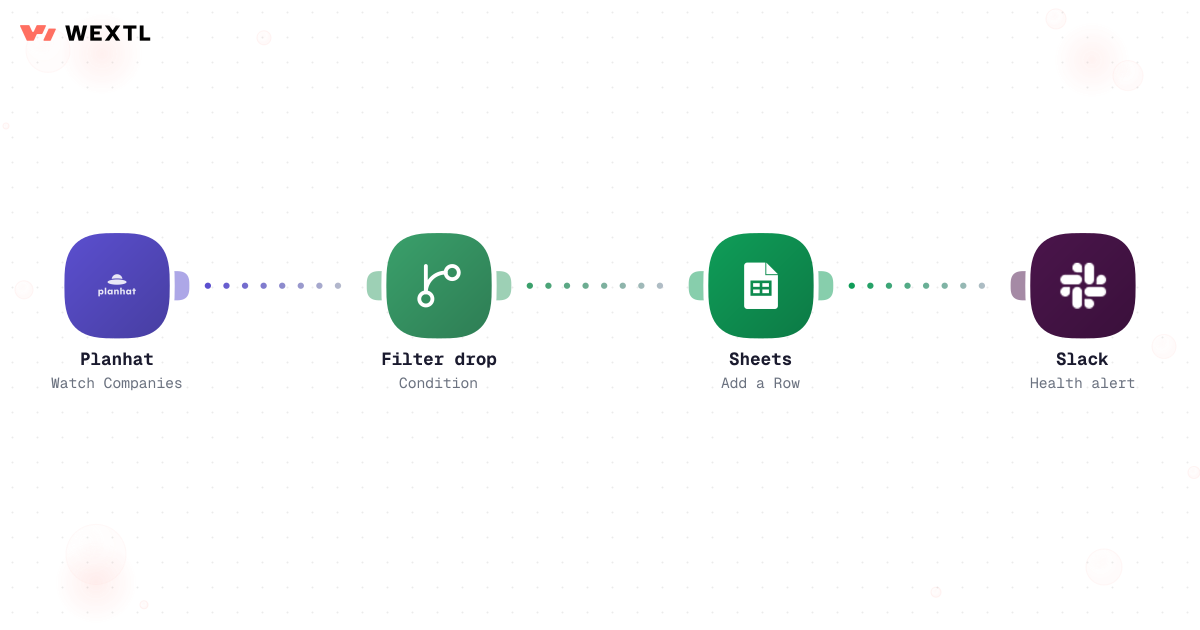
Customer health workflow from Planhat to Sheets and Slack
* Illustrative example, not measured customer data.
Planhat signals update sheets and Slack on score changes.
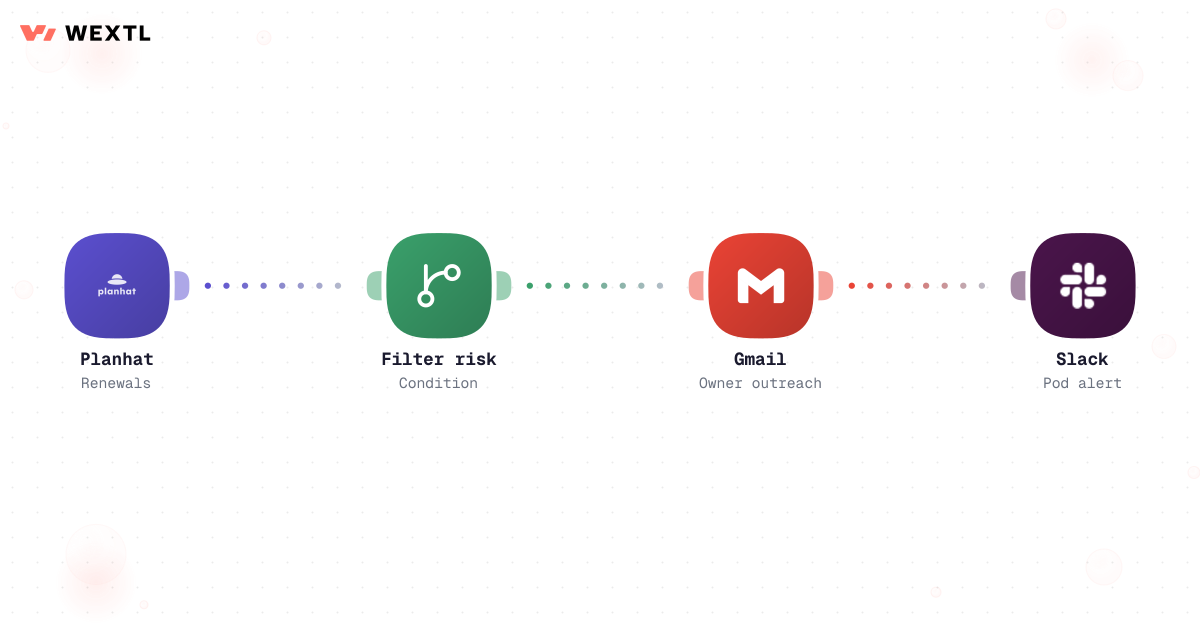
Filter at-risk renewals, email owners, alert the pod.
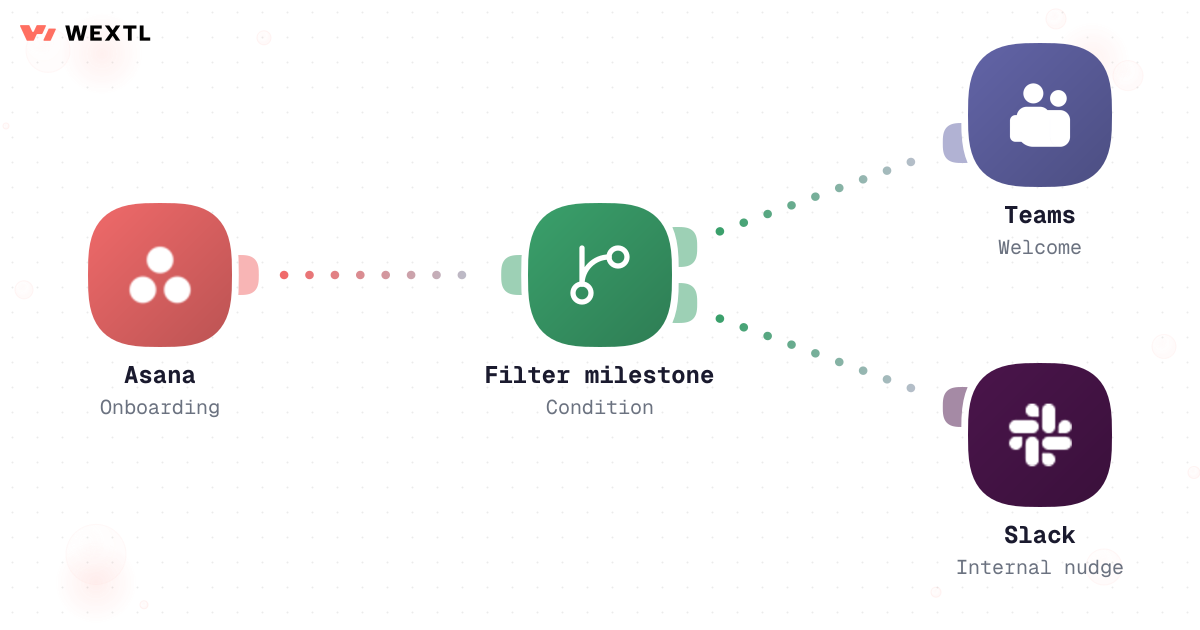
Asana milestones trigger Teams welcomes and Slack nudges.
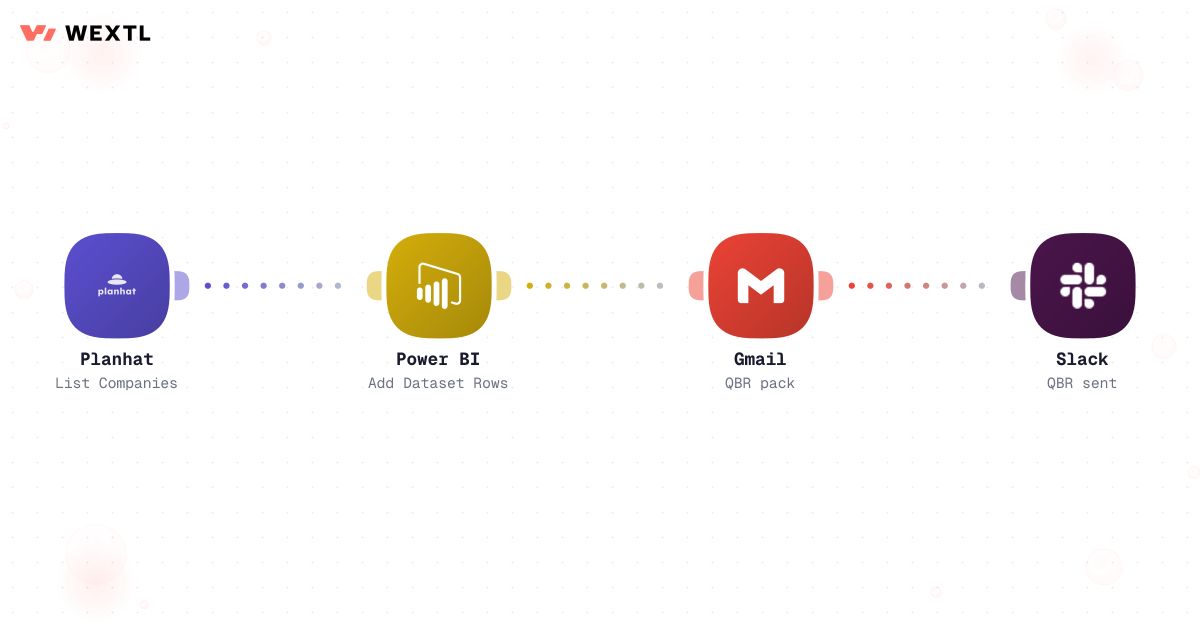
Pull CS metrics into Power BI and email the deck pack.
Watch Planhat companies, filter score drops, append Sheets, Slack alert.
Customer health workflow from Planhat to Sheets and Slack
Filter renewals within 60 days and low health, Gmail owner email, Slack pod.
Watch Asana onboarding project, branch on milestone, Teams welcome, Slack tasks.
Planhat metrics to Power BI, aggregate, Gmail pack to stakeholders.
None of it is hard work. It's just scattered. A health score lives in Planhat, but the reason it dropped is buried in a Zendesk ticket thread the CSM has to go find. A renewal is 45 days out and nobody flagged it because the AE and the CSM each assumed the other was watching. A QBR deck needs usage numbers, ticket trends, and last quarter's open action items pulled from three tools and pasted into one slide — half a day gone before the CSM even starts writing talking points.
A number moves in Planhat; explaining which signal caused it means opening two more tools.
45 days out with no flag, because 'watching it' wasn't anyone's actual job that week.
Usage, tickets, and last quarter's action items, copied by hand into one slide.
None of it needs a CSM's judgment to assemble. All of it needs a CSM's judgment once it's in front of them.
A concrete run — the kind of health-score workflow a CSM clones from the template library and tunes to their own account segments.
Trigger: Planhat recomputes an account's composite health score and it crosses from yellow into red, or a single signal — a spike in high-severity tickets — crosses its own threshold even if the blended score hasn't moved yet.
Human judgment
A save-play message that reaches the customer always gets a CSM's read first — the workflow tells you an account turned red and why; you decide what to say to a champion who might already be shopping around.
Contract end date crosses the 90-day mark; auto-renew vs. manual and multi-year vs. month-to-month set how urgent the flag is.
Health score and its trend, open escalations, and the last QBR outcome — accounts above a saved ARR threshold also escalate to the CSM's manager.
AI writes a check-in email framed around the specific signal that's dropping, not a generic touch-base.
The draft waits in the CSM's queue; it never sends to the customer on its own.
Renewal stage and probability update in CRM once outreach actually sends.
The pod channel gets the same risk brief, so sales isn't blindsided by the customer bringing it up first.
The same pattern applied to renewals: catch the risk while there's still time to run a save play, not at the 30-day mark when the deal is effectively lost.
Trigger: a connected renewal date lands inside a 90-day window, or an auto-renew contract has gone 60 days without a CSM touch.
Human judgment
The workflow decides who gets flagged 90 days out and why; the CSM decides what the email actually says before it reaches an executive sponsor who might already be weighing other vendors.
WEXTL isn't trying to replace the CSM relationship — it keeps every account's signals in one place so a CSM's limited hours go to the accounts that actually need a human, not to hunting across four tools for who's slipping.
Not every CS role needs this on day one. It's built for the parts of the job that repeat across a large book of accounts, not a single relationship.
New customers stall between kickoff and first value while a CSM copies milestone status between a project tracker and a customer-facing channel by hand.
WEXTL can watch onboarding milestones in Asana, welcome the customer in Teams the moment setup completes, and open an internal task the instant something's overdue.
A completed milestone posts the next customer-facing update automatically.
A stalled step creates an internal task instead of quietly slipping the timeline.
Onboarding velocity is a number leadership can see, not a guess at standup.


A CSM doesn't get to pick the stack — the health-score platform, the ticketing tool, and the CRM are already in place. Whatever gets automated has to meet them where they are.
These are the integrations most Customer Success workflows actually use. An HTTP step reaches anything else with an API.
Integrate Customer Success workflows with the tools your team already uses.
| Task | By hand | With WEXTL |
|---|---|---|
Health visibility | Weekly spreadsheet exports | Supported |
Renewal risk | Ad hoc CSM reminders | Scheduled filters + email + Slack |
Onboarding | Manual checklist copy | Supported |
QBR prep | Analyst builds deck overnight | Automated BI refresh + email pack |