Clean handoffs
When a task is ready, the next team gets context in their tool — automatically.


Handoffs, incidents, and SLAs live in five tools and three channels. WEXTL connects them on a canvas everyone can read — so work moves forward with a log, not a scavenger hunt.
Deploys this workflow into your workspace — you'll connect your own accounts.
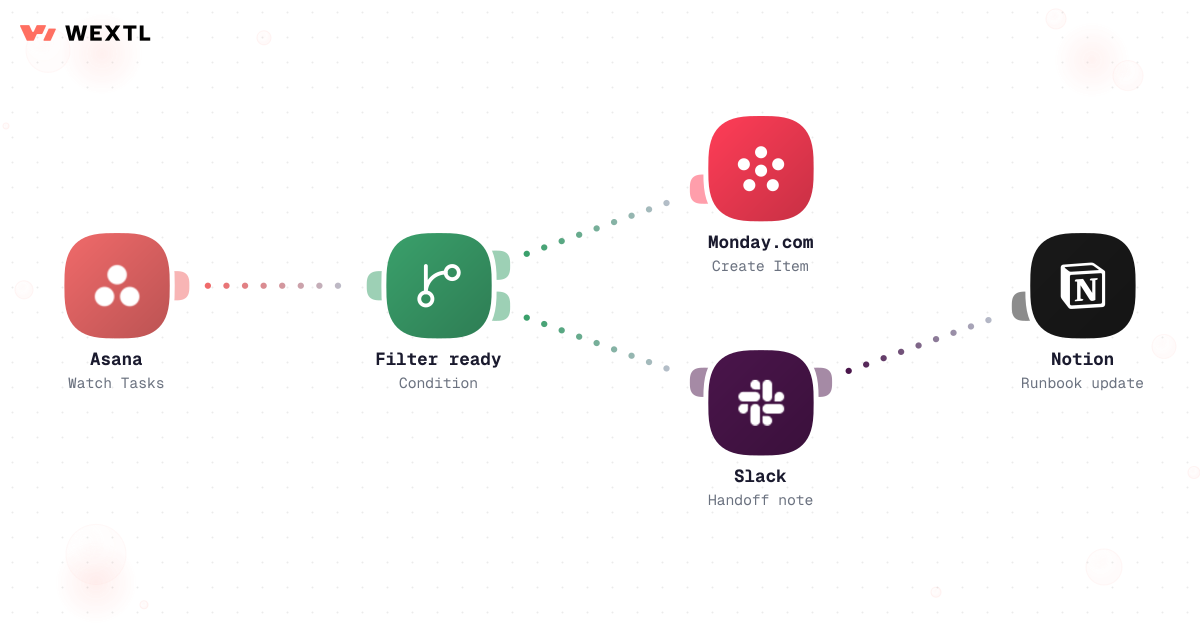
Workflow moving tasks from Asana to Monday with Slack notification
* Illustrative example, not measured customer data.
When a task is ready, the next team gets context in their tool — automatically.
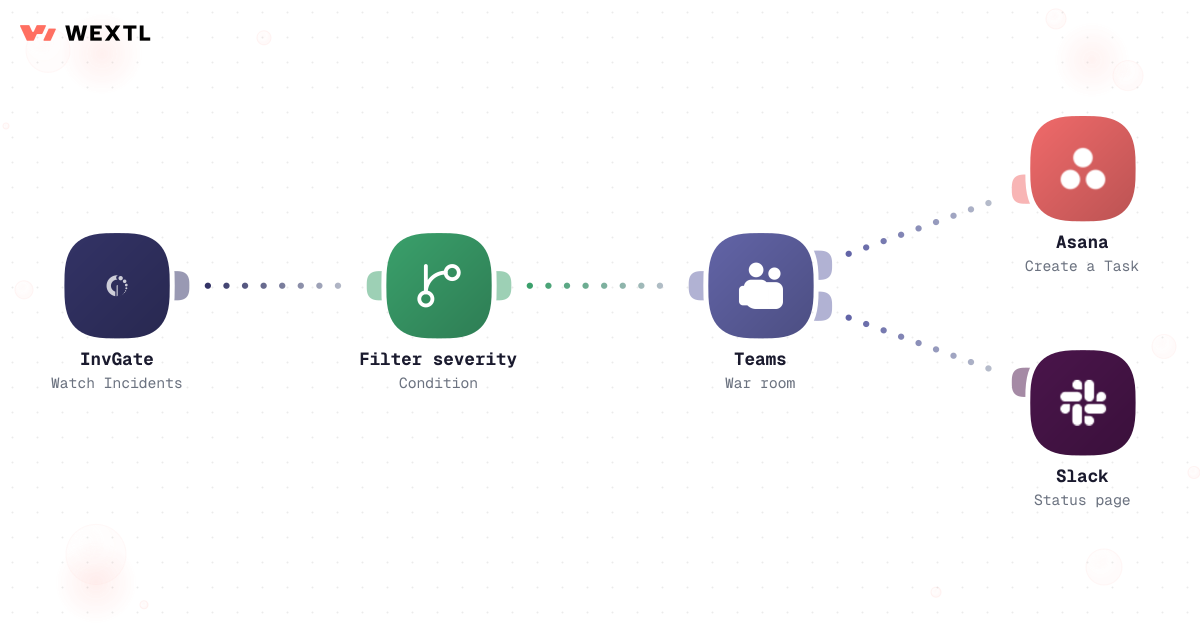
Severity rules open the war room, create tasks, and post status — same playbook every time.
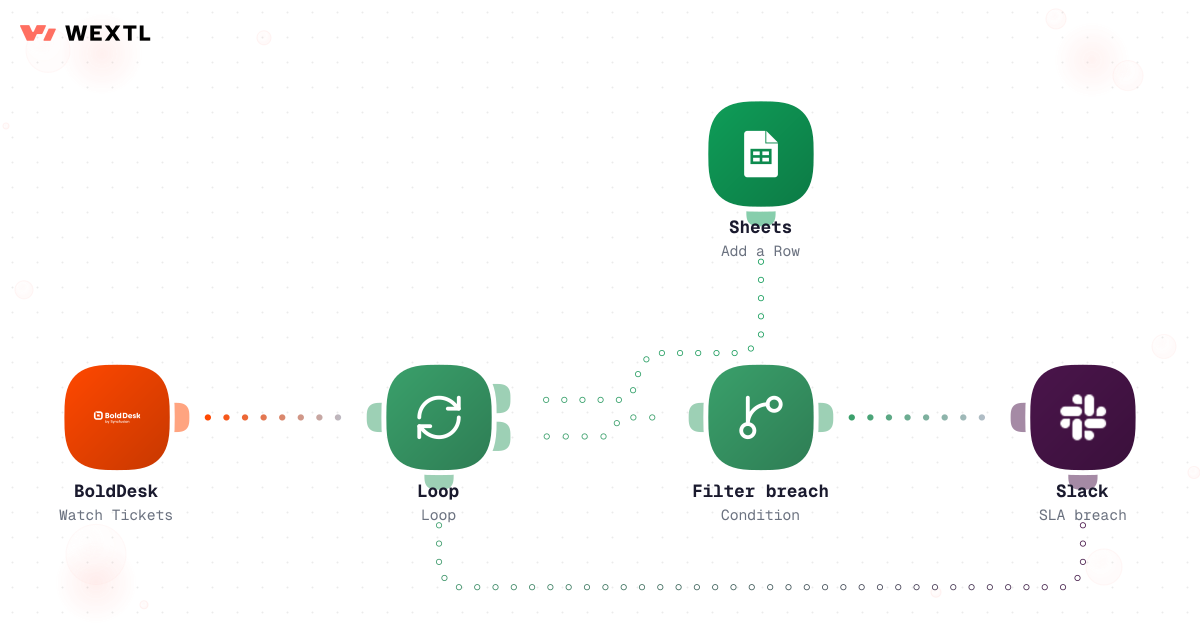
Breaches ping the channel before customers notice; every ticket row is logged.
Turn Notion runbooks into steps that call APIs and confirm in Slack.
When work is ready in one board, create the item in the next tool and notify the owner.
Workflow moving tasks from Asana to Monday with Slack notification
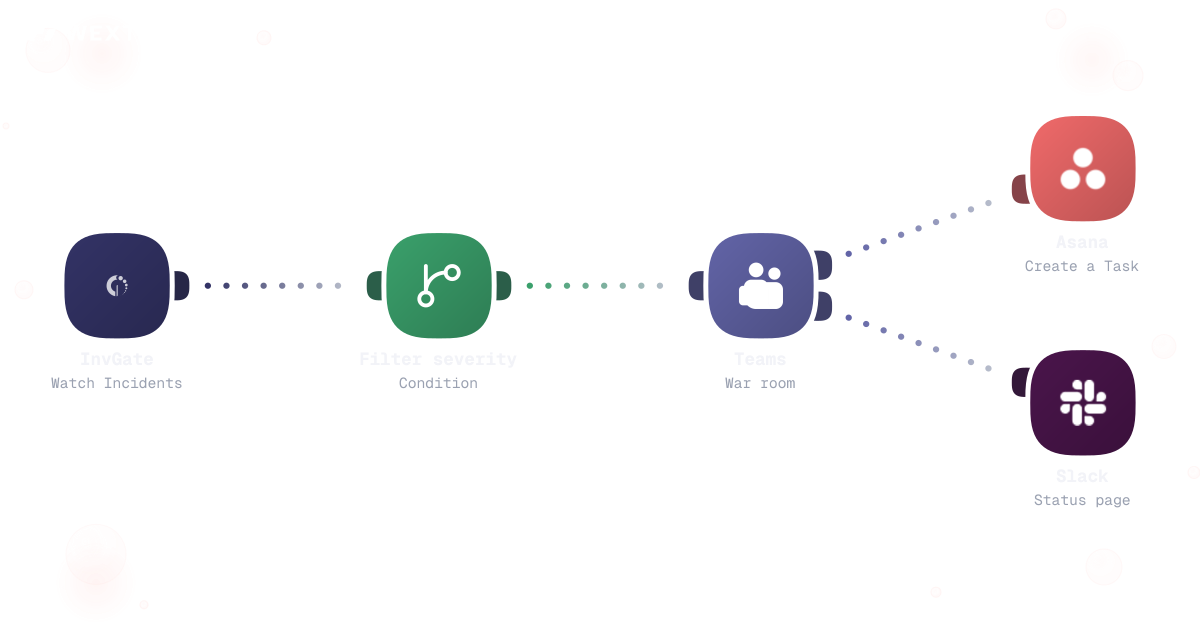
Filter severity, open Teams, create follow-ups, and post customer-facing status.
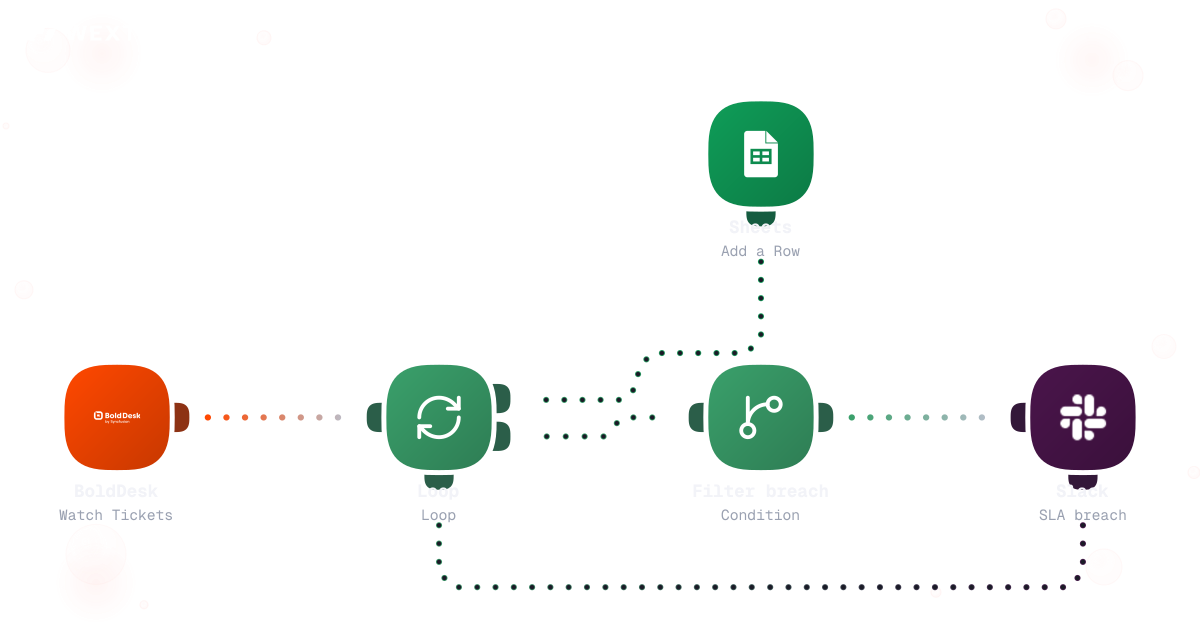
Loop tickets, detect breaches, alert the channel, and log rows for weekly review.
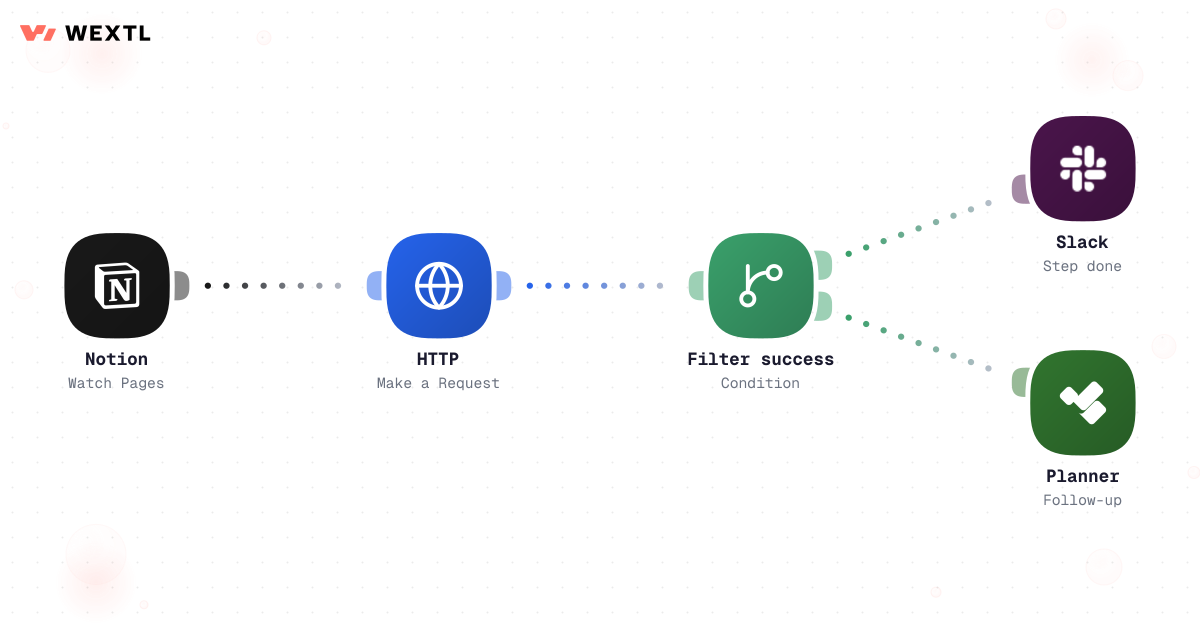
Trigger from a Notion page update, call internal APIs, and confirm each step in Slack.
None of this is complicated work. It's coordination overhead, multiplied by however many tools the org runs on. Handoffs live in five tools and three channels, and 'done' in one tool doesn't mean anything in the next until someone notices and re-types it.
An alert fires and the first 20 minutes go to confirming who's actually on call tonight, not to fixing anything. A ticket sits three days past its SLA warning in a shared inbox nobody individually owns. A runbook exists as a Confluence page with eleven steps, and step 7 has been wrong since the last migration — nobody finds out until someone runs it live during an outage.
Spent confirming who's paged and where to post, before anyone touches the actual problem.
A ticket ages past its warning threshold in a shared inbox no single person owns.
A documented step stops matching production, and nobody finds out until it's run live.
None of it needs a hero. All of it needs a system that doesn't forget what the rule was.
A concrete run, start to finish — the kind of incident workflow an ops or SRE lead clones from the template library and tunes to their own severity levels and rotation.
Trigger: a monitored alert crosses a severity threshold, or a responder declares an incident manually from a Slack command.
WEXTL checks: which service is affected, saved severity criteria for that service, the current on-call rotation (not a static contact list), and whether an incident with this fingerprint is already open.
Human judgment
Whether the outage is bad enough to notify executives, what the status page actually says, and when it's safe to call it resolved stay human calls. The workflow pages the right names and proposes the update — it doesn't decide the outage is over.
A monitoring alert or a manual Slack command starts the run.
Matched against saved criteria for that service — outage vs. degraded tool aren't the same trigger.
Pulls the live rotation assignment, not a list saved when the workflow was built, and creates a dedicated channel with the incident ID in the title — from the same trigger.
AI drafts customer-facing language from the alert payload for review.
External status language waits for the on-call lead before it posts.
One task per affected component owner; no acknowledgment inside the configured window pages the secondary on-call automatically; every page, post, and task creation is timestamped for the postmortem.
A scheduled check reads open tickets against their assigned SLA policy.
Elapsed time compared against the threshold for that priority tier — tickets marked 'waiting on customer' don't burn the clock while they're paused.
At 75% elapsed, a Slack DM goes to the assigned agent — not yet the manager.
At 90% elapsed with no update, the manager gets pinged with the ticket link.
Every check writes a row — ticket ID, elapsed percentage, action taken — and once the ticket is updated, escalation stops and the resolution time is logged.
The log feeds the Monday SLA review without anyone exporting a CSV.
The same logic, applied to a ticket queue instead of an alert: watch the clock, escalate on schedule, and leave a record a manager can trust without opening every ticket.
Trigger: a scheduled check reads open tickets against the SLA policy attached to each one.
Fields compared: ticket priority tier, elapsed time since open, current status (active vs. paused), and the threshold defined for that policy.
Human judgment
The workflow watches the clock and escalates; it doesn't reprioritize the queue or reply to the customer for the agent. Which ticket gets worked next, and what gets said, stay with the person who owns it.
Not every ops role needs this on day one. It's built for the parts of the job that repeat across a lot of incidents, a lot of tickets, or a lot of tools that don't talk to each other.
WEXTL is not trying to replace the on-call engineer or the ops lead — it handles the paging, routing, and logging so a judgment call gets a person's full attention instead of competing with tab-switching between five tools.
A contact list saved six months ago pages whoever used to be on call, not whoever's actually holding the pager tonight.
Reading the live rotation and opening the war-room channel from the same trigger means the page and the place to coordinate show up together, not five minutes apart.


Pages whoever's on call right now.
Same trigger, same moment — no five-minute gap.
Timestamped for the postmortem, automatically.


By the time a support lead notices a ticket in the spreadsheet, the customer has usually already followed up twice.
Loop open tickets against their SLA policy, exclude paused time, and log every check — the row exists before the manager has to ask.
Calculated against the actual policy threshold per tier.
A customer's own delay doesn't count against the agent.
The weekly review reads a row, not twelve open tickets.
Nobody gets to pick one tool for handoffs, one for incidents, and one for runbooks in a growing org — the ticketing system, the PM boards, and the chat tool are already fixed, and usually different per team.
These are the integrations most Operations workflows actually use. An HTTP step reaches anything else with an API, including internal tools.
Integrate Operations workflows with the tools your team already uses.
| Task | By hand | With WEXTL |
|---|---|---|
Cross-team handoffs | Links in chat, hope someone picks it up | Supported |
Incident response | Different playbook every time | Same severity rules and notifications |
SLA tracking | Friday spreadsheet review | Supported |
Runbooks | PDF on the wiki | Executable steps with logs |