Feedback to backlog
Support themes become ClickUp tasks and Notion specs.


Support tickets, experiment results, and roadmap notes live in different tools. WEXTL triages feedback, ships release comms, and syncs experiments on a canvas PMs can iterate without engineering every time.
Deploys this workflow into your workspace — you'll connect your own accounts.
Product feedback workflow from Gorgias through AI to ClickUp and Notion
* Illustrative example, not measured customer data.
Support themes become ClickUp tasks and Notion specs.
Changelog pages summarized to Slack and email automatically.
HTTP experiment flags update Airtable and alert owners.
ClickUp views roll into Notion roadmap and a weekly ping.
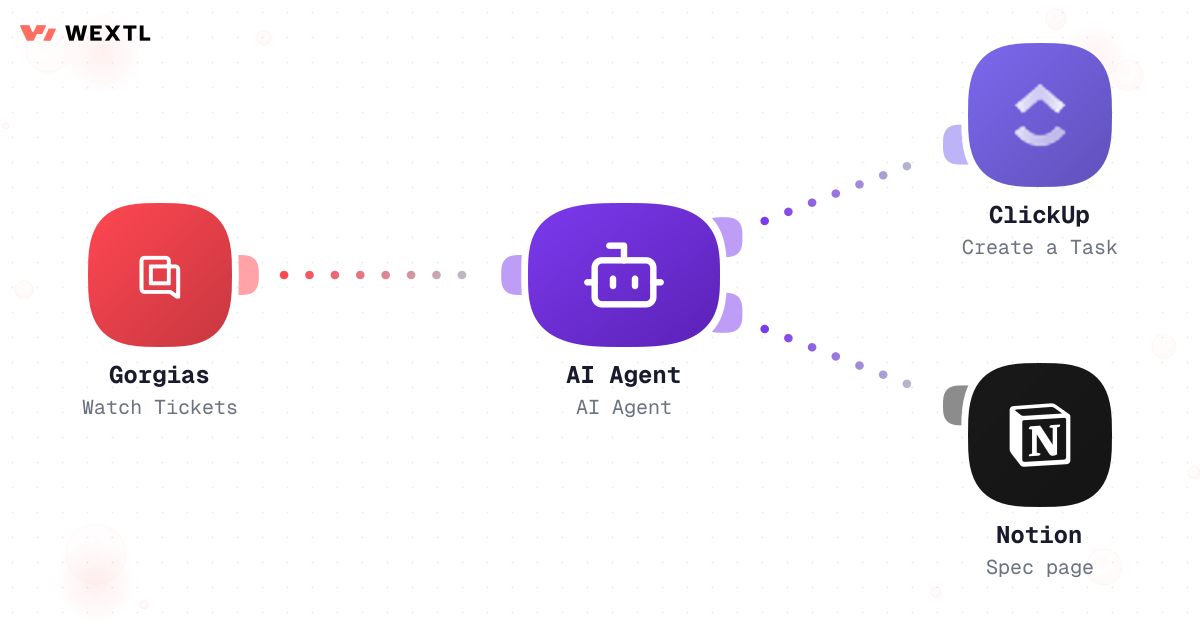
Watch Gorgias tickets, classify with an agent, create ClickUp tasks and Notion pages.
Product feedback workflow from Gorgias through AI to ClickUp and Notion
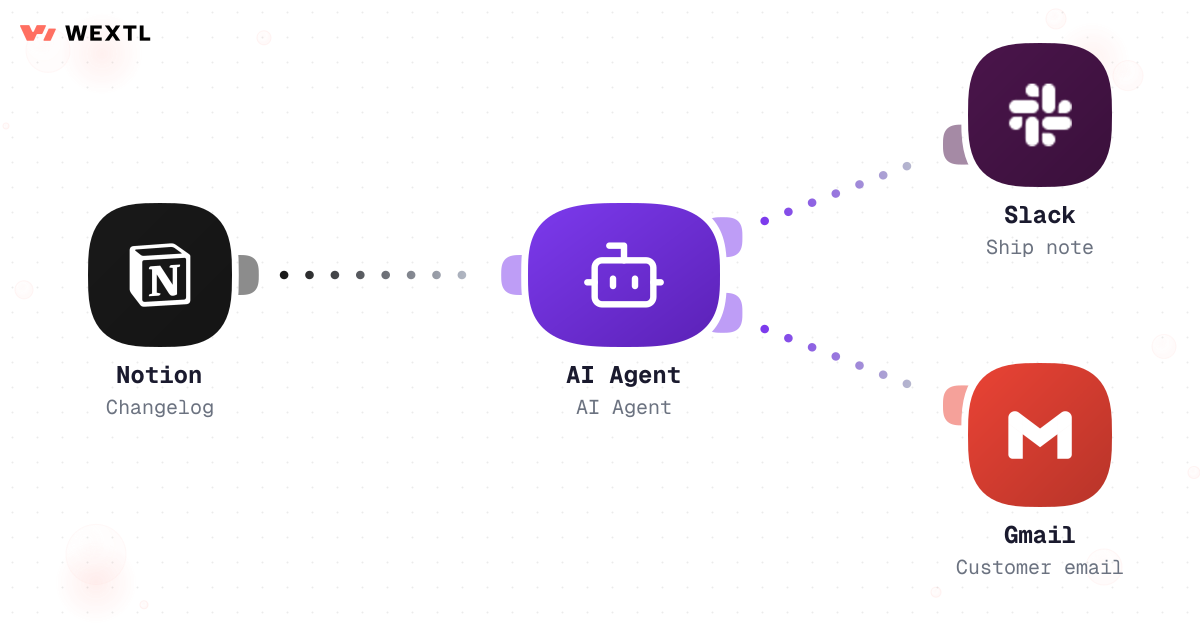
Notion changelog update, AI summary, Slack announcement, Gmail to customers.
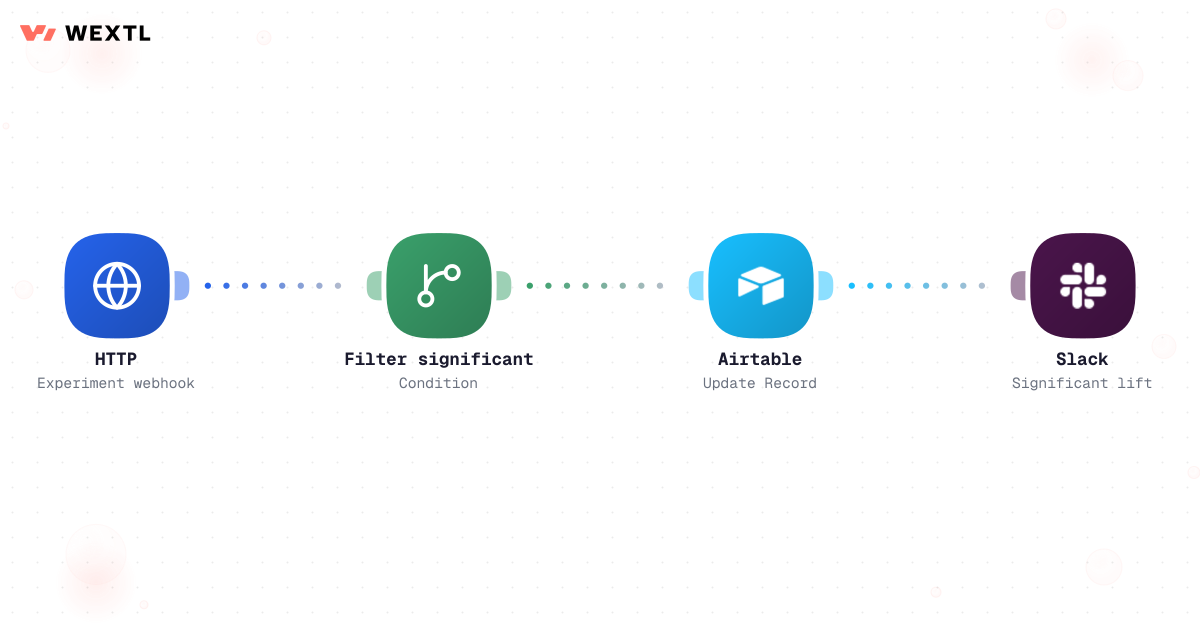
HTTP flag service webhook, parse results, update Airtable, Slack on significance.
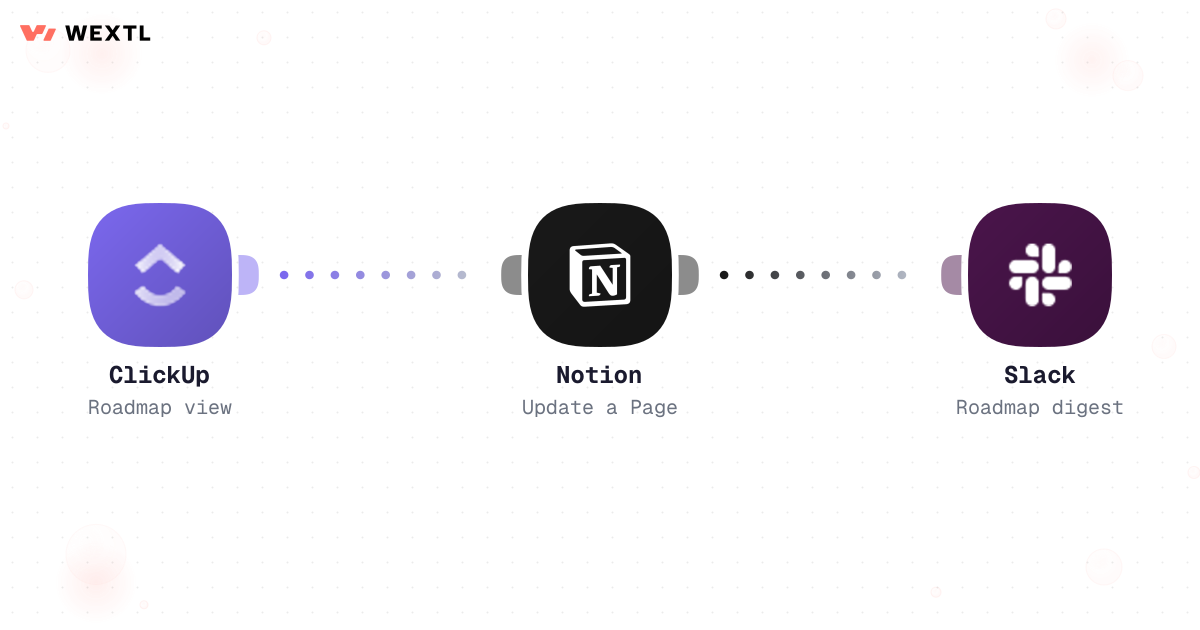
Pull ClickUp roadmap view, update Notion summary page, post Slack digest.
None of it is hard work. It is just constant, and it is all information-moving, not decision-making. A feature request shows up in a support ticket that may or may not already be tracked somewhere. A release ships and the same five bullet points get retyped into a doc, a Slack post, and a customer email. An experiment concludes on a Friday and the numbers sit in a dashboard until someone remembers to export them.
Checking Gorgias, Zendesk, Intercom, and a sales Slack thread to see if a request is already tracked.
The same shipped-feature bullets, rewritten by hand for a doc, a Slack post, and a customer email.
Exporting last week's experiment results because the flag service and the roadmap doc don't talk.
WEXTL is not trying to write the roadmap — it handles the theme-matching, the drafting, and the retyping, so the PM spends the saved time on what to build and how to say it, not on finding out whether someone already asked for it.
A concrete run, start to finish — the kind of triage workflow a PM clones from the template library and adjusts to match how their support desk actually tags things.
Trigger: a support ticket in Gorgias or Zendesk gets tagged feature-request or bug, or a rep forwards a pattern they're seeing from Intercom.
WEXTL checks the ticket against open backlog items for a theme match, the customer's account tier if the desk exposes it, and any severity keywords (data loss, security, outage) before deciding where it goes.
Human judgment
Whether a new theme is worth a backlog item, how two similar-but-different tickets should be split, and any prioritization call stay with the PM. The workflow files and links; it does not decide what gets built.
A tagged support ticket or a forwarded pattern starts the run, and the ticket body, plan tier, and prior contact history are pulled in with it.
AI maps the ticket to an existing backlog theme or flags it as new.
Data-loss or security keywords and enterprise-tier accounts route immediately, not to the weekly digest.
AI writes a title and description with the customer's own words attached as a quote.
A brand-new theme waits for PM confirmation; a matched theme just links and increments.
Creates or updates the Linear/Jira/ClickUp issue and links the source ticket and any Notion spec.
Pulls every issue tagged to the release from Linear or Jira.
Breaking-change or security-fix decides the approval path; anything tagged internal-only is dropped from the customer-facing note.
AI writes customer-facing bullets from issue titles and descriptions, one tone across channels.
Breaking or security-flagged releases wait for PM or eng-lead approval; routine ones don't.
Posts the finished note to the Notion changelog page.
Posts to #product-updates in Slack and sends the customer email through Gmail.
The same shape, applied to the other end of the loop: turn completed engineering work into a consistent, gated announcement instead of a retyped bullet list.
Trigger: a Linear or Jira issue tagged with the release moves to Done, or a Notion changelog draft is marked ready.
Sources combined: completed issues in the release, their type labels, any linked customer-facing description, and whether a breaking-change label is present anywhere in the batch.
Human judgment
A breaking-change or security-fix release never auto-publishes — the workflow drafts the note and waits. Everything else, the retyping and reformatting, doesn't need a human to touch it three times.


Experiment results sit in the flag service or the analytics tool until someone remembers to export them into the doc the roadmap conversation actually uses.
WEXTL can pull the event data, write the row with sample size and confidence already checked, and ping the pod the moment a result crosses significance — no export, no stale Monday table.
A result below the configured minimum is marked inconclusive, not reported as a lift.
AI writes what the numbers mean for a stakeholder who doesn't read confidence intervals.
A significant result pings the owner to confirm before full rollout — it doesn't ship itself.
Not every product role needs this on day one. It's built for the parts of the job that repeat across a lot of tickets, a lot of releases, or a lot of concurrent experiments.
A PM doesn't pick these tools — support runs the desk, engineering runs the tracker, and the roadmap doc is wherever it's always been. Automation has to meet them where they are.
These are the integrations most Product workflows actually use. An HTTP step reaches a flag service or any other tool with an API.
Integrate Product workflows with the tools your team already uses.
| Task | By hand | With WEXTL |
|---|---|---|
Feedback intake | Tags in support, manual backlog | Supported |
Release comms | Copy-paste changelog | Automated Slack + email from Notion |
Experiment tracking | Weekly CSV ritual | Supported |
Roadmap updates | Duplicate slides and docs | Scheduled digest to Notion + Slack |