Triage on arrival
New tickets are classified and routed to the right queue before anyone reads them.


Tickets get read, tagged, and routed the moment they arrive, so your team starts on the answer instead of the sorting. WEXTL sits between your help desk, CRM, and chat tools and keeps them telling the same story.
Deploys this workflow into your workspace — you'll connect your own accounts.
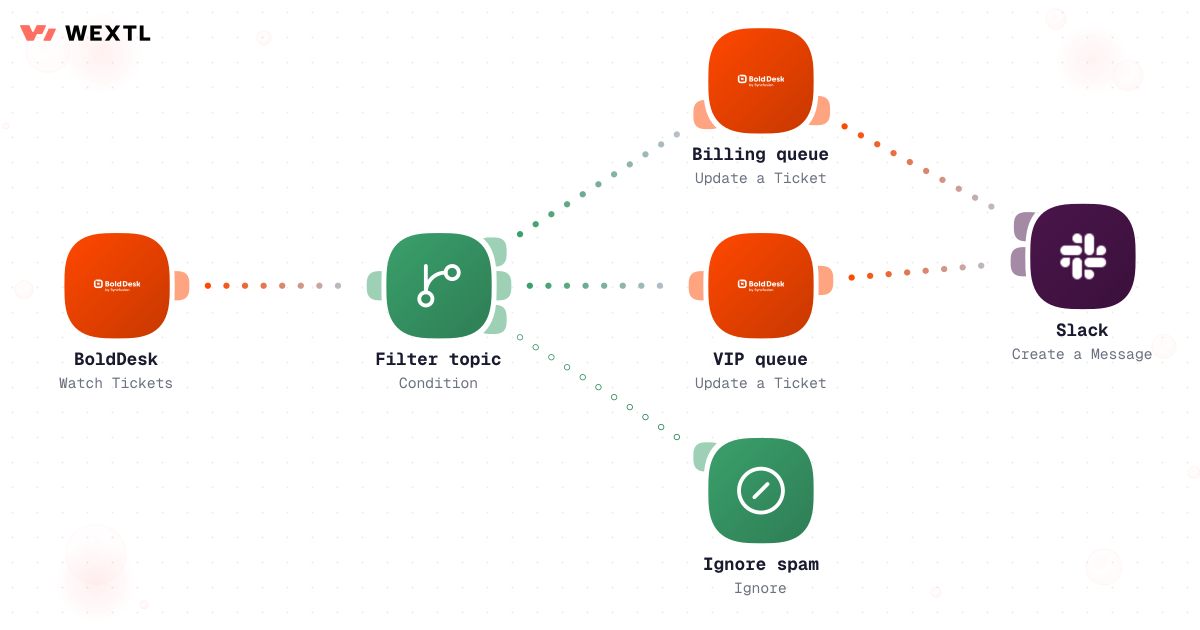
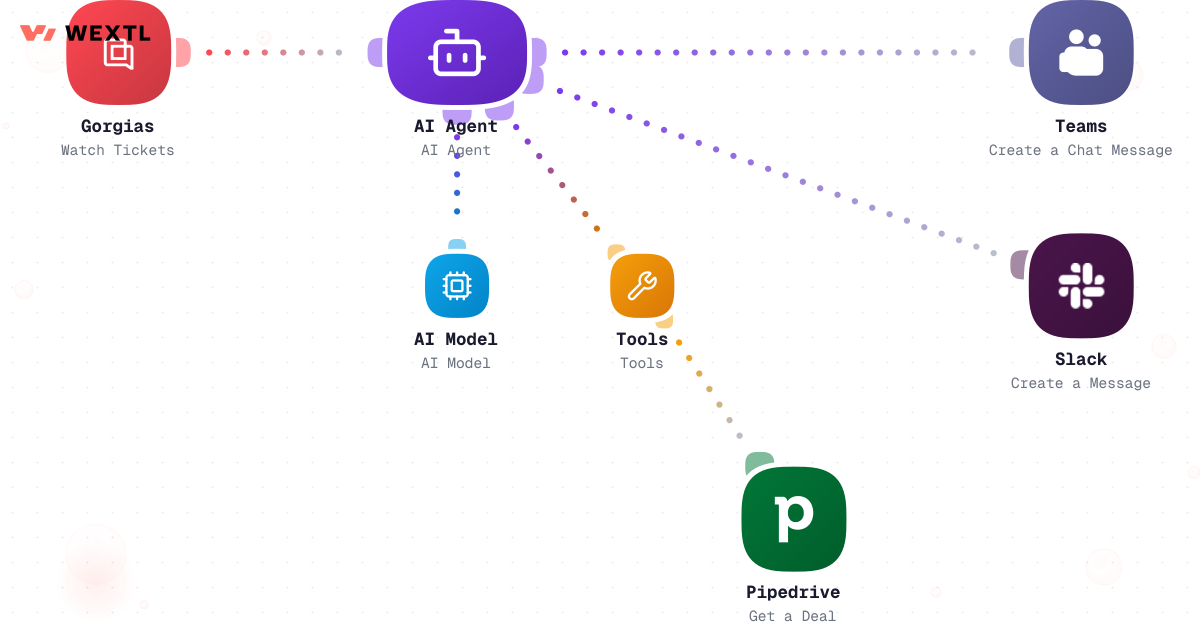
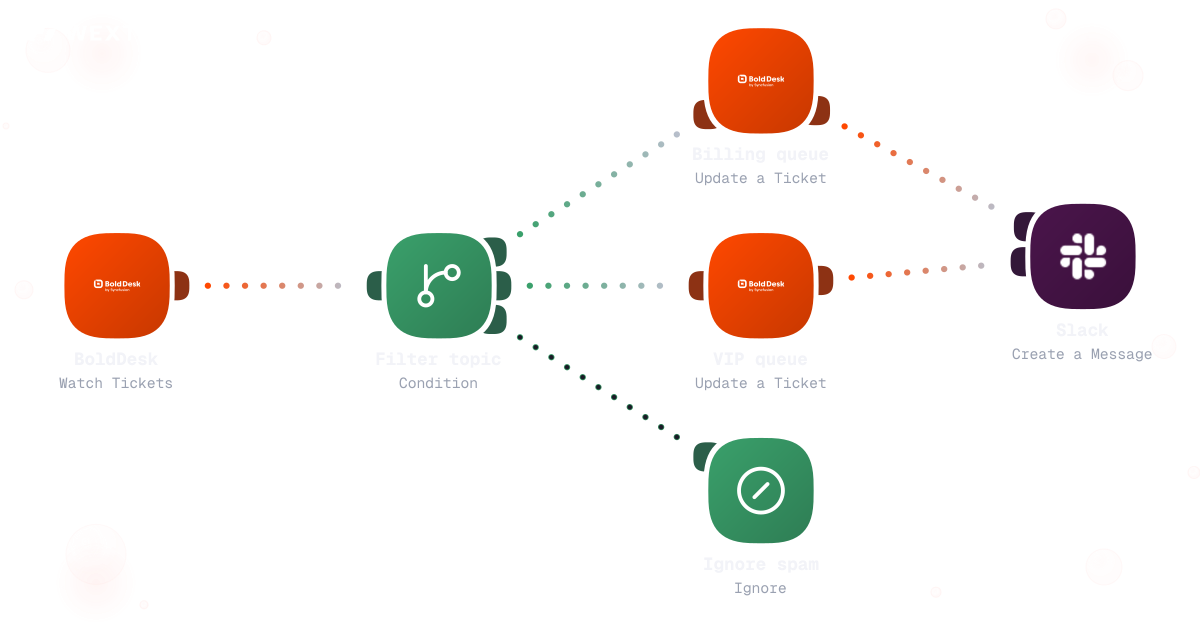
Preview of a branched workflow that filters incoming tickets and routes each one down a different path by topic and urgency.
* Illustrative example, not measured customer data.
New tickets are classified and routed to the right queue before anyone reads them.
When a ticket escalates, the account history and past conversations travel with it.
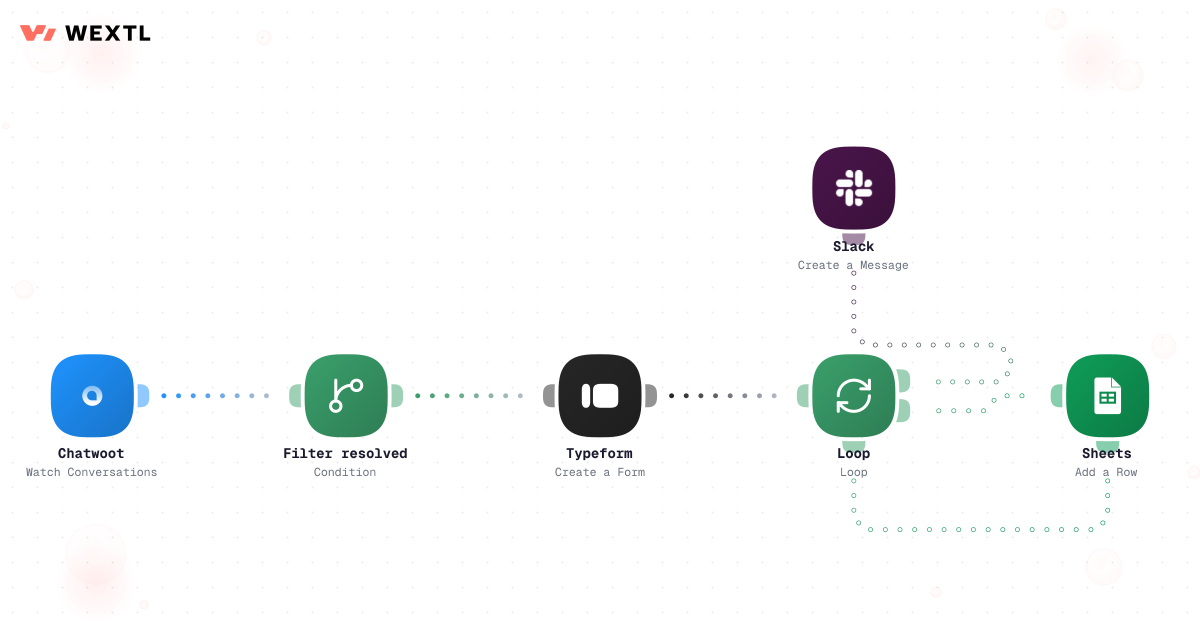
Surveys go out on resolution, and the scores flow into one trendline you can watch.
The CRM and the help desk stop disagreeing about who the customer is.
Four workflows that give a support team its mornings back. Each starts as a template you can clone and adjust.
Classification and routing run on every ticket the second it lands, around the clock.
Preview of a branched workflow that filters incoming tickets and routes each one down a different path by topic and urgency.
Severity, history, and account details are gathered and attached before the handoff happens.
Every resolved ticket asks the question, and the answers roll up on their own.
Changes flow both ways, so agents and account owners read the same record.
None of it is hard. A billing question is not complicated. What's hard is that a queue fills overnight with forty tickets that look identical until you've opened all forty — three of them are the same complaint from the same account, filed an hour apart, because nothing dedupes them on the way in. A P1 lands on an engineer's desk as “customer is furious” instead of steps to reproduce, because whoever escalated it was moving too fast to write one down. And a customer who scored you 2 out of 5 last Tuesday is still sitting in the general queue today, because nobody connected the ticket to the score.
Forty tickets in one queue, three of them the same complaint.
”Customer is upset” reaches engineering instead of what broke.
Logged in a dashboard, disconnected from the ticket that caused it.
None of it needs a person's judgment to sort. All of it still needs sorting.
A concrete run, start to finish — the kind a support lead clones from the template library and adjusts to match their own queue structure and SLAs.
Trigger: a new ticket lands — from the inbox, the chat widget, or a social DM channel your help desk pulls into one queue.
WEXTL checks: the sender's account tier and history, topic and intent (billing, bug report, refund, login/access), a sentiment score on the message, and whether the thread matches an already-open ticket from the same requester.
Human judgment
A ticket touching more than one topic, an account outside your VIP list making an unusual request, or a sentiment score the workflow can't resolve confidently gets parked for an agent instead of auto-tagged. The workflow sorts; a person makes the close call.
Email, chat, or social DM — normalized into one queue.
Topic and intent, a sentiment score, and account tier are checked together before a human ever opens it.
Matches against open tickets from the same requester before creating a new one.
AI proposes a reply from your macro library when the match is confident.
Mixed topics or unclear intent go to a review queue instead of a guessed tag.
Tags and routes to the right queue, then records every classification and routing decision on the ticket.
A manual tag or an SLA/sentiment rule starts the run.
Plan tier and prior escalations feed a reproduction summary — steps, environment, error text — not a copy-paste of the chat.
P1 and enterprise-tier issues page on-call directly; lower severity opens a tracked issue without paging anyone.
The summary reaches a person before anything is treated as acknowledged.
Opens or updates a Jira or Linear issue with the summary attached, not a blank ticket.
The account owner hears about it from the workflow, not the customer — and every step is timestamped on the ticket.
The same logic applied to the moment a ticket stops being a support problem and becomes an engineering one.
Trigger: an agent tags a ticket “escalate,” or a rule fires on its own — an SLA about to breach, three contacts on the same issue, or a sentiment score that drops sharply mid-thread.
Sources combined: the full ticket thread, the account's plan and prior escalation history, and any error text, screenshots, or logs attached to the conversation.
Human judgment
If on-call doesn't acknowledge within a set window, the workflow escalates to the next person in the rotation instead of sitting silent — but nothing is marked resolved, and no fix ships, without an engineer's own action.
WEXTL is not trying to replace the support team — it handles the sorting, summarizing, and syncing so agents spend their time on the ticket that actually needs a person, not the ninety that don't.
Refund approvals past a set amount, any reply to an account mid-renewal or flagged as a churn risk, and a ticket where the AI's classification confidence is low are exactly where automation should stop and hand back — not because the workflow can't attempt them, but because a wrong guess costs more than a slower right answer.
Where a human stays on
Anything that issues a refund past your threshold, any reply where account history matters more than the words in the ticket, and any escalation marked resolved. The workflow drafts, tags, and proposes for these — it does not decide.
Classification, routing, and duplicate-merging run without an agent touching them.
Auto-reply is an opt-in switch per topic, not the default for every ticket.
Anything past your dollar threshold stays a human approval.
Judgment showed up exactly where it mattered — the refund call, the angry VIP reply. Everything else just ran.
Not every desk needs this on day one. It's built for the parts of support work that repeat across a lot of tickets, a lot of channels, or a lot of accounts.


An agent quotes a plan limit from six weeks ago because the CRM changed and nobody told the help desk.
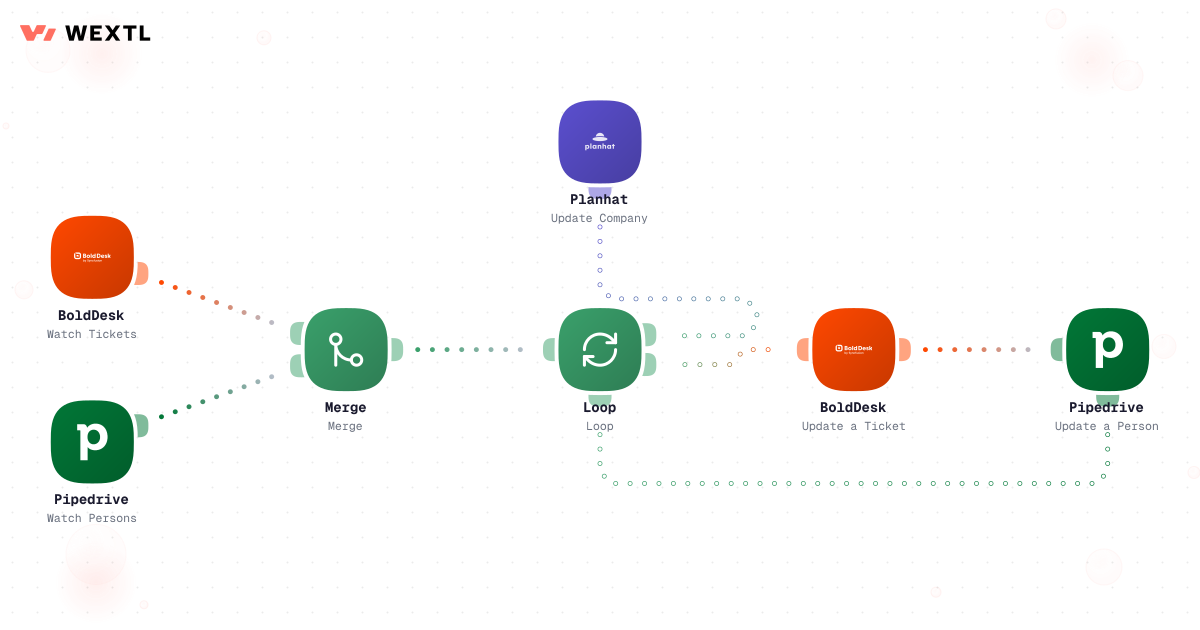
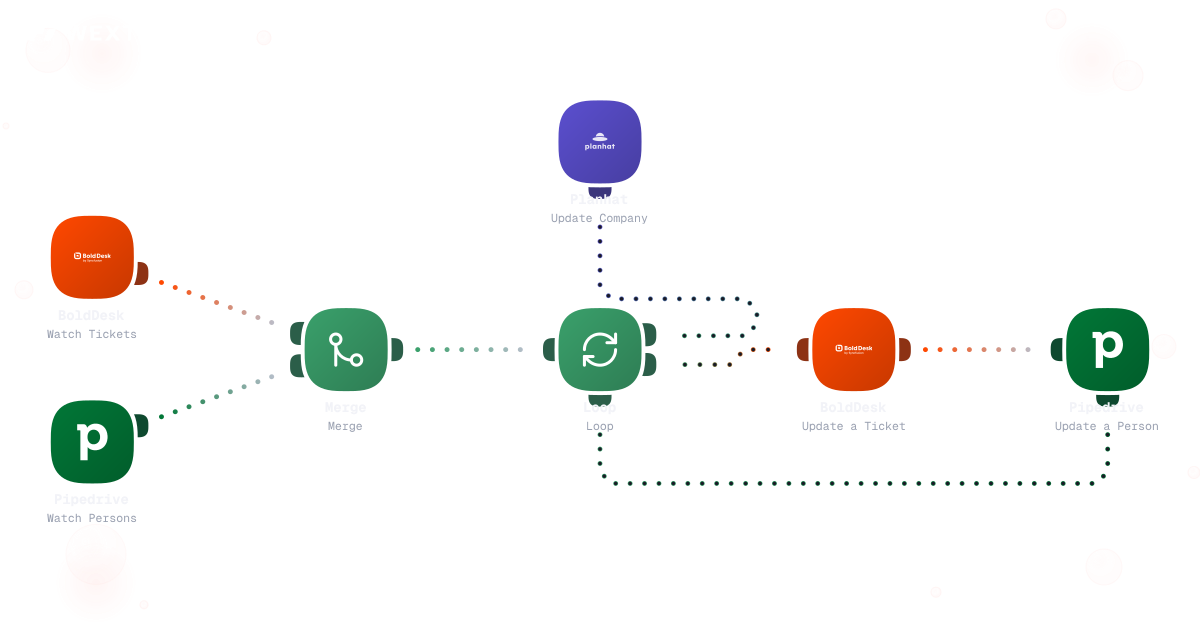
Plan and entitlement changes flow into the help desk automatically, and ticket volume plus CSAT flow back to the account record — so the account owner sees support pressure before the renewal call, not during it.
Entitlement changes from the CRM reach the help desk automatically.
Volume and CSAT write back to the account record the CRM shows.
The account owner sees the pattern ahead of the call, not during it.
CSAT usually surfaces in a monthly deck, disconnected from the ticket that caused it.
Send the survey on resolution and route a low score straight to Slack with the ticket attached — a follow-up can open the same hour, while the context is still fresh.


Not sampled once a quarter — sent while the conversation is fresh.
The ticket travels with the score, not just a number in a report.
Rolled up by agent and topic without a spreadsheet.
You don't get to pick the help desk after the fact — whatever you automate has to meet your stack where it is.
These are the integrations most Customer Support workflows actually use. An HTTP step reaches anything else with an API.
Integrate Customer Support workflows with the tools your team already uses.
| Task | By hand | With WEXTL |
|---|---|---|
Sorting the morning queue | The first hour of every shift | Done before the shift starts |
Getting tickets to the right person | Reassigned twice, sometimes three times | Routed by topic and urgency on arrival |
Context on an escalation | Scroll back through three threads | Attached automatically — history, account, severity |
Sending CSAT surveys | When someone remembers to export a list | On every resolution, automatically |
Help desk and CRM agree | Rarely, and never for long | Supported |
Knowing a workflow step failed | You notice when tickets pile up | Per-step logs on every run |