Speed to lead
A new lead is scored, routed, and in the right rep's hands in under a minute.


Speed wins deals, and busywork is where speed dies. WEXTL routes leads in seconds, keeps your CRM honest, and nudges follow-ups so nothing slips through.
Deploys this workflow into your workspace — you'll connect your own accounts.
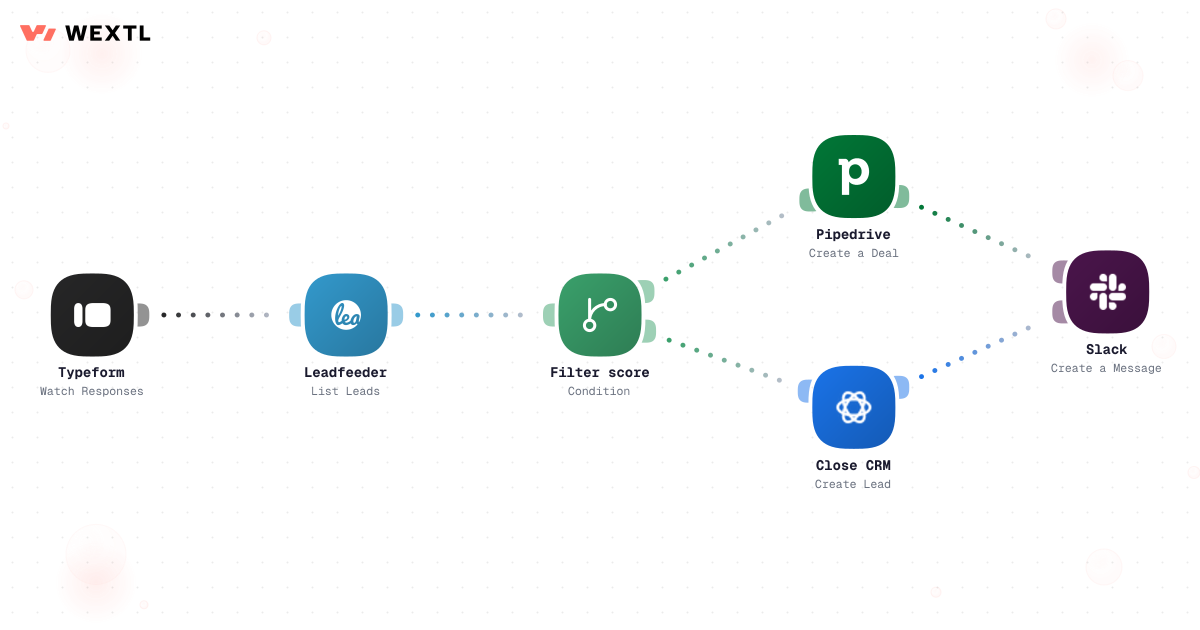
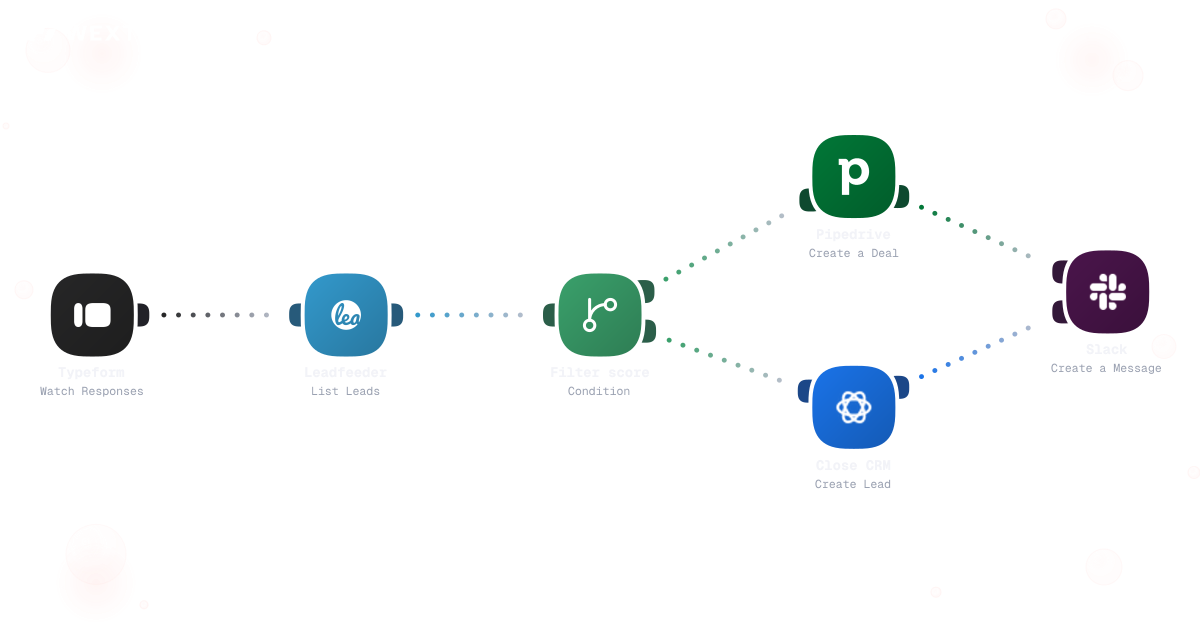
Preview of a branched workflow that filters incoming leads and routes each one down a different path by score and territory.
* Illustrative example, not measured customer data.
A new lead is scored, routed, and in the right rep's hands in under a minute.
Records update themselves after every call, form, and signature — no end-of-day data entry.
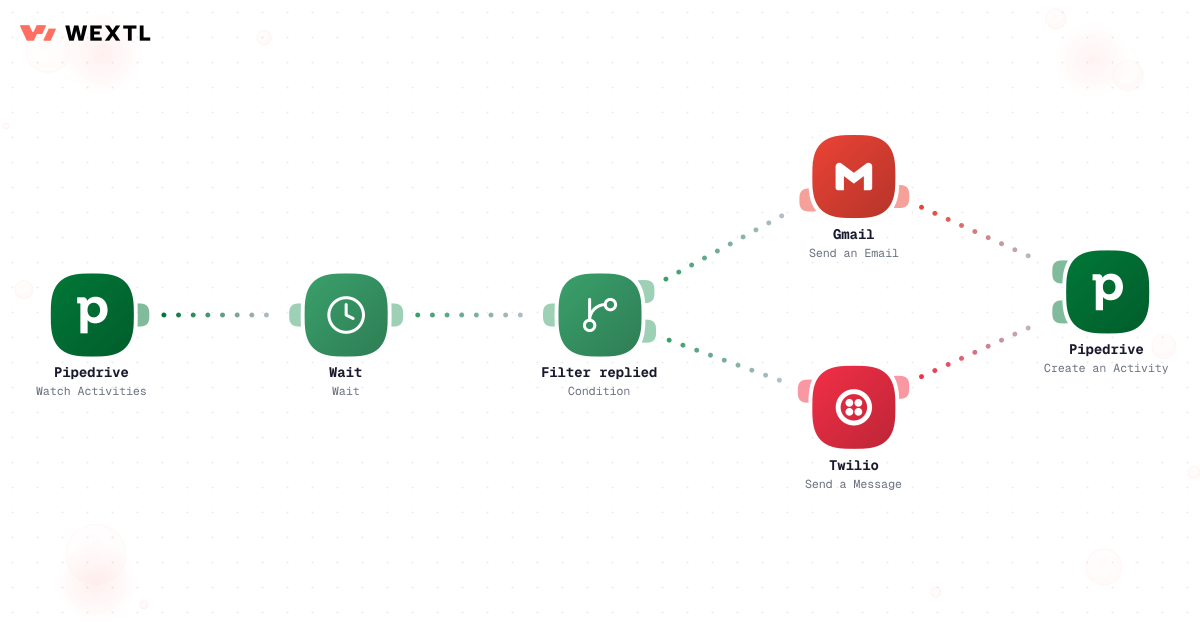
Sequences pause when a prospect replies and resume when they go quiet again.
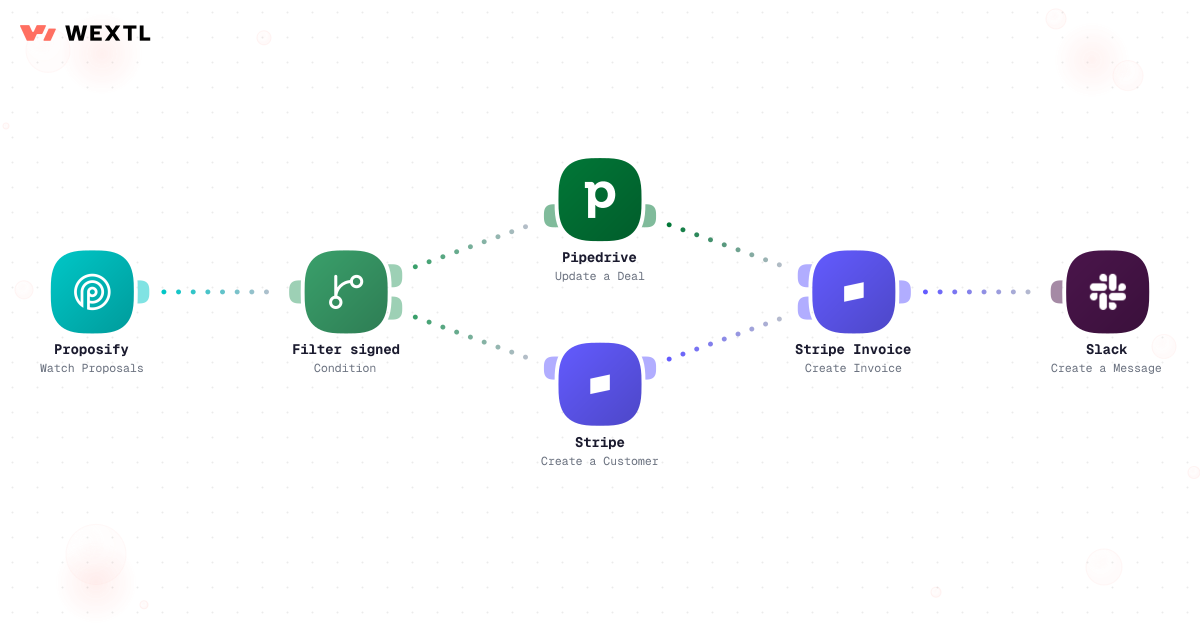
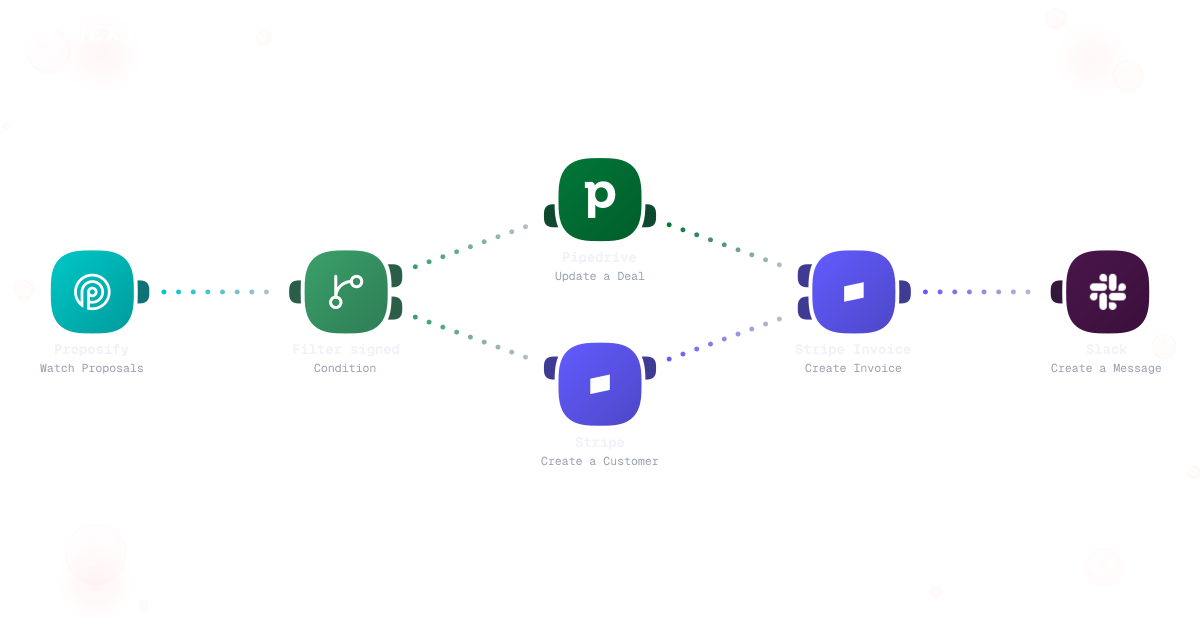
A signed deal turns into an invoice in your finance tool before you close the tab.
The four workflows that pay for themselves fastest. Each one starts as a template you can clone.
Score and route every inbound lead the moment it arrives, day or night.
Preview of a branched workflow that filters incoming leads and routes each one down a different path by score and territory.
Workflows write the record so the forecast reflects reality, not memory.
Timed nudges that know when to stop, built as plain steps you can see.
The deal record flows straight into your finance tool the moment it closes.
None of it is hard. A lead sits in a shared queue for forty minutes because whoever usually claims them is in a demo. A deal hasn't been touched in nine days but nobody notices until forecast review. A prospect replied Tuesday and the sequence still fired step four on Thursday.
Whoever refreshes the list first claims it — or nobody does for forty minutes.
Twenty minutes of typing what already happened, from memory.
Step four sends two days after the prospect already replied.
WEXTL is not trying to close the deal for the rep — it handles the routing, the record-keeping, and the repetitive follow-up so the rep spends time on the conversations that actually move a deal.
A concrete run, start to finish — the kind of routing workflow a sales-ops lead clones from the template library and tunes to match how territories are actually split.
Trigger: a new lead arrives from a web form, an ad campaign, or an inbound email.
WEXTL checks: the lead's domain against named-account and territory lists, employee count or deal-size signal from enrichment, current rep capacity in the round-robin queue, and any VIP or partner-referral rules configured for specific sources.
Human judgment
A lead that matches two territories, an enterprise-tier account, or a source outside the configured rules routes to a sales manager instead of getting auto-assigned. The workflow proposes the match; a person confirms the exceptions.
A form fill, ad click, or inbound email starts the run.
Fills in company size and domain details when the form left them blank.
Checked against saved region maps and named-account lists first; anything unmatched queues to the next rep by capacity, not by who refreshed fastest.
AI writes the rep's opener with the enrichment context already in it.
Above a configured deal size, a manager checks the assignment first.
Owner field is set and the rep gets pinged in Slack.
Closed Won on the CRM record or a completed e-signature starts the run.
Extracts line items, quantities, and payment terms instead of a rep retyping them.
One-time deals route toward invoicing, recurring deals toward a subscription; an account flagged PO-required can't generate an invoice until the number is on file.
Numbers come from the signed document, not a rep's memory of the call.
Custom discounts or extended payment windows wait for finance to review.
Invoice or subscription goes out, the CRM record updates with the reference, and finance and CS get the numbers straight from it — not a Slack message.
The same logic, applied to close: turn a signed deal into an invoice or a subscription without a rep emailing finance the numbers by hand.
Trigger: a deal is marked Closed Won, or a proposal comes back signed.
Sources combined: the deal record's amount and terms, the signed document's line items, and whether the account is flagged PO-required or subscription.
Human judgment
A missing PO number, a discount outside the standard range, or a mismatch between the CRM amount and the signed document holds the invoice for finance instead of sending it with a gap.
Not every sales role needs this on day one. It's built for the parts of the job that repeat across a lot of leads, a lot of deals, or a lot of systems.
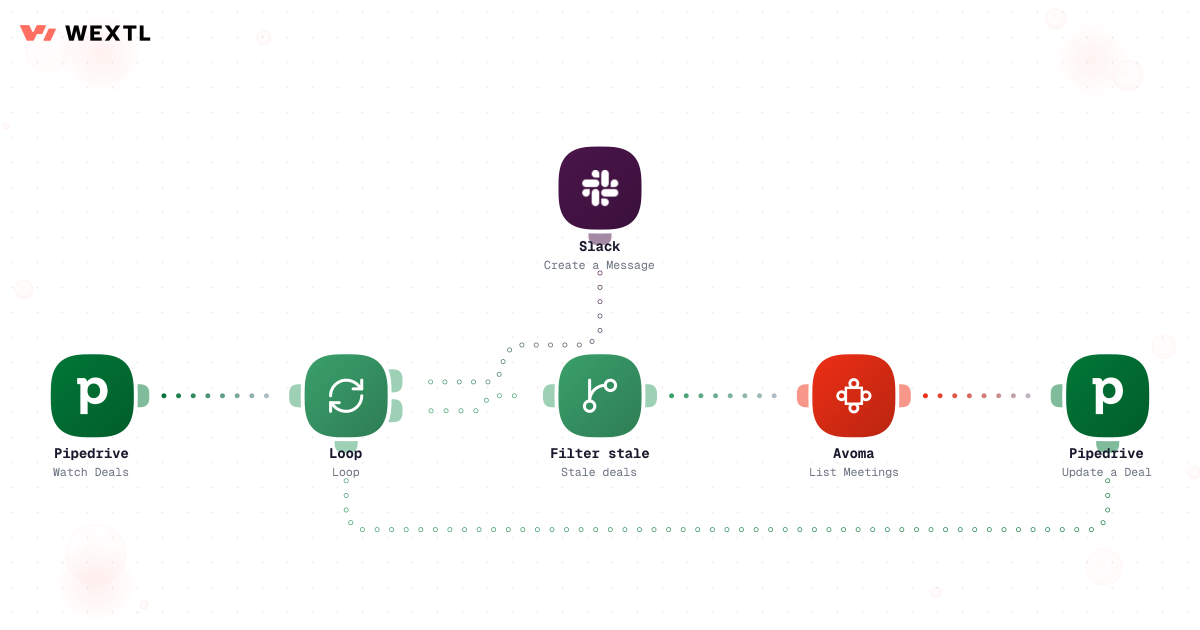
Stale deals pile up because nobody has time for Friday CRM cleanup, and a forecast built on nine-day-old activity is just a guess with a dollar sign.
A hygiene workflow loops open deals, checks recent activity against a stale threshold, and nudges the owner before the number reaches the forecast call.


A deal that skips activity for 14 days gets flagged, not forgotten.
Same-domain records queue for a confidence-checked merge instead of splitting history.
A Slack ping names the specific gap, not a generic 'update your deals' reminder.
You don't get to pick the CRM after the fact. Whatever's already the system of record — Salesforce, Pipedrive, Close — is what routing, hygiene, and quote-to-cash have to write to.
These are the integrations most Sales workflows actually use. An HTTP step reaches anything else with an API.
Integrate Sales workflows with the tools your team already uses.
| Task | By hand | With WEXTL |
|---|---|---|
A new lead comes in | Sits in a queue until someone checks | Routed to the right rep in under a minute |
Logging activity in the CRM | Twenty minutes at the end of each day | Written back automatically after each step |
Third follow-up on a quiet deal | Depends on the rep remembering | Supported |
Knowing where a deal came from | Ask the rep and hope | On the record from the first touch |
Invoicing a closed deal | An email to finance, then a reminder | Created in your finance tool automatically |
Trusting the pipeline numbers | Depends who updated what, and when | Stages move on real events |