Castmagic integration guide
VerifiedHow to connect Castmagic to WEXTL and use its 3 actions in your workflows. About Castmagic: AI that turns podcasts and long-form audio into transcripts and content.
- 1 search
- 2 actions
- Polling
- Auth: API key
AI-assisted documentation3 min read
This documentation is compiled from our integration source code, internal specs for Castmagic, its official API documentation and anonymized requests logs we collect from our support team[2].


Requirements
Get your Castmagic credentials
- API KeypasswordRequired
Generate a new API secret in your Castmagic developer dashboard. If you don't have a developer dashboard, reach out to justin@castmagic.io for access.[1]
Connect Castmagic in WEXTL
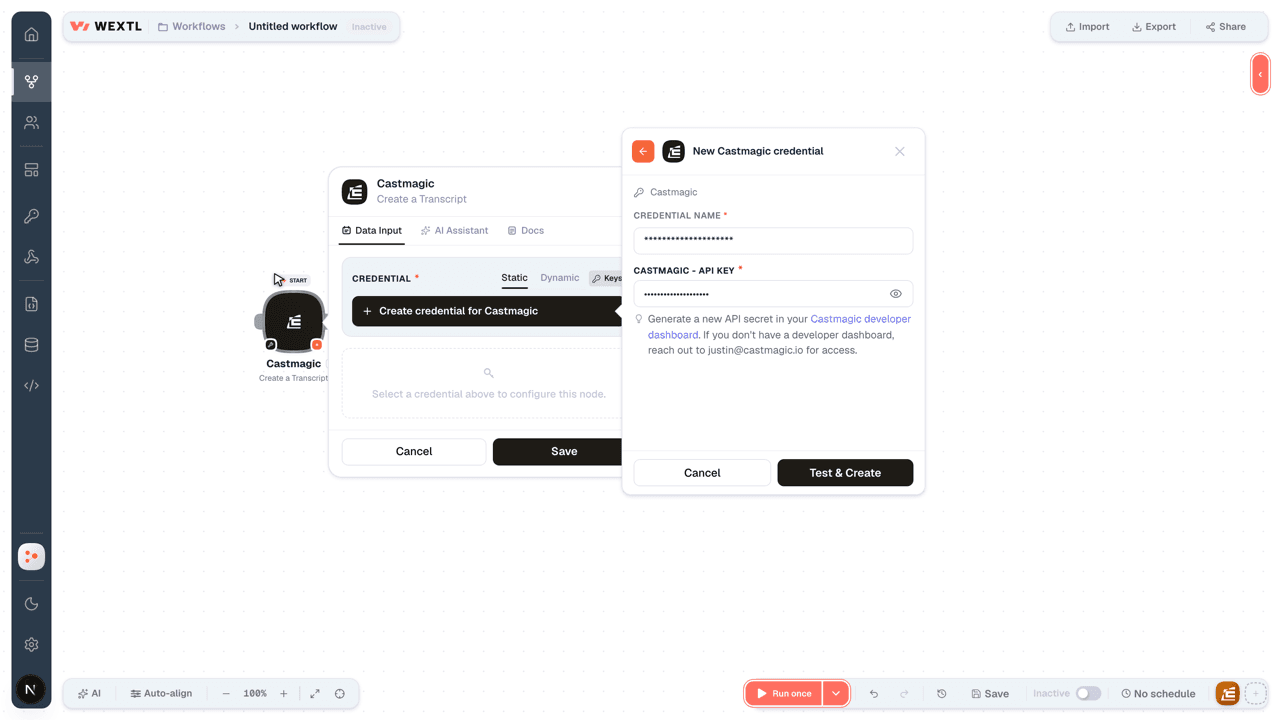
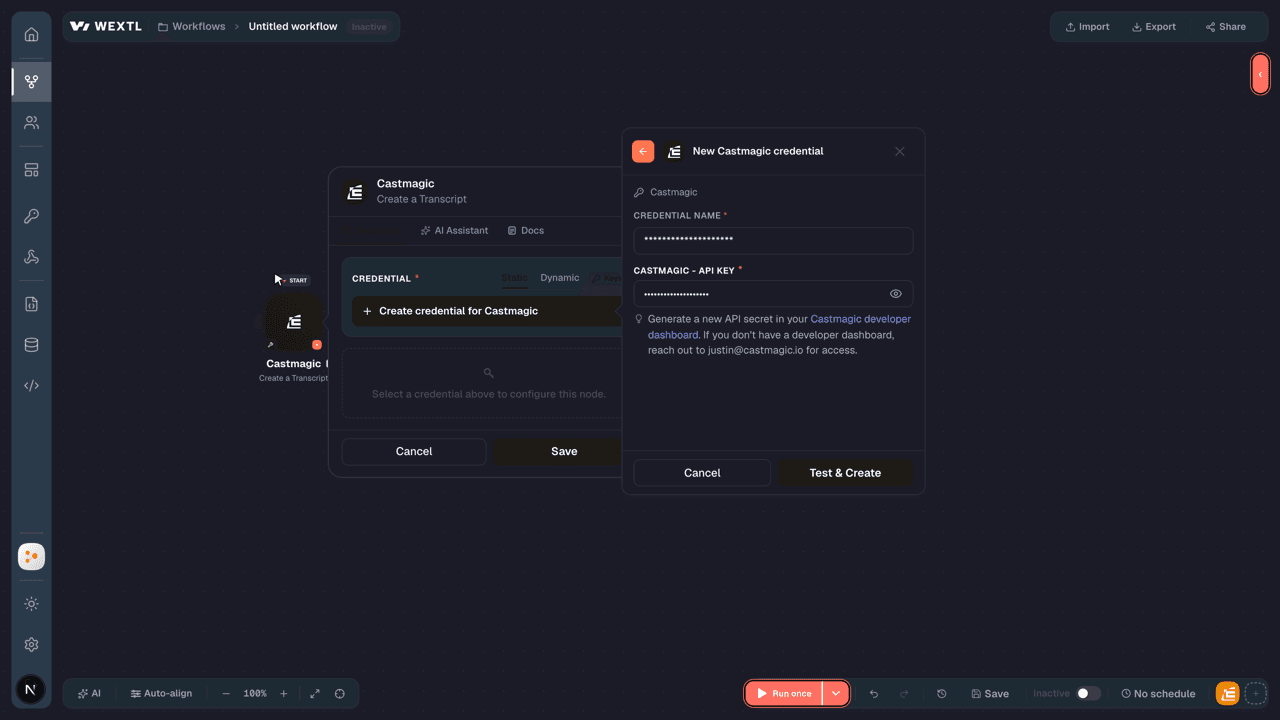
- Log in to your WEXTL account, add the Castmagic node module to your workflow, and click Create new credential.
- Optional: In the Credential name field, enter a name for the credential.
- Enter the authentication credentials you copied from your Castmagic account, or follow the on-screen instructions to create the credential.
- If prompted, authenticate your account and confirm access.
- If you want to make changes to your credential in the future, follow the steps in Manage credentials →
Castmagic triggers and actions on WEXTL
The list below is a reference of every Castmagic node module the integration supports. You will be able to pick any of them on the workflow canvas while building automations.
Each Castmagic node module below opens to reveal its input parameters, outputs, and connection requirements.
Get a Transcript
ActionReads the text and state of a transcript.
| Field | Type |
|---|---|
Transcript IDRequired | text |
| Field | Type |
|---|---|
| ID | text |
| Status | text |
| Audio Duration | number |
| Error | text |
| Utterances | array |
Templates
Look for Castmagic templates in the WEXTL template library.
Browse templates →Other marketing integrations on WEXTL
 Claid AI[2]AI image generation and editing API for product photography and creative workflows.
 APITemplate.ioGenerate PDFs and images from templates with APITemplate.io.
 BannerbearGenerate images and PDFs from templates with Bannerbear.
 BrandfetchLook up company logos, colors, fonts, and firmographic data with Brandfetch.
 AuphonicAutomated audio post-production for podcasts, broadcasts, and voice recordings.
References
- WEXTL® Castmagic Source Code connector implementation.
- Our users use cases and automations.
- Official API Documentation for Castmagic.
- WEXTL® visual workflow builder data.
Last updated: Aug 31, 2026 12:50
How we write our apps documentation
How we compile these docs: sources, the role of AI, and how we verify.