


Requirements
To use Claid AI on WEXTL you need an active account and an API access token from your account settings.[3]
Get your Claid AI credentials
- API KeypasswordRequired
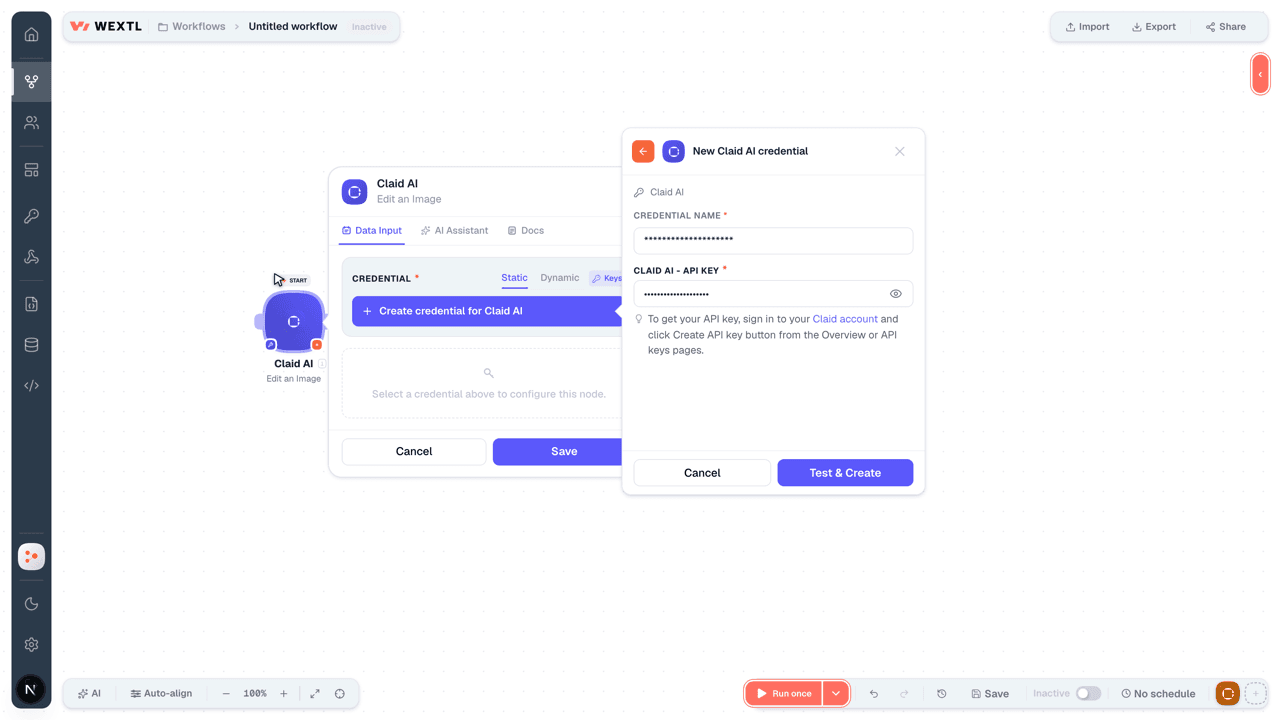
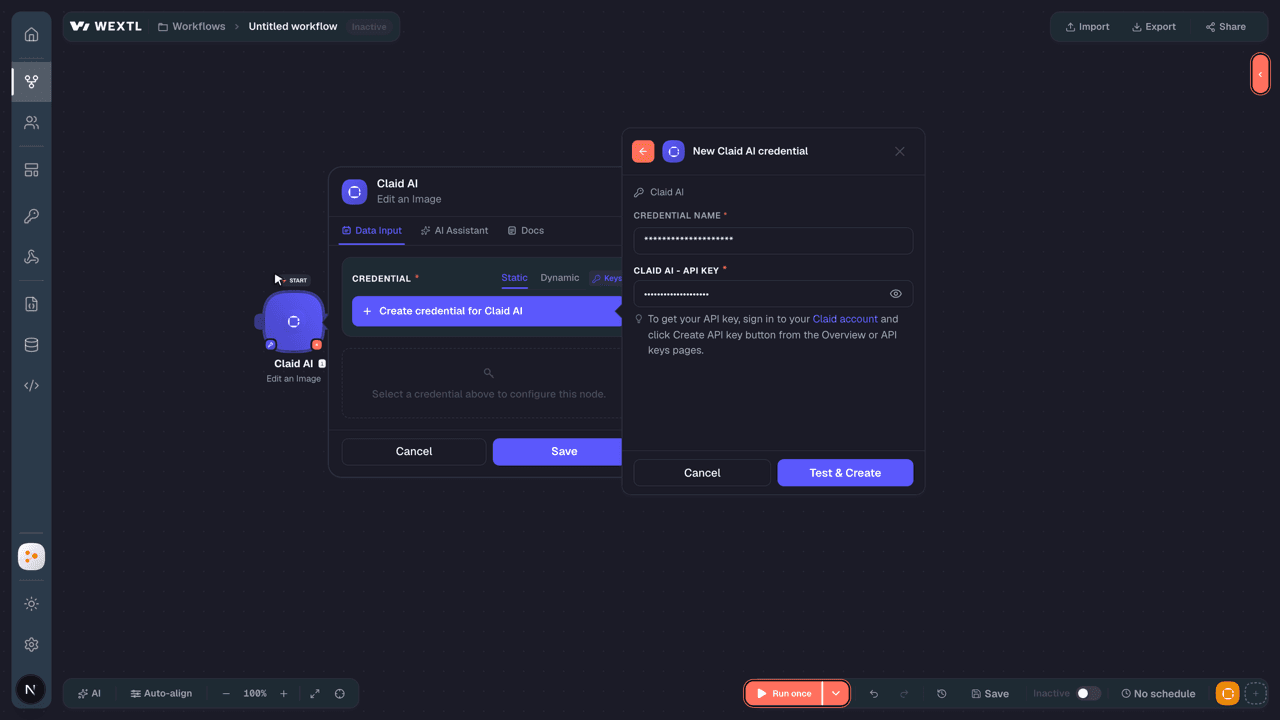
To get your API key, sign in to your Claid account and click Create API key button from the Overview or API keys pages.
[1]
Connect Claid AI in WEXTL
- Log in to your WEXTL account, add the Claid AI node module to your workflow, and click Create new credential.
- Optional: In the Credential name field, enter a name for the credential.
- Enter the authentication credentials you copied from your Claid AI account, or follow the on-screen instructions to create the credential.
- If prompted, authenticate your account and confirm access.
- If you want to make changes to your credential in the future, follow the steps in Manage credentials →
Notes
Credentials are org-scoped; share them with teammates from the Credentials picker on any of its nodes.For detailed information on connecting an application, see Connect an application →
Claid AI node modules
The list below is a reference of every Claid AI node module the integration supports. You will be able to pick any of them on the workflow canvas while building automations.
Open any Claid AI node module below to inspect its input parameters, outputs, and connection requirements.
Edit an ImageAction
| Field | Type |
|---|---|
Image URLRequired | text |
| Image Operations | object |
| Restorations | object |
| Resizing | object |
| Background Operations | object |
| Privacy Settings | object |
| Generative Operations | object |
| Output Options | object |
| Output Destination | text |
| Output Metadata | object |
| Image Format | choice |
| Field | Type |
|---|---|
| Input | object |
| Ext | text |
| Mps | number |
| Mime | text |
| Width | number |
| Format | text |
| Height | number |
| Output | object |
| Ext | text |
| Mps | number |
| Mime | text |
| Width | number |
| Format | text |
| Height | number |
| Tmp URL | url |
Generate a BackgroundAction
| Field | Type |
|---|---|
| Output URL | url |
Object ManipulationRequired | object |
Object Image File URLRequired | text |
| Placement Type | choice |
| Degree of Object Rotation | number |
| Relative Object Scale | number |
| Relative Object Position | object |
Scene CustomizationRequired | object |
PromptRequired | text |
| Negative Prompt | text |
| Color | text |
| Steps | number |
| Aspect Ratio | text |
| Additional Scene Effect | choice |
| Color | text |
| Product Viewpoint | choice |
| Field | Type |
|---|---|
| Input | object |
| Ext | text |
| Mps | number |
| Mime | text |
| Format | text |
| Output | array |
Generate an ImageAction
Templates
Look for Claid AI templates in the WEXTL template library.
Browse templates →Explore alternative apps
- APITemplate.io[2]Generate PDFs and images from templates with APITemplate.io.
- AuphonicAutomated audio post-production for podcasts, broadcasts, and voice recordings.
- BannerbearGenerate images and PDFs from templates with Bannerbear.
- BrandfetchLook up company logos, colors, fonts, and firmographic data with Brandfetch.
- BitlyShorten, retrieve, and manage Bitly links.


References
- WEXTL® Claid AI Source Code connector implementation.
- Our users use cases and automations.
- Official API Documentation for Claid AI.
- WEXTL® visual workflow builder data.
Last updated: Jul 23, 2026 22:39