


Requirements
Connecting Emarsys takes an active account plus OAuth client credentials, granted by signing in with your account — no other setup is required.[3]
Get your Emarsys credentials
You’ll be redirected to sign in and approve access — your password is never shared with WEXTL.
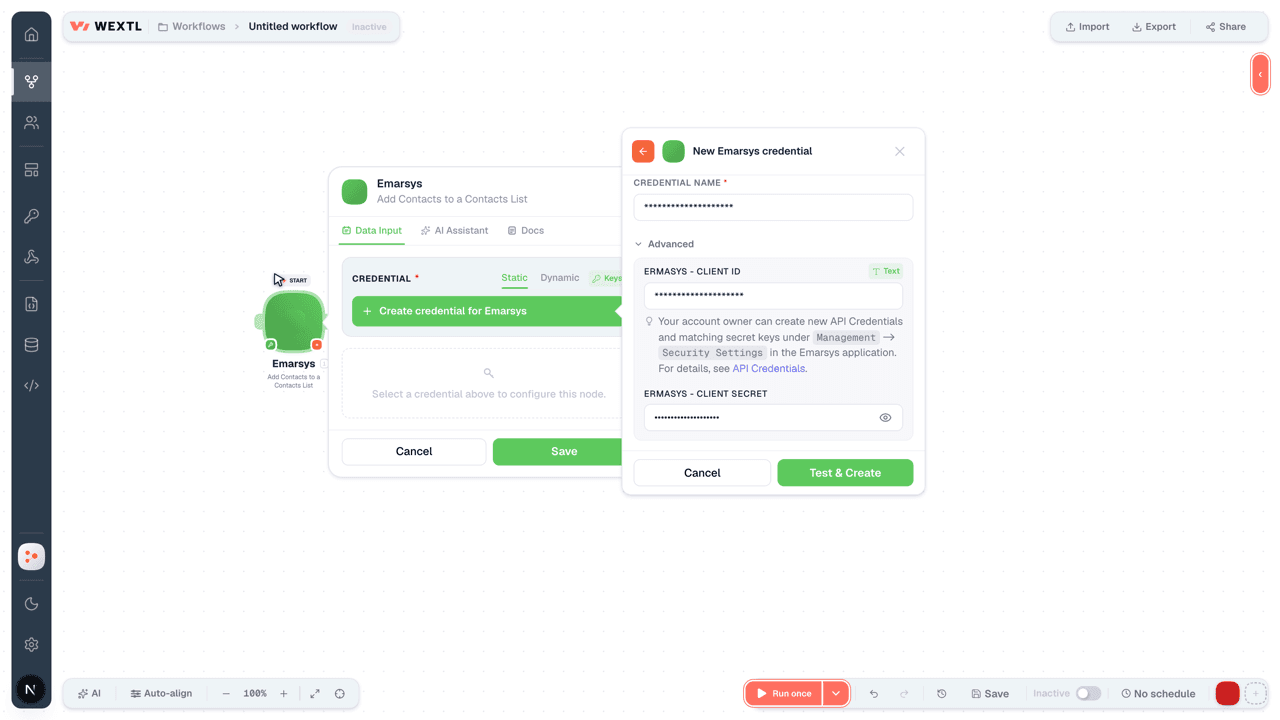
- Ermasys - Client IDtext
Your account owner can create new API Credentials and matching secret keys under
[1]Management->Security Settingsin the application. For details, see API Credentials. - Ermasys - Client Secretpassword
Connect Emarsys in WEXTL
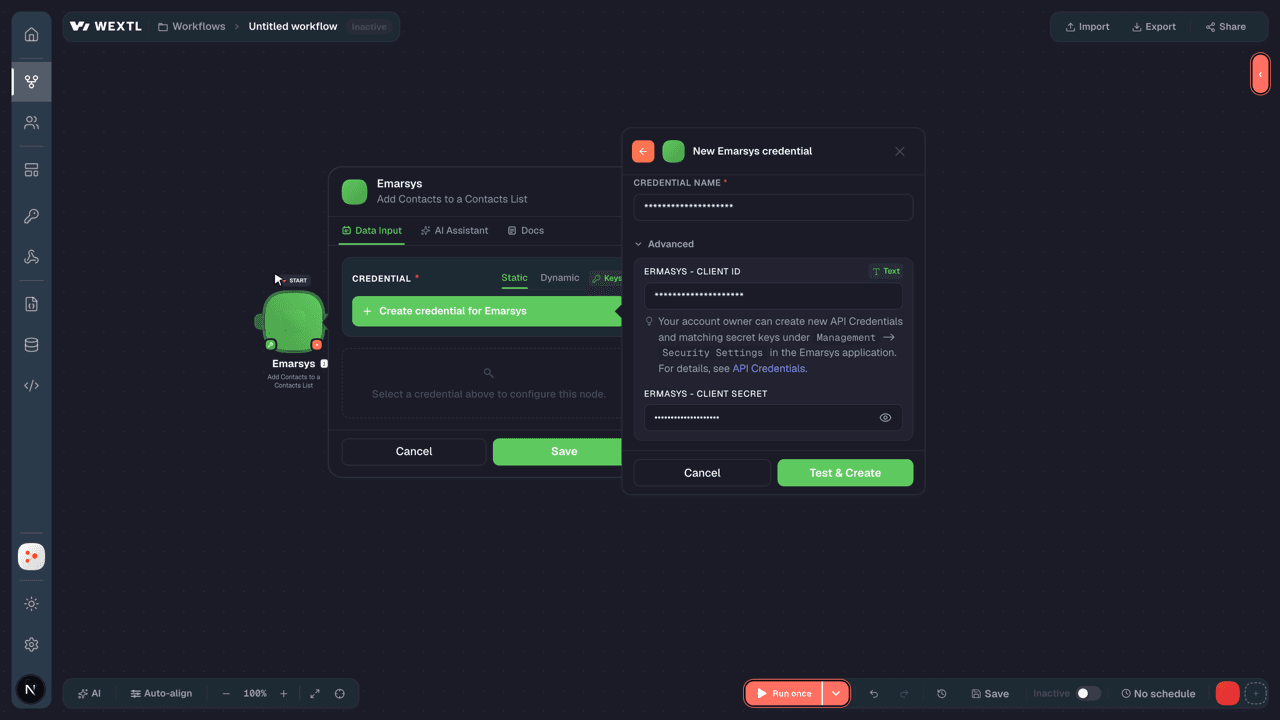
- Log in to your WEXTL account, add the Emarsys node module to your workflow, and click Create new credential.
- Optional: In the Credential name field, enter a name for the credential.
- Enter the authentication credentials you copied from your Emarsys account, or follow the on-screen instructions to create the credential.
- If prompted, authenticate your account and confirm access.
- If you want to make changes to your credential in the future, follow the steps in Manage credentials →
Notes
Credentials are org-scoped; share them with teammates from the Credentials picker on any of its nodes.For detailed information on connecting an application, see Connect an application →
Emarsys node modules
The list below is a reference of every Emarsys node module the integration supports. You will be able to pick any of them on the workflow canvas while building automations.
Expand any Emarsys node module below to see exactly what it takes in, what it returns, and what connection it needs.
Get a ContactAction
Get Export StatusAction
List ContactsSearch
Search ContactsSearch
Add Contacts to a Contacts ListAction
Create a Changed Contacts ExportAction
Create a Contact ListAction
Create a Contact List ExportAction
Create a Registered Contacts ExportAction
| Field | Type |
|---|---|
Distribution MethodRequired | choice |
Range StartRequired | date |
Range EndRequired | date |
Contact FieldsRequired | array |
| Field ID | choice |
With TimestampRequired | number |
| Contact List ID | choice |
| Language | text |
| Notification URL | url |
| Field | Type |
|---|---|
| Reply Code | number |
| Reply Text | text |
| Data | object |
| Export ID | number |
Create ContactsAction
Create or Update ContactsAction
Delete a Contact ListAction
Delete ContactsAction
Download Export DataAction
Make an API Calluniversal
Remove Contacts from a ListAction
Templates
Look for Emarsys templates in the WEXTL template library.
Browse templates →Explore alternative apps
- AWeber[2]Email marketing — lists, subscribers, campaigns, and broadcasts.
- BrandwatchConsumer intelligence and social listening platform for brand monitoring, insights, and research.
- AkeneoProduct information management (PIM) for enriching and distributing catalog data.
- beehiivPublish newsletters and manage subscribers in beehiiv.
- BloomreachEcommerce customer data and personalization platform for experiences, content, and engagement.


References
- WEXTL® Emarsys Source Code connector implementation.
- Our users use cases and automations.
- Official API Documentation for Emarsys.
- WEXTL® visual workflow builder data.
Last updated: Jul 24, 2026 18:11