Arpoone integration guide
VerifiedHow to connect Arpoone to WEXTL and use its 5 actions in your workflows. About Arpoone: Business SMS messaging platform for sending and managing text campaigns.
- 5 actions
- Polling
- Auth: API key
AI-assisted documentation3 min read
This documentation is compiled from our integration source code, internal specs for Arpoone, its official API documentation and anonymized requests logs we collect from our support team[2].


Requirements
Get your Arpoone credentials
- API KeypasswordRequired
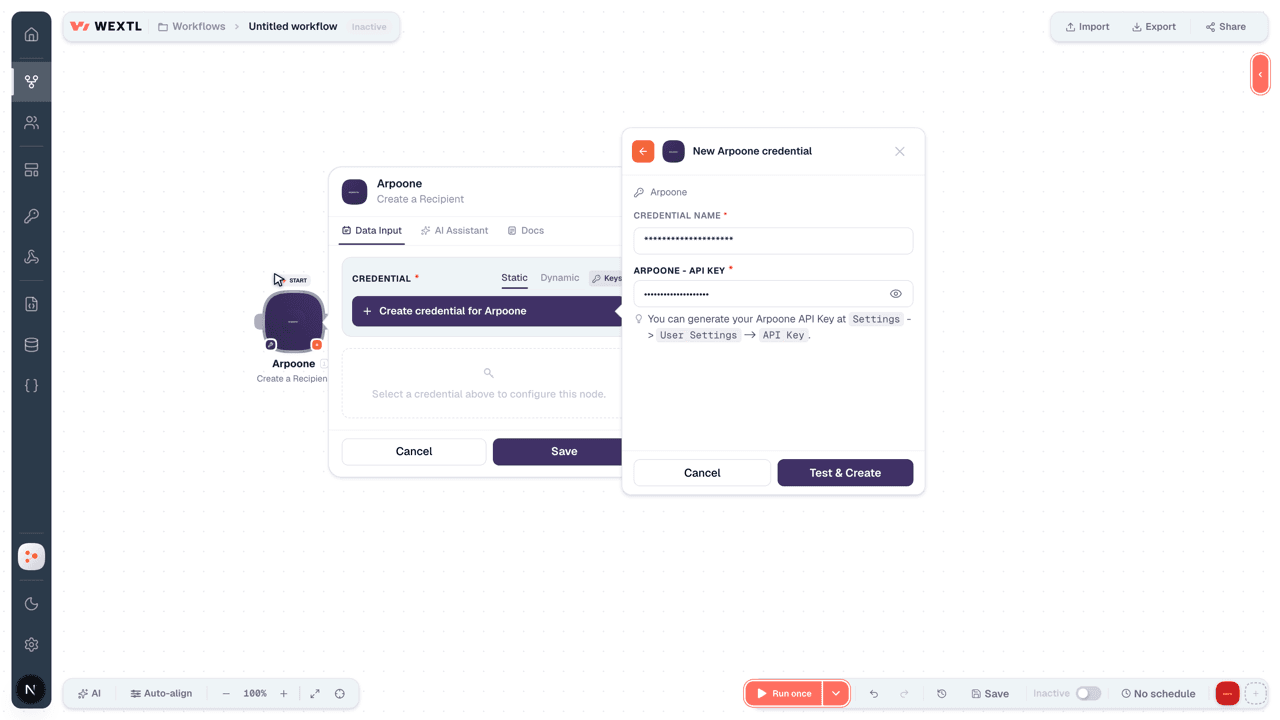
You can generate your API Key at
Settings->User Settings->API Key.[1]
Connect Arpoone in WEXTL
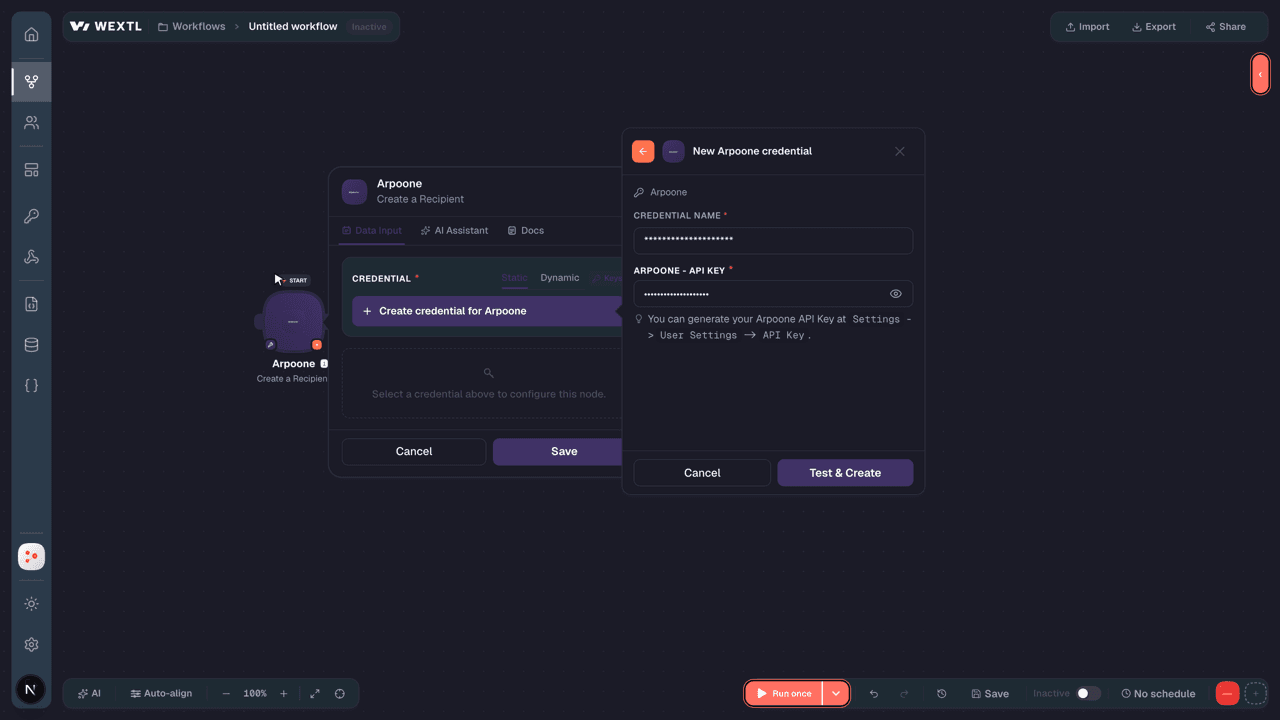
- Log in to your WEXTL account, add the Arpoone node module to your workflow, and click Create new credential.
- Optional: In the Credential name field, enter a name for the credential.
- Enter the authentication credentials you copied from your Arpoone account, or follow the on-screen instructions to create the credential.
- If prompted, authenticate your account and confirm access.
- If you want to make changes to your credential in the future, follow the steps in Manage credentials →
Arpoone triggers and actions on WEXTL
The list below is a reference of every Arpoone node module the integration supports. You will be able to pick any of them on the workflow canvas while building automations.
Expand any Arpoone node module below to see exactly what it takes in, what it returns, and what connection it needs.
Create a Recipient
Action
| Field | Type |
|---|---|
Organization IDRequired | text |
FieldsRequired | array |
| Tags | array |
| Subscriptions | array |
| Field | Type |
|---|---|
| Recipient | object |
| ID | text |
Make an API Call
universal
| Field | Type |
|---|---|
URLRequired | text |
MethodRequired | choice |
| Headers | array |
| Header | object |
| Query String | array |
| Parameter | object |
| Body | text |
| Field | Type |
|---|---|
| Body | text |
| Headers | object |
| Status code | number |
Send an Email
Action
| Field | Type |
|---|---|
Organization IDRequired | text |
MessagesRequired | array |
| Field | Type |
|---|---|
| Error | object |
| Code | text |
| Param | text |
| Description | text |
| Messages | array |
Templates
Look for Arpoone templates in the WEXTL template library.
Browse templates →Other communication integrations on WEXTL
 Cmercury[2]Email marketing platform and API for campaigns, lists, and automated messaging.
 Benchmark EmailEmail marketing platform for campaigns, lists, automations, and subscriber engagement.
 Bland AIAI phone-calling platform that places and handles automated voice conversations at scale.
 BrevoEmail, SMS, and marketing automation platform (formerly Sendinblue).
 BatchDialerCloud predictive dialer for sales and collections teams with contacts and campaigns.
References
- WEXTL® Arpoone Source Code connector implementation.
- Our users use cases and automations.
- Official API Documentation for Arpoone.
- WEXTL® visual workflow builder data.
Last updated: Jul 23, 2026 22:38
How we write our apps documentation
How we compile these docs — sources, AI's role, and how we verify.