EmailListVerify integration guide
VerifiedHow to connect EmailListVerify to WEXTL and use its 8 actions in your workflows. About EmailListVerify: Email verification service for validating single addresses and bulk CSV contact lists.
- 2 searches
- 6 actions
- Polling
- Auth: API key
AI-assisted documentation4 min read
This documentation is compiled from our integration source code, internal specs for EmailListVerify, its official API documentation and anonymized requests logs we collect from our support team[2].


Requirements
Get your EmailListVerify credentials
- API KeypasswordRequired
Generate your API key in the API section.[1]
Connect EmailListVerify in WEXTL
- Log in to your WEXTL account, add the EmailListVerify node module to your workflow, and click Create new credential.
- Optional: In the Credential name field, enter a name for the credential.
- Enter the authentication credentials you copied from your EmailListVerify account, or follow the on-screen instructions to create the credential.
- If prompted, authenticate your account and confirm access.
- If you want to make changes to your credential in the future, follow the steps in Manage credentials →
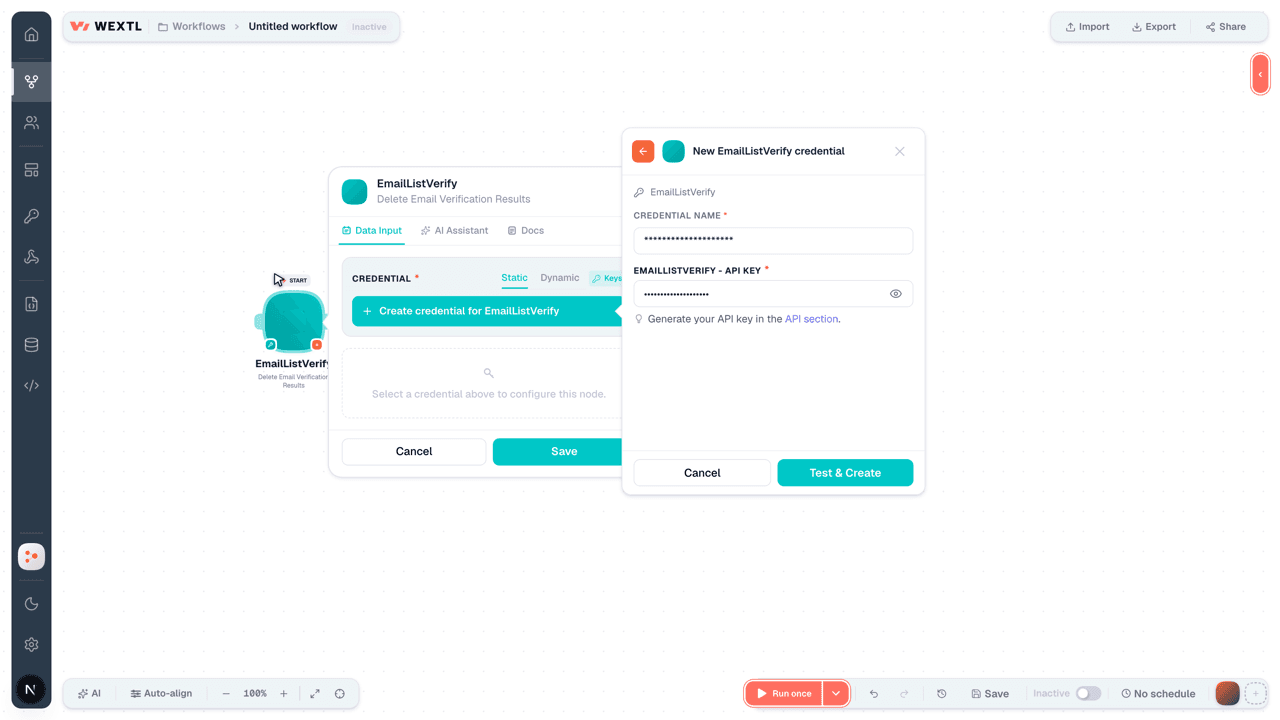
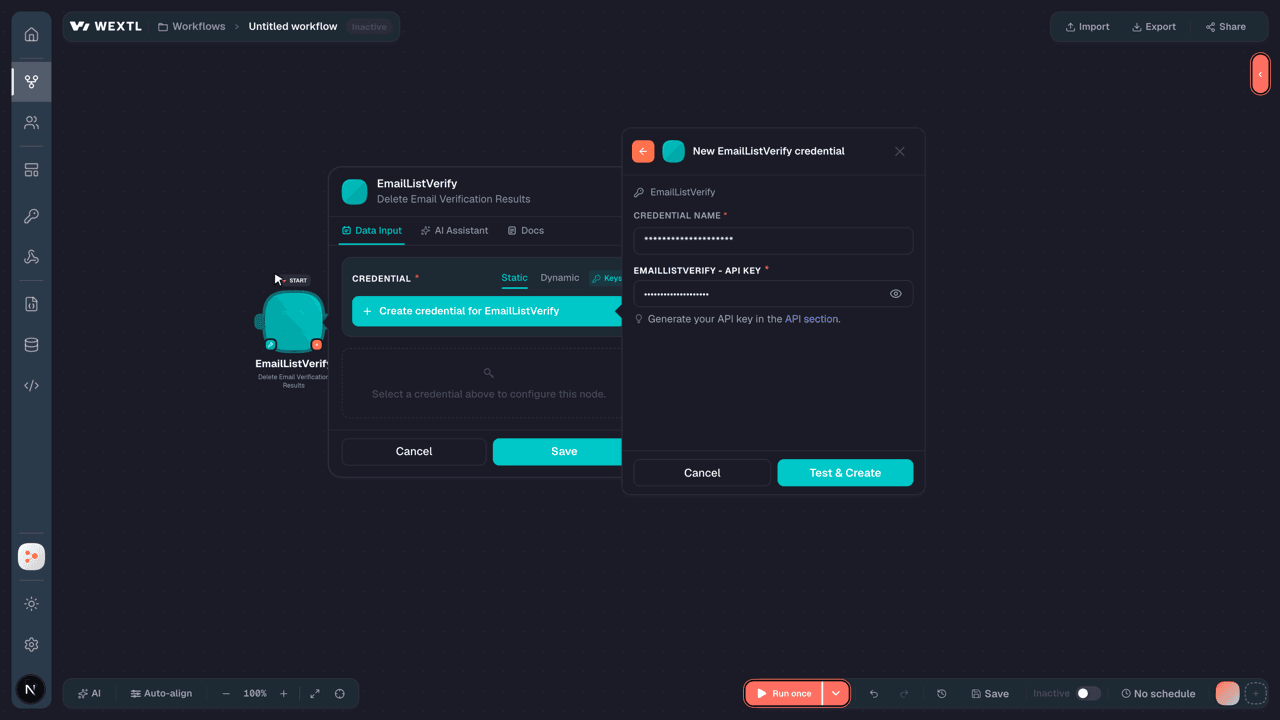
EmailListVerify triggers and actions on WEXTL
The list below is a reference of every EmailListVerify node module the integration supports. You will be able to pick any of them on the workflow canvas while building automations.
Expand any EmailListVerify node module below to see exactly what it takes in, what it returns, and what connection it needs.
Get Status of a CSV File Verification
Action
| Field | Type |
|---|---|
Job IDRequired | text |
| Field | Type |
|---|---|
| Status | text |
| Progress | number |
| Credits | object |
| Charged | number |
| Returned | number |
| Name | text |
| Created at | date |
| Updated at | date |
Search Contact Emails
Search
| Field | Type |
|---|---|
| First Name | text |
| Last Name | text |
| Domain | text |
| Limit | number |
| Field | Type |
|---|---|
| User ID | number |
| Email address | |
| Name | text |
Delete Email Verification Results
Action
| Field | Type |
|---|---|
Job IDRequired | text |
Download CSV Verification Results
Action
| Field | Type |
|---|---|
Job IDRequired | text |
| Add First Name | boolean |
| Add Last Name | boolean |
| Add Gender | boolean |
| Add Is No Reply | boolean |
| Add Is Free | boolean |
| Add Is Role | boolean |
| Add Result | boolean |
| Add Email | boolean |
| Add Original | boolean |
| Add No Email Rows | boolean |
| Add Duplicates | boolean |
| Add MX Server | boolean |
| Add ESP | boolean |
| Add Internal Result | boolean |
| Format | choice |
| Results | text |
| Field | Type |
|---|---|
| CSV File Data | text |
Make an API Call
universal
| Field | Type |
|---|---|
URLRequired | text |
MethodRequired | choice |
| Headers | array |
| Header | object |
| Query String | array |
| Parameter | object |
| Body | text |
| Field | Type |
|---|---|
| Body | text |
| Headers | object |
| Status code | number |
Verify an Email
Action
| Field | Type |
|---|---|
Email AddressRequired |
| Field | Type |
|---|---|
| Result | text |
Templates
Look for EmailListVerify templates in the WEXTL template library.
Browse templates →Other communication integrations on WEXTL
 Benchmark Email[2]Email marketing platform for campaigns, lists, automations, and subscriber engagement.
 Bland AIAI phone-calling platform that places and handles automated voice conversations at scale.
 CallbellShared inbox for WhatsApp, Messenger, Instagram, and Telegram support.
 Direct IQEmail marketing and automation for trampoline parks and family entertainment centers.
 CmercuryEmail marketing platform and API for campaigns, lists, and automated messaging.
References
- WEXTL® EmailListVerify Source Code connector implementation.
- Our users use cases and automations.
- Official API Documentation for EmailListVerify.
- WEXTL® visual workflow builder data.
Last updated: Aug 6, 2026 09:41
How we write our apps documentation
How we compile these docs — sources, AI's role, and how we verify.