


Requirements
Less Annoying CRM requires an active account and an API access token from your account settings to connect — both are set up on its own site.[3]
Get your Less Annoying CRM credentials
- API KeypasswordRequired
Manage the API keys for your account on the Programmer API settings page.
[1]
Connect Less Annoying CRM in WEXTL
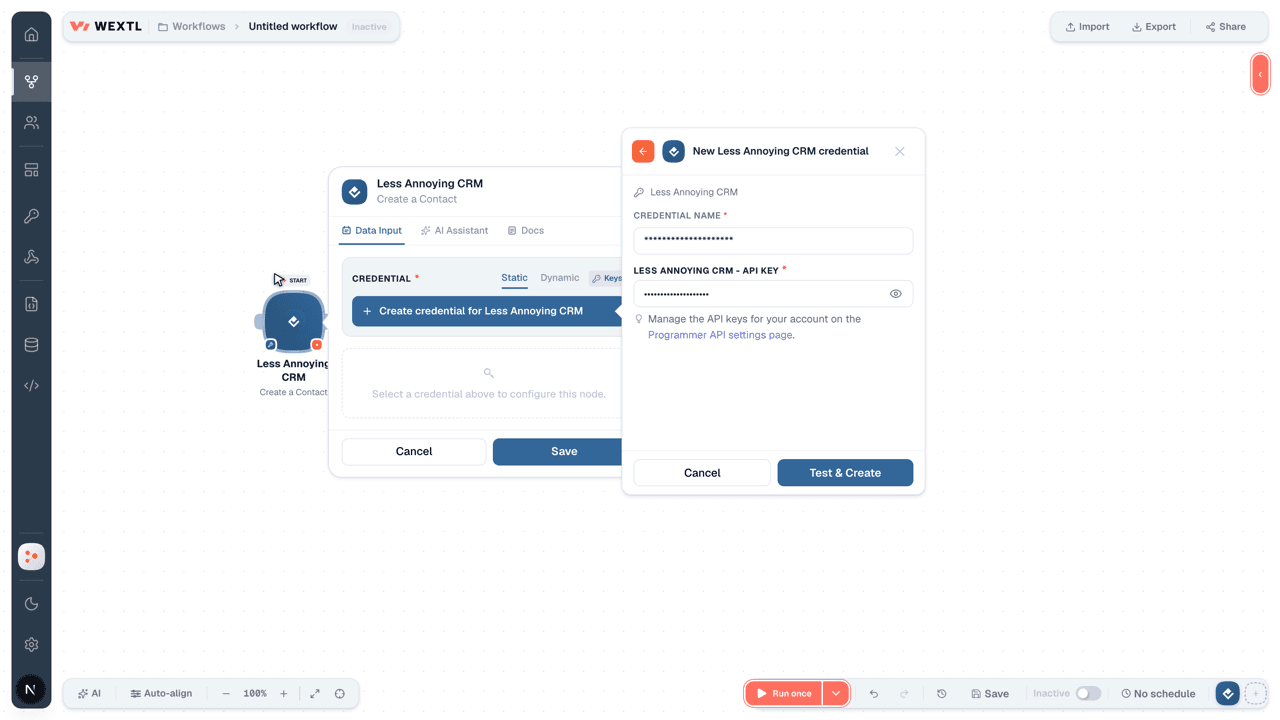
- Log in to your WEXTL account, add the Less Annoying CRM node module to your workflow, and click Create new credential.Instant triggers use webhooks — click Create a webhook first when adding one, then create the credential.
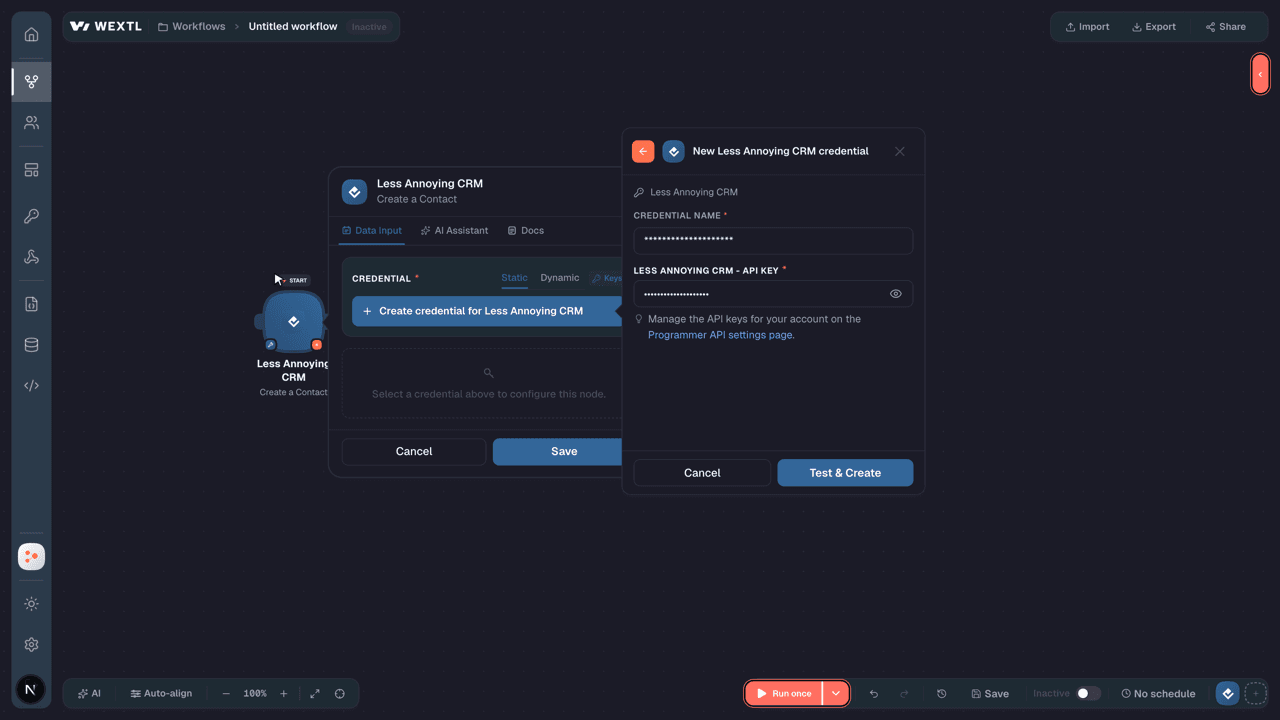
- Optional: In the Credential name field, enter a name for the credential.
- Enter the authentication credentials you copied from your Less Annoying CRM account, or follow the on-screen instructions to create the credential.
- If prompted, authenticate your account and confirm access.
- If you want to make changes to your credential in the future, follow the steps in Manage credentials →
Notes
Credentials are org-scoped; share them with teammates from the Credentials picker on any of its nodes.For detailed information on connecting an application, see Connect an application →
Less Annoying CRM node modules
The list below is a reference of every Less Annoying CRM node module the integration supports. You will be able to pick any of them on the workflow canvas while building automations.
Browse every Less Annoying CRM node module below — each one opens to show its input parameters, outputs, and connection requirements.
Watch EventsTrigger
No fields documented.
Get a ContactAction
| Field | Type |
|---|---|
Contact IDRequired | text |
| Field | Type |
|---|---|
| Contact ID | text |
| Assigned To | number |
| Is Company | boolean |
| Company ID | text |
| Name | object |
| Salutation | text |
| First Name | text |
| Middle Name | text |
| Last Name | text |
| Suffix | text |
| array | |
| Phone | array |
| Company Name | text |
| Job Title | text |
| Address | array |
| Background Info | text |
| Website | array |
| Birthday | text |
| Company Meta Data | object |
| Company Name | text |
| Date Created | text |
| Last Update | text |
| User Meta Data | object |
| First Name | text |
| Last Name | text |
Get a TaskAction
| Field | Type |
|---|---|
Task IDRequired | text |
| Field | Type |
|---|---|
| Task ID | text |
| Name | text |
| Due Date | text |
| Assigned To | text |
| Description | text |
| Contact ID | text |
| Is Completed | boolean |
| Date Completed | date |
| Calendar ID | text |
| Date Created | date |
| Assigned To Meta Data | object |
| First Name | text |
| Last Name | text |
| Contact Meta Data | object |
| Name | text |
| Assigned To | text |
Search ContactsSearch
| Field | Type |
|---|---|
| Search Terms | text |
| Requires Write Access | boolean |
| Record Type Filter | choice |
| Owner Filter | choice |
| Sort By | choice |
| Limit | number |
| Field | Type |
|---|---|
| Contact ID | text |
| Assigned To | number |
| Is Company | boolean |
| Company ID | text |
| Name | object |
| Salutation | text |
| First Name | text |
| Middle Name | text |
| Last Name | text |
| Suffix | text |
| array | |
| Phone | array |
| Company Name | text |
| Job Title | text |
| Address | array |
| Background Info | text |
| Website | array |
| Birthday | text |
| Company Meta Data | object |
| Company Name | text |
| Date Created | text |
| Last Update | text |
| User Meta Data | object |
| First Name | text |
| Last Name | text |
Search TasksSearch
| Field | Type |
|---|---|
Start DateRequired | date |
End DateRequired | date |
| User Filter | choice |
| Contact ID | text |
| Completion Status | choice |
| Sort Direction | choice |
| Limit | number |
| Field | Type |
|---|---|
| Task ID | text |
| Name | text |
| Due Date | text |
| Assigned To | text |
| Description | text |
| Contact ID | text |
| Is Completed | boolean |
| Date Completed | date |
| Calendar ID | text |
| Date Created | date |
| Assigned To Meta Data | object |
| First Name | text |
| Last Name | text |
| Contact Meta Data | object |
| Name | text |
| Assigned To | text |
Create a ContactAction
Create a TaskAction
Delete a ContactAction
| Field | Type |
|---|---|
Contact IDRequired | text |
Delete a TaskAction
| Field | Type |
|---|---|
Task IDRequired | text |
Make an API Calluniversal
Update a ContactAction
Templates
Look for Less Annoying CRM templates in the WEXTL template library.
Browse templates →Explore alternative apps
- Breakcold CRM[2]Lightweight CRM for sales teams to manage leads, pipelines, and customer relationships.
- Agile CRMManage contacts, companies, and deals in Agile CRM.
- AffinityRelationship intelligence CRM for deal flow, people, and organizations.
- AxonautManage companies, quotations, invoices, opportunities, projects, tasks and products in Axonaut, the CRM and invoicing software for small businesses.
- ClientifyCRM and sales automation platform for managing contacts, deals, and customer communication.


References
- WEXTL® Less Annoying CRM Source Code connector implementation.
- Our users use cases and automations.
- Official API Documentation for Less Annoying CRM.
- WEXTL® visual workflow builder data.
Last updated: Jul 18, 2026 19:12