Requirements Connecting MoonClerk takes an active account plus an API access token from your account settings — no other setup is required.[3]
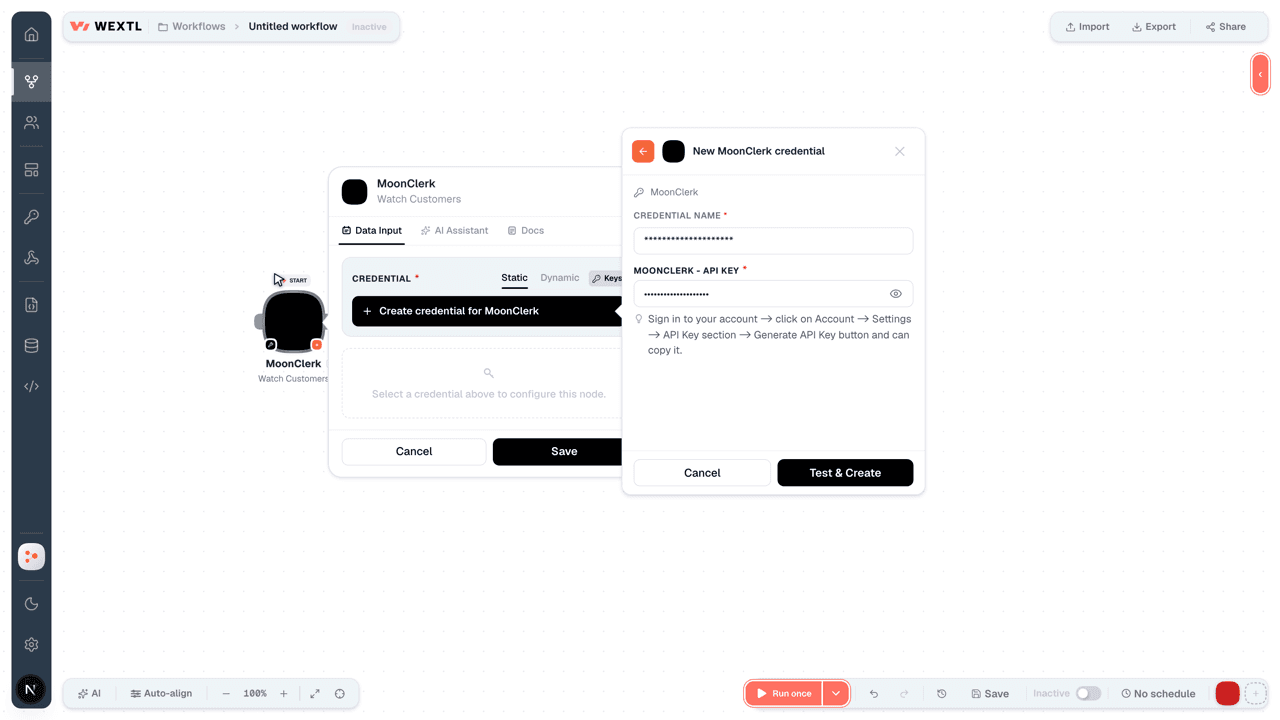
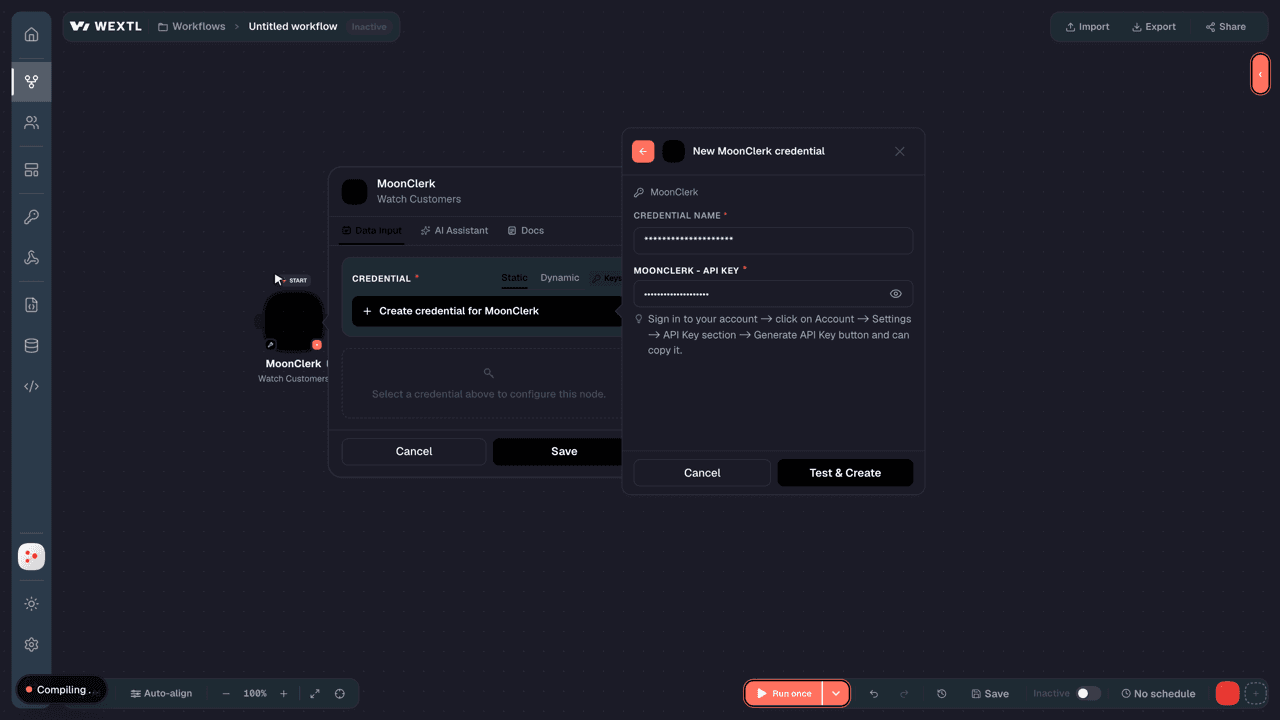
Get your MoonClerk credentials Connect MoonClerk in WEXTL Log in to your WEXTL account, add the MoonClerk node module to your workflow, and click Create new credential .Instant triggers use webhooks — click Create a webhook first when adding one, then create the credential. Optional: In the Credential name field, enter a name for the credential. Enter the authentication credentials you copied from your MoonClerk account, or follow the on-screen instructions to create the credential. If prompted, authenticate your account and confirm access. If you want to make changes to your credential in the future, follow the steps in Manage credentials → Video slide demonstrates how to integrate MoonClerk in the WEXTL visual workflow builder.[4] Notes Credentials are org-scoped; share them with teammates from the Credentials picker on any of its nodes. For detailed information on connecting an application, see Connect an application →
MoonClerk triggers and actions on WEXTL The list below is a reference of every MoonClerk node module the integration supports. You will be able to pick any of them on the workflow canvas while building automations.
Expand any MoonClerk node module below to see exactly what it takes in, what it returns, and what connection it needs.
Watch Customers Trigger Output fields[3] Field Type ID number Account balance number Name text Email text Payment method object Type text Last 4 text Exp month number Exp year number Brand text Custom ID text Customer reference text Discount object Coupon object Starts at date Ends at date Delinquent boolean Management URL text Custom fields object Form ID number Checkout object Amount due number Coupon amount number Coupon code text Date date Fee number Subtotal number Token text Total number Trial period days text Upfront amount number Subscription object ID number Subscription reference text Status text Start date First payment attempt date Next payment attempt date Current period start date Current period end date Trial start date Trial end date
Watch Events Trigger Output fields[3] Field Type Event text Object text Data object
Watch Forms Trigger Output fields[3] Field Type ID number Title text Access token text Currency text Payment volume number Successful checkout count number Created at date Updated at date
Watch Payments Trigger Output fields[3] Field Type ID number Date date Status text Currency text Amount number Fee number Amount refunded number Amount description text Name text Email text Payment method object Type text Last 4 text Brand text Charge reference text Customer ID number Customer reference text Invoice reference text Custom fields object Form ID number Custom ID text Checkout object Amount due number Coupon amount number Coupon code text Date date Fee number Subtotal number Token text Total number Trial period days text Upfront amount number Coupon object Code text Duration text Amount off number Currency text Percent off text Duration in months text Max redemptions text Redeem by date
Get a Customer Action Input fields[3] Field Type Customer IDRequired
choice
Output fields[3] Field Type ID number Account balance number Name text Email text Payment method object Type text Last 4 text Exp month number Exp year number Brand text Custom ID text Customer reference text Discount object Coupon object Starts at date Ends at date Delinquent boolean Management URL text Custom fields object Form ID number Checkout object Amount due number Coupon amount number Coupon code text Date date Fee number Subtotal number Token text Total number Trial period days text Upfront amount number Subscription object ID number Subscription reference text Status text Start date First payment attempt date Next payment attempt date Current period start date Current period end date Trial start date Trial end date
Get a Payment Action Input fields[3] Field Type Payment IDRequired
choice
Output fields[3] Field Type ID number Date date Status text Currency text Amount number Fee number Amount refunded number Amount description text Name text Email text Payment method object Type text Last 4 text Brand text Charge reference text Customer ID number Customer reference text Invoice reference text Custom fields object Form ID number Custom ID text Checkout object Amount due number Coupon amount number Coupon code text Date date Fee number Subtotal number Token text Total number Trial period days text Upfront amount number Coupon object Code text Duration text Amount off number Currency text Percent off text Duration in months text Max redemptions text Redeem by date
List Customers Search Input fields[3] Field Type Form ID choice Checkout From date Checkout To date Next Payment From date Next Payment To date Status choice Limit number
Output fields[3] Field Type ID number Account balance number Name text Email text Payment method object Type text Last 4 text Exp month number Exp year number Brand text Custom ID text Customer reference text Discount object Coupon object Starts at date Ends at date Delinquent boolean Management URL text Custom fields object Form ID number Checkout object Amount due number Coupon amount number Coupon code text Date date Fee number Subtotal number Token text Total number Trial period days text Upfront amount number Subscription object ID number Subscription reference text Status text Start date First payment attempt date Next payment attempt date Current period start date Current period end date Trial start date Trial end date
List Forms Search Input fields[3] Field Type Limit number
Output fields[3] Field Type ID number Title text Access token text Currency text Payment volume number Successful checkout count number Created at date Updated at date
List Payments Search Input fields[3] Field Type Form ID choice Customer ID choice Date From date Date To date Status choice Limit number
Output fields[3] Field Type ID number Date date Status text Currency text Amount number Fee number Amount refunded number Amount description text Name text Email text Payment method object Type text Last 4 text Brand text Charge reference text Customer ID number Customer reference text Invoice reference text Custom fields object Form ID number Custom ID text Checkout object Amount due number Coupon amount number Coupon code text Date date Fee number Subtotal number Token text Total number Trial period days text Upfront amount number Coupon object Code text Duration text Amount off number Currency text Percent off text Duration in months text Max redemptions text Redeem by date
Retrieve a Form Action Input fields[3] Field Type Form IDRequired
choice
Output fields[3] Field Type ID number Title text Access token text Currency text Payment volume number Successful checkout count number Created at date Updated at date
Make an API Call universal Input fields[3] Field Type URLRequired
text MethodRequired
choice Headers array Header object Query String array Parameter object Body text
Output fields[3] Field Type Body text Headers object Status code number
Other finance integrations on WEXTL Chargebee[2] Subscription billing for customers, plans, invoices, and payments. Adyen Global payment platform for online, in-person, and unified commerce transactions. ePay Payments Payment gateway for sessions, links, subscriptions, and settlements. Coinbase Cryptocurrency exchange and payments platform for trading, transfers, and digital asset orders. Commas Creator commerce for checkouts, subscriptions, customers, and payouts. 


 Chargebee[2]Subscription billing for customers, plans, invoices, and payments.
 AdyenGlobal payment platform for online, in-person, and unified commerce transactions.
 ePay PaymentsPayment gateway for sessions, links, subscriptions, and settlements.
 CoinbaseCryptocurrency exchange and payments platform for trading, transfers, and digital asset orders.
 CommasCreator commerce for checkouts, subscriptions, customers, and payouts.