


Requirements
To use Microsoft Viva on WEXTL you need an active account and OAuth client credentials, granted by signing in with your account.[3]
Get your Microsoft Viva credentials
Microsoft Viva - Secondary
You’ll be redirected to sign in and approve access — your password is never shared with WEXTL.
- Microsoft - TenantselectRequired
Go to
[1]https://entra.microsoft.comand copy your tennat ID or select any of the following` - Microsoft - Client IDtextRequired
Go to the Microsoft Entra admin center → Entra ID → App registrations and select New registration. → enter a description and expiration → Add, then immediately copy your Client ID
[1] - Microsoft - Client SecretpasswordRequired
Copy you client Secret from the previously created app
[1]
Microsoft Viva - Primary
You’ll be redirected to sign in and approve access — your password is never shared with WEXTL.
- Microsoft - TenanttextRequired
Directory (tenant) ID or verified domain, e.g. contoso.onmicrosoft.com. common/organizations/consumers are not valid for app-only.
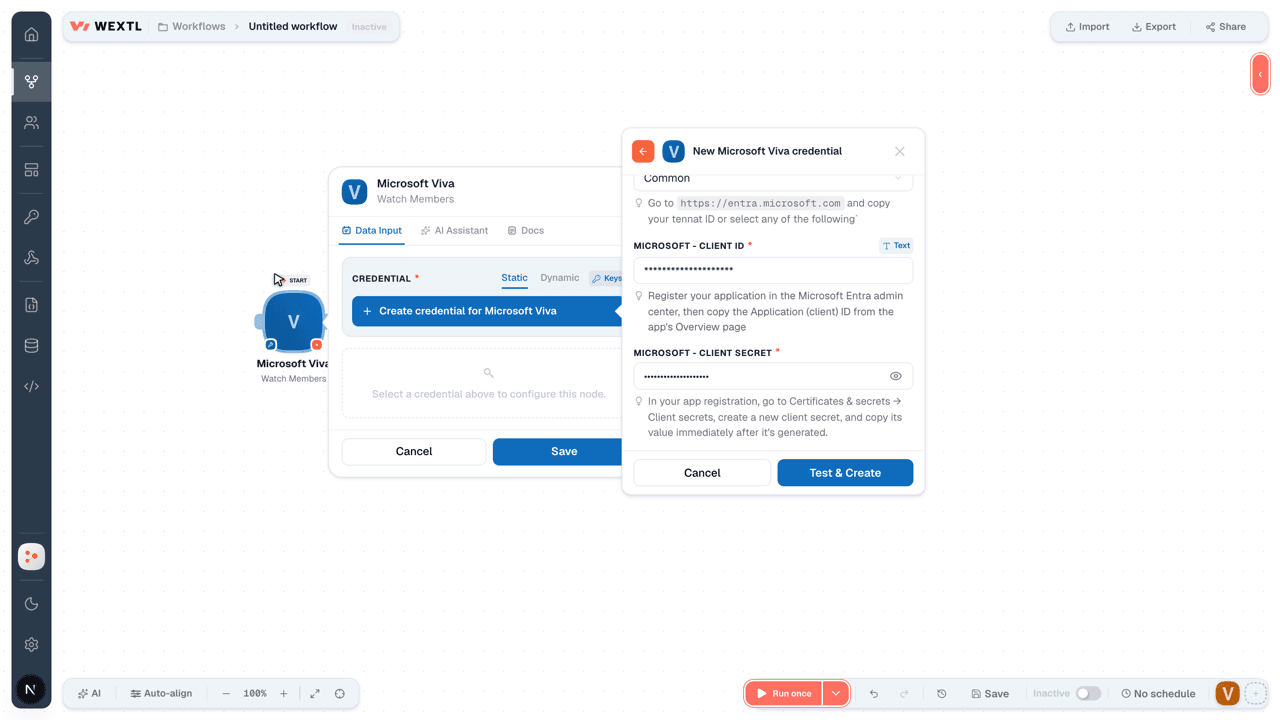
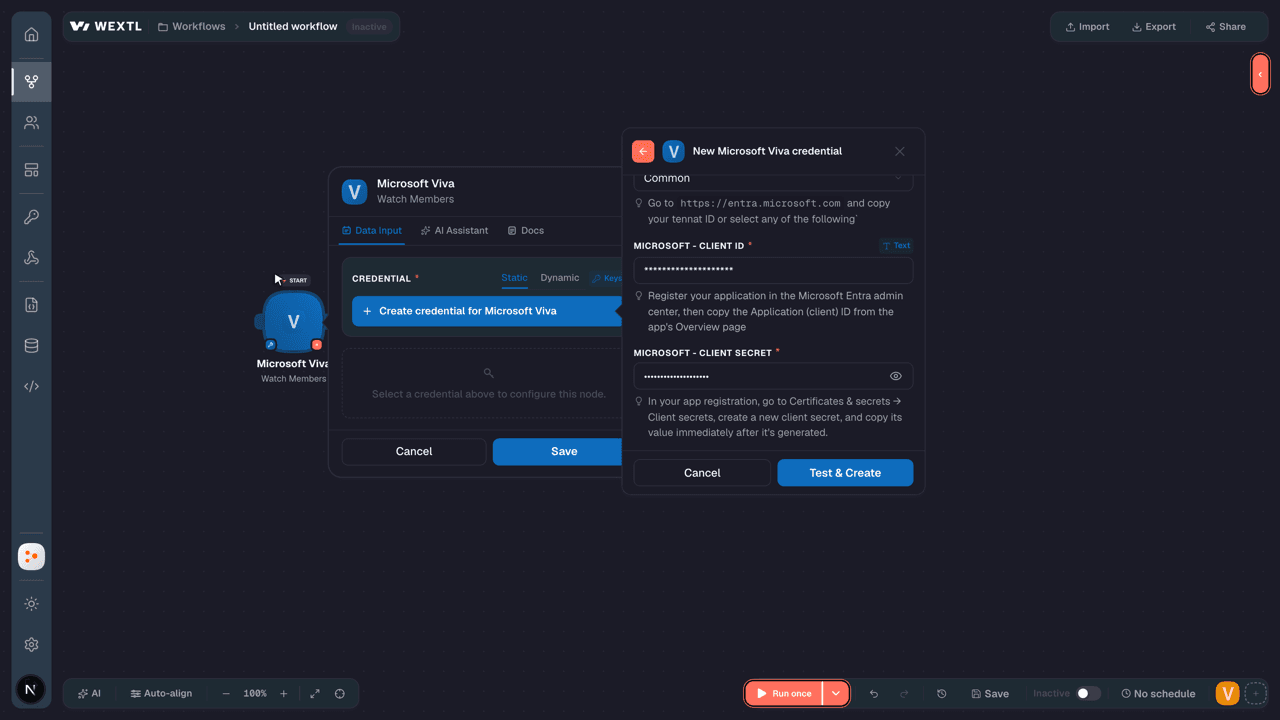
[1] - Microsoft - Client IDtextRequired
Register your application in the Microsoft Entra admin center, then copy the Application (client) ID from the app's Overview page
[1] - Microsoft - Client SecretpasswordRequired
In your app registration, go to Certificates & secrets → Client secrets, create a new client secret, and copy its value immediately after it's generated.
[1]
Connect Microsoft Viva in WEXTL
- Log in to your WEXTL account, add the Microsoft Viva node module to your workflow, and click Create new credential.
- Optional: In the Credential name field, enter a name for the credential.
- Enter the authentication credentials you copied from your Microsoft Viva account, or follow the on-screen instructions to create the credential.
- If prompted, authenticate your account and confirm access.
- If you want to make changes to your credential in the future, follow the steps in Manage credentials →
Notes
Credentials are org-scoped; share them with teammates from the Credentials picker on any of its nodes.For detailed information on connecting an application, see Connect an application →
Microsoft Viva node modules
The list below is a reference of every Microsoft Viva node module the integration supports. You will be able to pick any of them on the workflow canvas while building automations.
Open any Microsoft Viva node module below to inspect its input parameters, outputs, and connection requirements.
Watch MembersTrigger
| Field | Type |
|---|---|
| @odata type | text |
| ID | text |
| User ID | text |
| Created date time | date |
List Assigned RolesSearch
List CommunitiesSearch
List MembersSearch
List RolesSearch
Retrieve a CommunityAction
Create a CommunityAction
Create an Engagement Member RoleAction
Delete a CommunityAction
| Field | Type |
|---|---|
Community IDRequired | choice |
Delete an Engagement Member RoleAction
| Field | Type |
|---|---|
Engagement Role IDRequired | choice |
Make an API Calluniversal
Update a CommunityAction
| Field | Type |
|---|---|
Community IDRequired | choice |
| Display Name | text |
| Description | text |
| Privacy | choice |
Templates
Look for Microsoft Viva templates in the WEXTL template library.
Browse templates →Explore alternative apps
- Breezy HR[2]Applicant tracking and recruiting platform for posting jobs, sourcing candidates, and hiring.
- AchieversEmployee recognition and engagement platform for celebrations, rewards, and newsfeeds.
- BrightHRHR software for small businesses covering people, absence, and time tracking.
- BeameryTalent lifecycle CRM for recruiting, talent pooling, campaigns, and workforce planning.
- AladtecWorkforce scheduling and timekeeping for public safety and healthcare teams.


References
- WEXTL® Microsoft Viva Source Code connector implementation.
- Our users use cases and automations.
- Official API Documentation for Microsoft Viva.
- WEXTL® visual workflow builder data.
Last updated: Jul 24, 2026 18:12